10 Resume Template ATS Friendly Picks
Compare 10 resume template ATS friendly options, including parsing strengths, limitations, role fit, and practical customization guidance.
A clean resume template is only the starting point. Minimalist design can reduce parsing problems, but an ATS-friendly resume also needs standard section headings, selectable text, recognizable job language, consistent chronology, and truthful tailoring to the role. A polished layout won't help if the system can't connect your skills to the job description or extracts your dates and titles in the wrong order.
That matters because ATS software is now a standard layer in hiring. One widely cited benchmark reports that 97.8% of Fortune 500 companies use ATS software to screen candidates, while independent coverage reports that 99.7% of recruiters use ATS keyword filters and 76.4% filter by skills (ATS resume statistics). The practical question isn't which template looks cleanest. It's which tool helps you structure, customize, export, and verify a resume without creating new problems.
The picks below are evaluated as working tools, not just collections of attractive designs. I'm looking at parsing behavior, role-specific editing, export formats, pricing and renewal trade-offs, and the types of job seekers each resource suits. Get to the final submission check before you apply.
Table of Contents
- 1. GetTheCall
- 2. Jobscan
- 3. Resume.io
- 4. Novorésumé
- 5. Zety
- 6. Rezi
- 7. Standard Resume
- 8. Teal
- 9. Enhancv
- 10. FlowCV
- Top 10 ATS-Friendly Resume Template Comparison
- Choose the Template You Can Tailor and Verify
1. GetTheCall
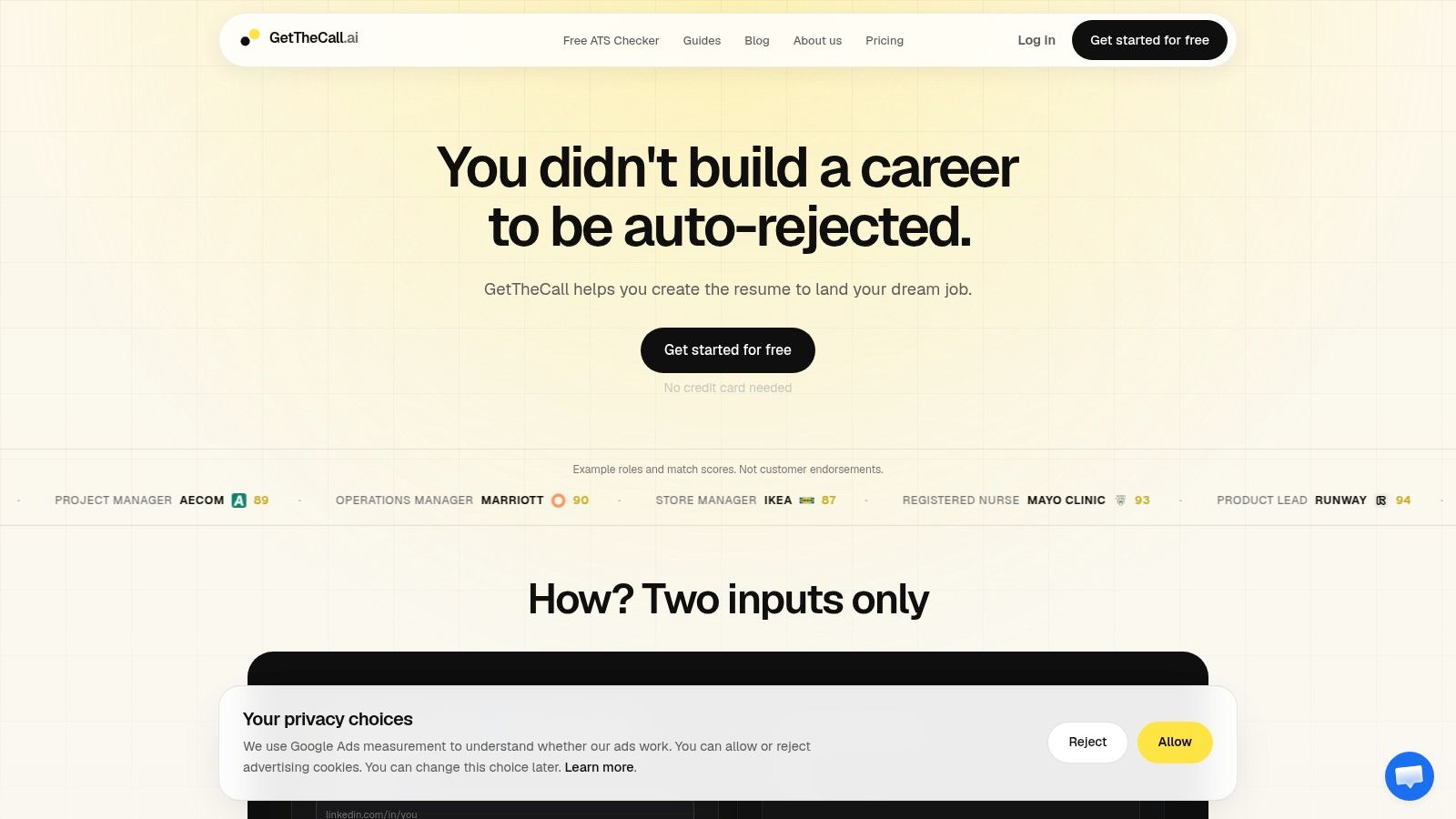
GetTheCall is the strongest option here for job seekers who want a resume template ATS friendly workflow tied directly to a specific application. Instead of starting with a blank design, you can import a LinkedIn profile or upload an existing PDF, DOC, or DOCX resume. The tool extracts your career history, analyzes a target job listing, and maps relevant skills and keywords to your verified experience.
That workflow addresses the biggest weakness of generic templates. A clean document can parse correctly and still rank poorly if it uses broad language that doesn't match the role. One independent analysis of 139,927 applications found that customized resumes produced a 4.23% interview rate, compared with 2.07% for non-customized resumes (application tailoring analysis). GetTheCall makes that tailoring step visible through a live Role Match and ATS score, so you can review suggested changes before exporting.
Why the workflow stands out
The tool offers 20+ ATS-friendly templates, one-click style switching, AI rewriting for bullets and sections, and high-quality PDF export. Its evidence-based approach is important. It uses the experience in your source profile or file rather than inventing roles, skills, or achievements. You still need to approve the wording, but you aren't forced to rebuild the document in Word or move it through a separate design app.
Practical rule: Use the score as an editing signal, not as proof that an employer will rank you first.
The Free tier includes resume import, editing, templates, PDF export, and a Resume Quality score. Pro adds Role Match scoring, screening gates, prioritized job-specific suggestions, premium templates, and sharing tools. The site lists Pro at about $29 per month, while other product materials mention a one-off 30-day Pro pass, so check the current checkout model before paying. The main limitation is focus. GetTheCall isn't a portfolio builder or a creative design studio, and cover letter tooling is announced as coming soon.
2. Jobscan
Jobscan's resume builder takes a conservative approach to ATS compatibility. Its nine ATS-optimized templates use clean, single-column structures and standard headings, avoiding graphics and layout elements that often interfere with extraction. That makes it a sensible choice when your main priority is producing a readable PDF without paying to create the basic document.
You can import LinkedIn information or upload an existing resume, then edit the content inside the builder. Basic users can create and download a free ATS-friendly PDF, while the integrated scanner and job-matching toolkit provide a path toward deeper optimization through paid upgrades.
Best for straightforward applications
Jobscan works well for students, early-career applicants, and anyone replacing a decorative template with a safer structure. The trade-off is intentional restraint. You won't find the broad visual range offered by design-first builders, and advanced AI optimization and one-click tailoring sit behind the paid tier.
The formatting advice also aligns with independent ATS guidance, which recommends single-column layouts, left alignment, no tables, no text boxes, ordinary fonts, and contact details in the document body rather than the header or footer (ATS resume formatting guide). Those constraints may feel limiting, but they reduce the number of ways a resume can break during extraction.
For a second opinion before submitting, use the ATS resume checker from GetTheCall. Jobscan is a good builder when you want a free, parsing-safe foundation. It isn't the best fit if you want a highly customized content workflow without upgrading.
3. Resume.io
Resume.io offers a broad template library with a dedicated ATS-friendly category, making it easier to separate conventional layouts from more decorative options. Its editor is quick to use, and one account can hold multiple resume versions. That matters when you're applying across related roles and need separate copies for operations, project management, or customer success.
The platform supports PDF, Word, and TXT exports, along with matching cover letters. Those formats give you flexibility when an employer's application portal has strict file requirements. A text-based export can also make it easier to inspect whether the document's content remains in a logical sequence.
A good choice for multiple versions
Resume.io is strongest when speed and version management matter more than deep manual control. You can create a role-specific copy, change the summary and skills, and keep the original intact. Its AI resume builder and ATS scorer can help identify gaps, but the user still needs to decide whether a suggested phrase accurately describes their experience.
The pricing model needs attention. Most downloads move behind a paid plan after a seven-day trial, and subscriptions auto-renew unless you actively manage them. That isn't a parsing issue, but it's a real application trade-off. A tool that helps you build quickly can become frustrating if you forget the renewal terms.
Use this ATS-friendly resume guide when you want to compare the template's visual appeal with the underlying structure. Resume.io suits applicants who need several customized files quickly. It may be less attractive for someone seeking a free, long-term export option.
4. Novorésumé
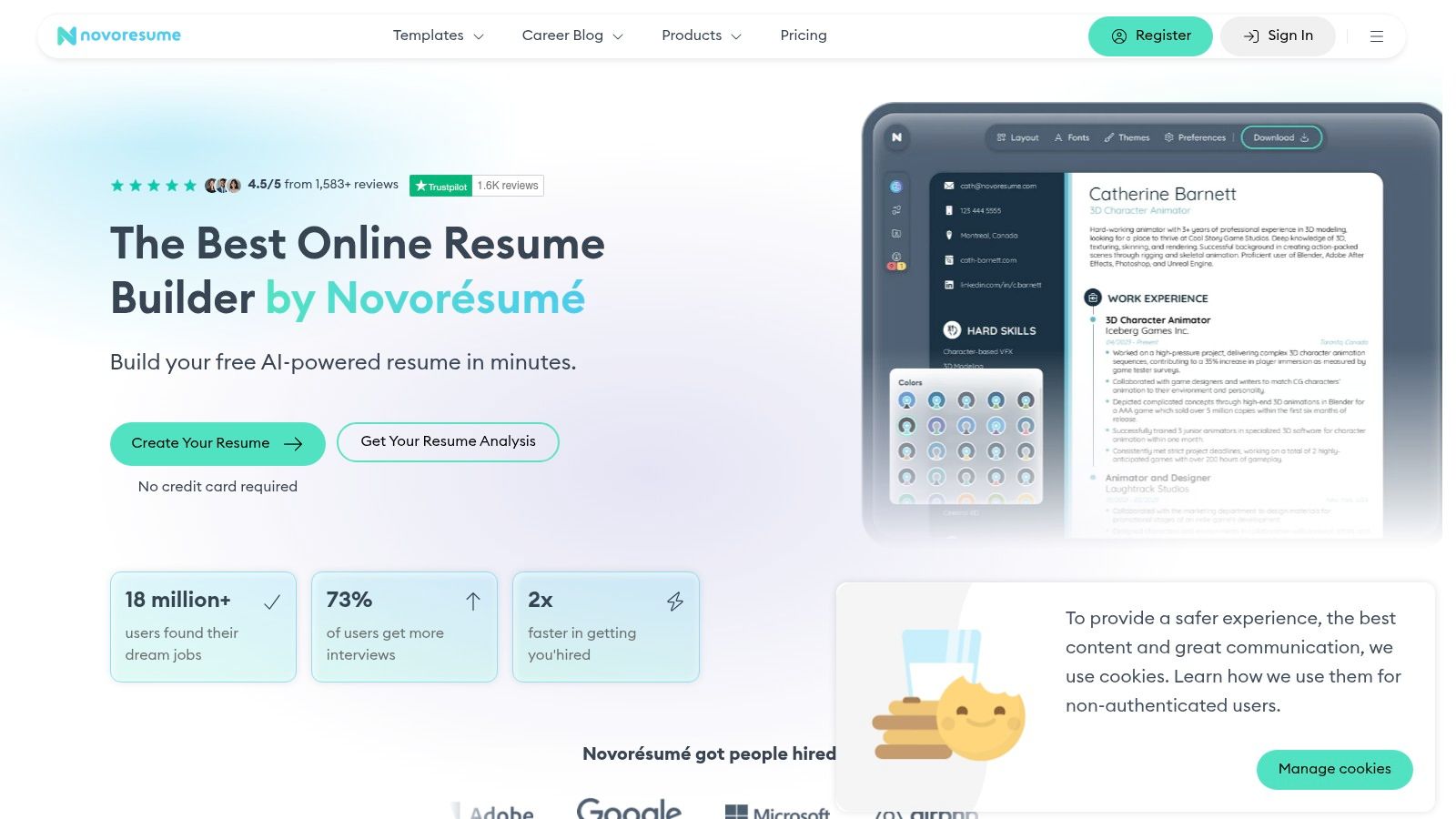
Novorésumé sits between a plain document and a heavily designed resume. Its templates are marketed as ATS-friendly and parser-tested, while premium access adds custom layouts, fonts, colors, and matching cover letters. That balance can help applicants present a polished document for mainstream professional roles without sacrificing a clear reading order.
The platform's main pricing advantage is its non-recurring Premium periods. Users purchase a month, quarter, or year instead of accepting automatic renewal. The total shown at checkout can still vary by local currency, region, and tax, so confirm the final amount before paying.
Where it fits best
Novorésumé suits applicants who want modest visual polish, conventional sections, and room to adjust content for a specific role. It can work well for business, administration, marketing, and similar fields where readability carries more weight than portfolio-style presentation. Premium customization helps you emphasize relevant skills and achievements, but decorative choices should remain restrained if reliable parsing is the priority.
The free tier limits users to one page and fewer design options. That can keep a recent graduate focused, yet it may restrict a senior professional with substantial relevant experience. Do not remove meaningful achievements solely to fit the template. Preserve a readable chronology and give the strongest experience enough space.
Use standard headings such as Experience, Education, and Skills so an ATS can classify sections consistently. Before applying, export the resume and inspect its text order by selecting and copying the content into a plain-text editor. Independent parsing benchmarks can inform your review, but the final file still needs a role-specific check. Novorésumé offers a useful design and readability compromise when you customize the content and verify the export.
5. Zety
Zety is built for people who want guidance while writing, not just a blank canvas. Its step-by-step workflow surfaces issues as you build, and its resume checker helps you review content and structure. The platform offers 18+ templates, ATS-conscious designs, and PDF, Word, and TXT downloads.
That guided process can be useful if you struggle to turn responsibilities into concise bullets. Zety's resume and cover letter builders help create a repeatable structure, while the checker gives you a place to catch missing sections or weak wording before exporting.
The convenience has a billing caveat
Zety's main strength is speed for inexperienced applicants. You can move through prompts, adjust a template, and produce several versions without learning document formatting. The limitation is that its template variety remains moderate compared with design-heavy tools, so applicants in visually oriented fields may want more creative control.
The trial also requires active management. After the trial, the plan auto-renews unless canceled. That doesn't make the builder less ATS-friendly, but it changes the practical value for someone who only needs one resume and one download.
Use Zety when you want an assisted writing experience and multiple file formats. Before submitting, inspect the exported file by selecting and copying all text into a plain-text editor. If dates, headings, or bullets appear scrambled, the document needs revision regardless of how well it looks in the builder.
6. Rezi
Rezi is less interested in decorative design and more focused on content optimization. Its templates, including Compact and Standard, are designed for ATS parsing reliability. The editor provides real-time analysis of bullet quality and keyword targeting, plus AI writers for summaries and achievement bullets.
That makes Rezi a strong fit for applicants who already understand that a resume template ATS friendly result depends on both layout and role language. The built-in ATS checker can help you identify missing terms, while job-specific targeting encourages you to adapt the document instead of sending one generic version everywhere.
The best keyword is one you can support with a real responsibility, tool, or result from your background.
Rezi exports to PDF, Word, and Google Drive and includes cover letter support. A Free plan lets you try the builder, but most powerful features sit behind Pro. The interface also has a learning curve. First-time applicants may need to spend time understanding which suggestions improve clarity and which would make the resume sound artificial.
The distinction matters because keyword stuffing can weaken the human reading experience. Add an acronym and its spelled-out form when both are relevant, but don't repeat terms where they don't belong. A skill should appear naturally in the summary, skills section, or an achievement bullet only when your background supports it.
Rezi is the better choice for job seekers who want an optimization workspace. It isn't as appealing if your only need is a simple free template with minimal editing support.
7. Standard Resume
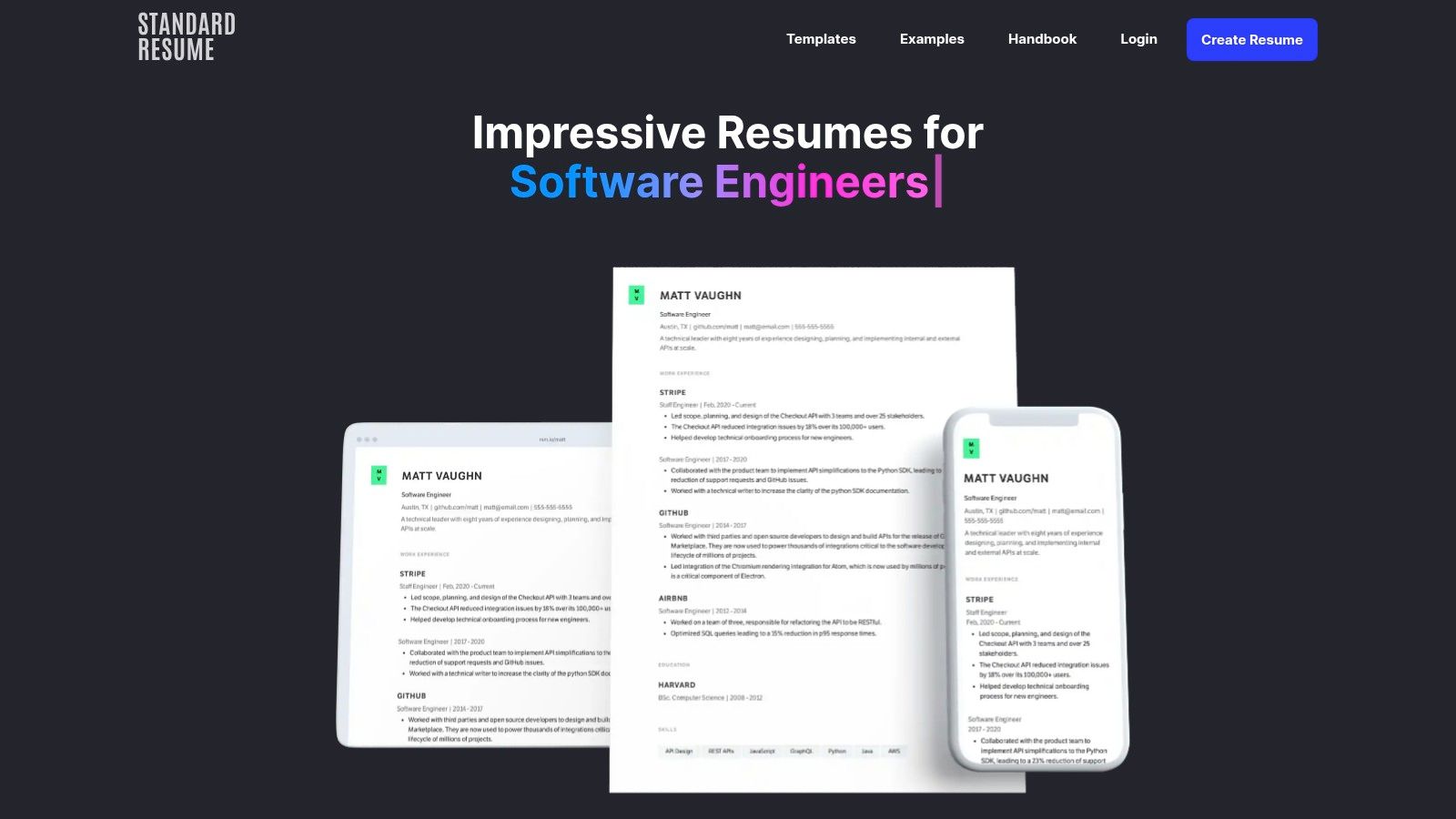
Standard Resume takes a deliberately restrained approach. Its 12 minimalist templates use single-column structures designed around readability and ATS parsing, with hiring-manager input shaping the overall presentation. LinkedIn import and automatic formatting reduce the work involved in turning an existing profile into a coherent resume.
The platform also supports web resume sharing, with view tracking available on the paid plan. That can be useful for networking, referrals, and direct outreach, where sending a link may be more convenient than attaching a file.
Simplicity over customization
Standard Resume suits applicants who want a recruiter-friendly document and don't need elaborate visual branding. The free web option is functional and the pricing is presented clearly, but PDF downloading requires the paid tier. That distinction matters if your target application portal accepts only an uploaded file.
Customization is also more limited than on design-heavy builders. The narrower range can be an advantage because it keeps users away from layouts that obscure content, but creative professionals may find the choices too conservative.
A minimalist template still needs accurate tailoring. Replace generic headlines with the target role when it truthfully reflects your experience, move the most relevant skills higher, and connect each major competency to a dated position or project. Standard Resume gives you a dependable structure. It won't decide which evidence makes you the strongest candidate.
8. Teal
Teal is designed for applicants who want the resume builder connected to the wider job search. Its Keyword Scanner, ATS Resume Checker, and Job Description Match score help you compare a resume with a specific opening. AI can generate bullets and summaries, while the integrated Job Tracker keeps applications organized.
That combination is valuable for career switchers and active applicants who are managing many openings at once. Instead of editing a resume in isolation, you can connect the content to the job description and see which language is missing or underused.
Strong tailoring, short billing windows
Teal's main advantage is its live tailoring workflow. It helps you move from job description to targeted version without relying entirely on memory. The free tools provide a useful starting point, while Teal+ provides access to more powerful features and unlimited analysis.
The payment structure requires planning. Paid access is offered in short 7-, 30-, or 90-day windows, and costs can add up if you don't manage the period carefully. That may work well during an intensive search, but it may be unnecessary for someone applying occasionally.
Use this guide to tailor a resume to a job description alongside Teal's match feedback. A score can reveal a content gap, but it can't verify whether you possess a requirement. Read every generated bullet and remove anything that overstates your experience.
9. Enhancv
Enhancv is the design-forward pick in this comparison. Its templates use modern layouts and customization options while documenting ATS considerations such as selectable text and standard section titles. The platform also includes an ATS check, AI feedback, one-click tailoring, job tracking, and multi-language support.
That makes Enhancv appealing to candidates who need stronger visual presentation, especially when a human recruiter will review the resume quickly. A clear visual hierarchy can help a document stand out after parsing, and Enhancv gives users more control than strictly minimalist builders.
Design requires a verification step
The trade-off is that column layouts can still create parsing concerns. A reproducible benchmark found that a clean single-column resume parsed at 100/A with zero issues, while a two-column sidebar design dropped to 85/B because of reading-order scrambling (ATS parsing benchmark). The result doesn't mean every two-column resume fails. It does mean you should test the actual export in the employer's portal whenever possible.
Enhancv's documented position on headers, tables, and icons is useful, but template claims aren't a substitute for inspection. Enterprise systems can interpret layouts differently, and image-based content remains especially risky. Subscription renewal terms also deserve attention before purchase.
Choose Enhancv when aesthetics are part of your role strategy and you're willing to verify extraction. For a highly conservative application, a single-column alternative remains the safer default.
10. FlowCV
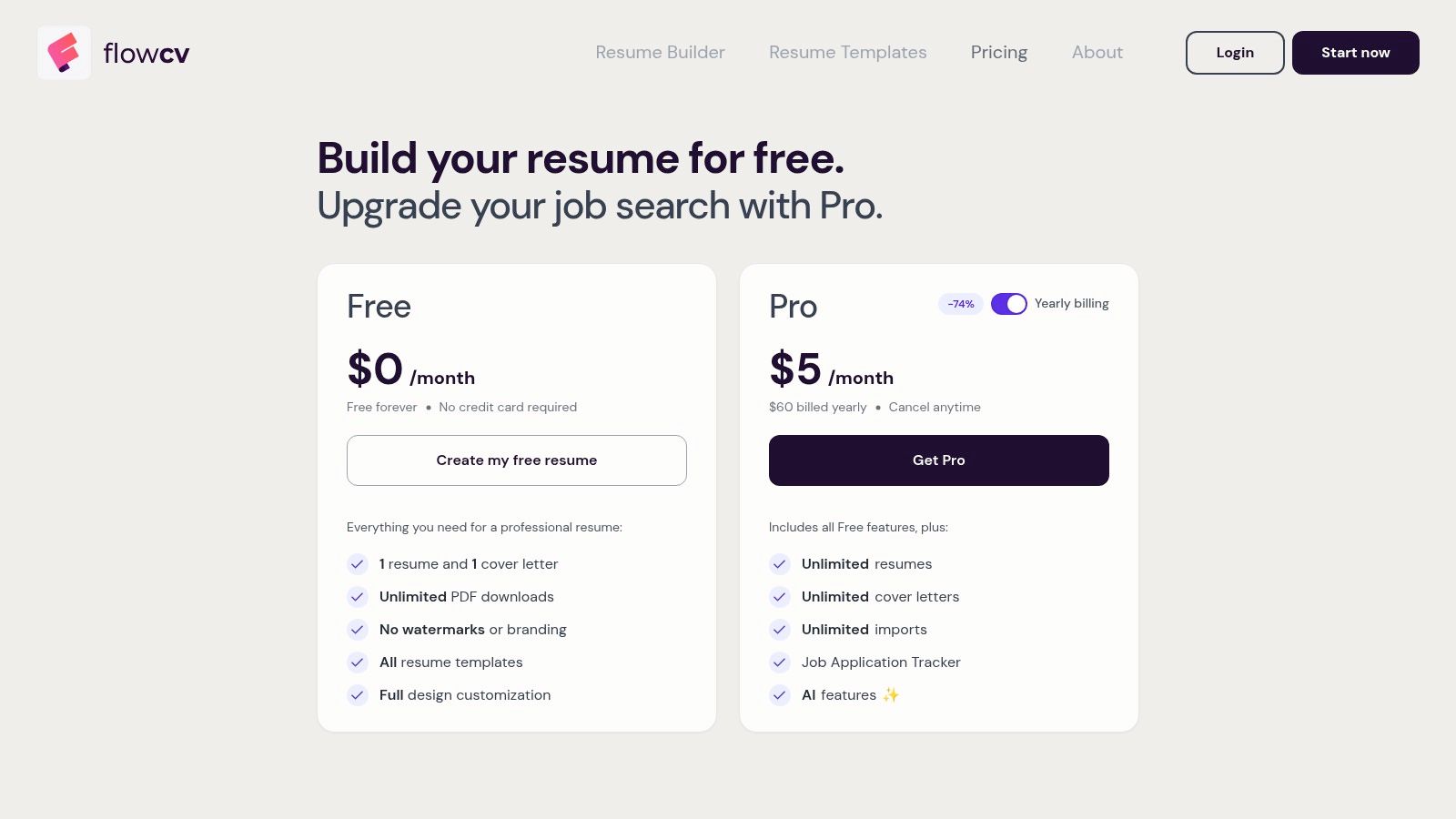
FlowCV is one of the strongest free options for applicants who need clean PDFs without branding. Its free plan includes all templates and unlimited, watermark-free PDF downloads. The builder uses ATS-sensible single-column templates but still gives you broad control over layout and styling.
That combination makes FlowCV useful for students, recent graduates, and job seekers who can't justify paying for every application version. You can create a readable base resume, adjust the content for each role, and export a professional file without moving through multiple design tools.
Free structure with fewer optimization features
FlowCV's editor stays within parsing-safe constraints while allowing more visual adjustment than a plain Word document. Pro adds unlimited resumes and cover letters, imports, AI assistance, and a job tracker. The free plan is generous, but the platform has fewer advanced optimization tools than all-in-one suites such as Teal or Rezi.
Its template library is also smaller than the largest competitors. That's a manageable limitation for traditional roles, where a clear single-column layout is usually enough, but it may matter if you need a specialized presentation.
The free export advantage doesn't remove the need to tailor content. Extract terms from the job posting, use them only where they describe your actual background, and keep the chronology easy to follow. FlowCV is a reliable choice when your priority is a free, clean, selectable-text PDF rather than automated role matching.
Top 10 ATS-Friendly Resume Template Comparison
| Tool | Key features ✨ | ATS fit & quality ★ | Pricing/value 💰 | Target audience 👥 | Unique selling points 🏆 |
|---|---|---|---|---|---|
| 🏆 GetTheCall | LinkedIn/DOC import · Job URL parser · Live Role Match · AI rewrite · 20+ ATS templates · PDF export | ★★★★☆ · Live, updating Role Match · ATS‑optimized templates · evidence‑based edits | Free tier; Pro 30‑day pass ≈ $29 (no auto‑renew) | Job seekers who need fast, per‑job tailoring | End‑to‑end job‑specific tailoring · live fit scoring · won't invent experience · one‑click style switch |
| Jobscan | 9 ATS templates · LinkedIn import · Resume scanner · job‑matching toolkit | ★★★☆☆ · Strong parsing guidance & scanner | Free basic downloads; paid upgrades for AI/tools | Users wanting genuinely free, parsing‑safe PDFs | Clear ATS formatting guidance · free basic resume downloads |
| Resume.io | Large template library · ATS category · AI builder · multi‑format export | ★★★☆☆ · ATS‑labeled templates + scorer | Free trial; paid plan for downloads (auto‑renew) | Users needing many templates & multiple versions | Wide template range · quick spin‑up of multiple resumes |
| Novorésumé | Parser‑tested templates · Premium custom layouts · cover letters · non‑recurring periods | ★★★☆☆ · Parser‑tested exports | Free (one page) ; Premium with non‑recurring periods | Users balancing design and ATS readability | Transparent non‑recurring pricing · design + ATS balance |
| Zety | Guided builder · Resume checker · multi‑format exports · step workflow | ★★★☆☆ · ATS‑conscious designs + checker | Affordable trial; auto‑renews after trial | Users who want step‑by‑step guidance | Simple guided workflow · highlights issues quickly |
| Rezi | ATS‑designed templates · real‑time checks · AI writers · ATS checker | ★★★★☆ · Deep ATS‑oriented analysis & keyword targeting | Free plan; Pro for advanced features | Users prioritizing ATS optimization | Real‑time content scoring · strong ATS feature set |
| Standard Resume | 12 minimalist templates · LinkedIn import · web résumé sharing | ★★★☆☆ · Minimalist, recruiter‑friendly layouts | Free web option; PDF download paid | Users wanting simple, recruiter‑friendly resumes | Hiring‑manager informed minimalist designs · transparent pricing |
| Teal | Keyword scanner · ATS checker · Job match score · AI bullets · job tracker | ★★★★☆ · Live match insights + job tracking | Free tools; Teal+ paid windows (7/30/90 days) | Users wanting integrated job search + tailoring | End‑to‑end job search suite with live tailoring insights |
| Enhancv | Modern ATS‑friendly templates · ATS check · AI feedback · one‑click tailoring | ★★★☆☆ · Strong aesthetics with parsing guidance (columns may risk parsing) | Paid subscription (watch renewals) | Users wanting stronger aesthetics while keeping parsing | Design‑forward layouts with documented parsing considerations |
| FlowCV | Free unlimited PDF downloads · single‑column ATS templates · full layout control | ★★★☆☆ · Parsing‑safe single‑column outputs | Very generous free plan; Pro adds AI/imports | Users seeking a powerful free, parsing‑safe option | Unlimited watermark‑free PDFs · simple, parsing‑safe editor |
Choose the Template You Can Tailor and Verify
The best template isn't automatically the simplest one, the most attractive one, or the one with the highest built-in score. Choose the simplest suitable layout for the target role, then make the content specific to the opening. A traditional operations role may benefit from a conservative single-column document, while a design-adjacent role may justify more visual polish if the exported text remains selectable and the reading order survives the employer's system.
Tailoring should affect the headline, summary, skills, and achievement bullets. Use the job description's language when it accurately describes your background, including both an acronym and its spelled-out form when appropriate. Don't add unsupported claims just to improve a match score. The point is to make relevant experience easier to find, not to turn the resume into a block of repeated keywords.
Independent guidance recommends standard headings, left alignment, ordinary fonts, black text, and contact information in the body rather than a header or footer (ATS resume guide). Recent formatting analysis also warns that standard headings such as Experience and Education help systems classify content, while icons can interfere with ATS interpretation (2026 ATS formatting guide). These details are less exciting than color selection, but they protect the information recruiters need.
Your final submission check
Before uploading any file, review the resume in both its original editor and its exported form. A template that looks correct on screen can still produce scrambled text, duplicated contact details, or missing headings after parsing. One benchmark specifically found that repeated page headers can create duplicate contact extraction and creative section headings can trigger missing-heading warnings (parsing benchmark findings).
- Standard headings: Use familiar labels such as Experience, Education, Skills, and Certifications where they fit.
- Selectable text: Select and copy the document into a plain-text editor. Confirm that every section appears in the correct order.
- Readable chronology: Keep job titles, employers, and dates connected and consistently arranged.
- Consistent formatting: Check fonts, spacing, bullets, alignment, and page breaks after export.
- Correct file type: Follow the employer's instructions. Use a text-based PDF or Word file when accepted, never an image-based document.
- Visual review: Read the final file as a recruiter would, checking that the strongest relevant evidence appears quickly.
The tools in this list solve different parts of the problem. Jobscan and FlowCV are practical for free, parsing-safe foundations. Rezi and Teal offer deeper content optimization. Resume.io and Zety prioritize guided creation and fast versions, while Novorésumé and Enhancv give more design control. Standard Resume is a good fit for applicants who want minimalism without unnecessary complexity.
GetTheCall is especially relevant when you want LinkedIn or resume import, job-specific tailoring, live role matching, template switching, and a submission-ready PDF in one workflow. It helps reduce the handoffs between a profile, a writing tool, Word, and a design application. The final responsibility remains yours, review every suggestion, confirm every claim, and verify the exported file before submitting it.
GetTheCall imports your LinkedIn profile or existing resume, aligns your verified experience with a target job listing, and provides live role matching across ATS-friendly templates. Visit GetTheCall to build and verify a resume without juggling separate writing and design tools.