10 Resume Builder with Templates for ATS Success
Compare 10 resume builder with templates options for ATS-friendly layouts, previews, tailoring, and export formats to create a stronger application in 2026.
The most attractive resume template isn't automatically the best one. A polished two-column design can look excellent on screen and still confuse an Applicant Tracking System, while a simpler layout may preserve your headings, skills, and work history far more reliably. A resume builder with templates should help you produce a document that works through the complete application workflow, not just one that looks finished in an editor.
The useful comparison is broader than color palettes. You need to examine parsing clarity, role-specific editing, template previews, import quality, export formats, preview control, pricing friction, and the effort required to maintain several versions. The best choice depends on what you value most, whether that's ATS reliability, guided writing, visual control, online sharing, or integrated tailoring. Here are ten tools assessed from that practical perspective.
Table of Contents
- 1. GetTheCall
- 2. Resume.io
- 3. Zety
- 4. Novorésumé
- 5. Enhancv
- 6. Kickresume
- 7. VisualCV
- 8. Resume Genius
- 9. Canva
- 10. Indeed Resume Builder
- Top 10 Resume Builders, Templates & Features Comparison
- Choose the Template You Can Safely Submit
1. GetTheCall
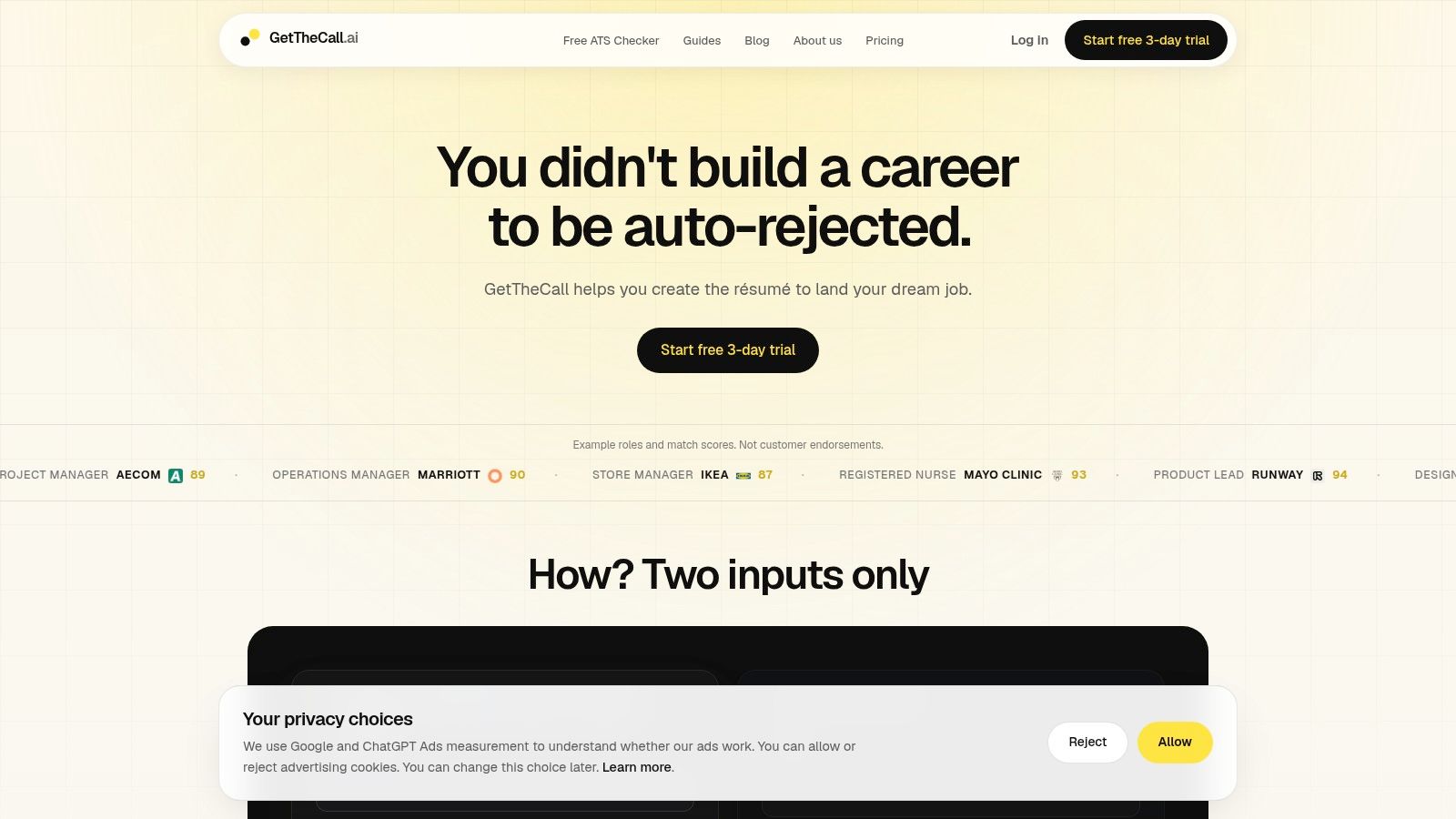
GetTheCall is designed for applicants who need to adapt verified career history to several openings. Import a LinkedIn profile or upload a PDF, DOC, or DOCX file, then add a target job listing. The platform identifies skills and keywords in the posting, rewrites existing experience without creating unsupported roles, and displays a live Role Match score as you accept or reject suggestions.
The practical advantage is a shorter editing workflow. You can move from import to customized content, template selection, preview, and PDF export without switching among a document editor, keyword checker, and design tool. Its library includes 20+ ATS-friendly templates, while one-click style switching changes presentation without rebuilding the underlying content.
Practical rule: Use the score to guide edits, not to justify adding a skill you cannot support with real experience.
The free ATS checker provides a limited free scan for an initial review. Pro adds the Role Match workflow, premium templates, feedback sharing, and comments. The site lists a short trial and a one-time $49 USD payment for lifetime Pro access at the time of review, rather than a recurring subscription. Trial activation requires a card, so review the terms before starting.
Before applying, inspect the final preview and export. Confirm that headings, dates, bullets, and selectable text remain in the intended order. Attractive styling helps presentation, but a simpler template may be safer if parsing is your priority.
GetTheCall suits individual applicants, mid-career professionals, career switchers, recent graduates, and coaches supporting multiple clients. It emphasizes verified experience and direct founder support. The site shows illustrative match examples, not a large set of named customer testimonials or third-party certifications. Personalized cover letters are announced as coming soon, so resume tailoring is currently the clearer strength.
2. Resume.io
Resume.io offers a broad, polished library with 30+ resume and cover letter templates, coordinated designs, quick style switching, and PDF or DOCX export. It's a good middle ground for applicants who want more visual refinement than a plain document while still working inside a purpose-built resume editor.
Its “Tailor to the job” feature is the important part of the workflow. Paste a job description, adjust the content for that opening, and keep the visual treatment consistent across the resume and cover letter. That's more useful than designing one static master resume and sending it everywhere.
The trade-off is pricing friction. Trial and plan details can vary by region, and some plans auto-renew unless you cancel. Before exporting, open the final preview and verify that headings, dates, bullets, and selectable text remain intact. A attractive template can't compensate for a document that parses in the wrong order.
For a deeper formatting check, compare the finished file with this practical guide to ATS-friendly resume structure. Resume.io suits job seekers who want guided editing, coordinated application materials, and a relatively polished result without moving into a full design platform.
3. Zety
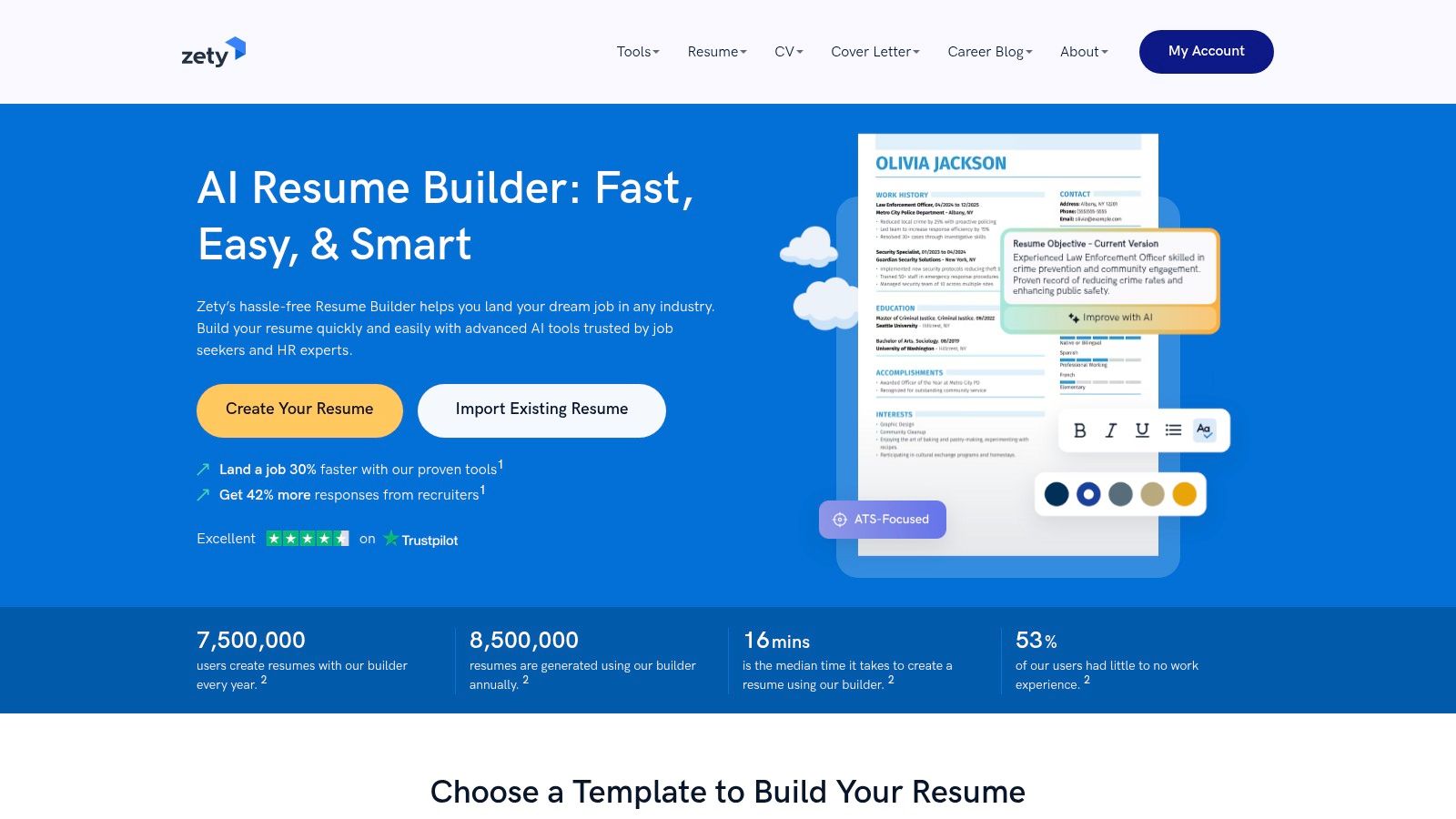
Zety is built for applicants who don't want to face a blank page. Its guided editor offers content tips and pre-written phrases organized by job type, helping users turn rough experience notes into structured, recruiter-oriented sections. The coordinated resume and cover-letter templates also make it easy to keep the application visually consistent.
The guidance is especially useful for students, career changers, and first-time applicants who struggle to describe responsibilities in concise language. It can speed up drafting, but generated or suggested phrases still need a factual review. Replace generic wording with evidence from your own work, projects, education, or volunteering rather than accepting every recommendation unchanged.
Zety provides TXT downloads for free, while PDF and DOCX exports require a paid plan. The low-cost trial commonly transitions into a subscription, so pricing deserves attention before you enter payment details. A free file that doesn't match the format an employer requests may not be much of a saving.
Use the platform's layout as a starting point, then run the exported document through an ATS resume checker. Zety is best for applicants who value structured prompts and writing support more than granular design control. It isn't the safest choice if you want a fully transparent free export workflow.
4. Novorésumé
Novorésumé takes a restrained approach. Its clean templates, including student and technology-oriented options, focus on scannability, clear section structure, and readable hierarchy rather than decorative effects. That makes it a sensible choice when parsing reliability matters more than personal branding.
The editor is straightforward, which reduces import and editing friction. You can organize experience, education, skills, and supporting sections without spending much time correcting visual details. Its Basic free tier gives users a useful starting point, while Premium provides additional designs and sections.
A simple template is often the safer template when the application gives you no information about how its screening software handles layout.
The limitation is choice. Applicants looking for dramatic visual differentiation may find the gallery narrow, and some advanced sections or designs sit behind Premium. That's a reasonable trade if you want a repeatable structure that can be customized efficiently for different applications.
Novorésumé suits students, early-career applicants, technical professionals, and anyone rebuilding a resume after a long period away from the job market. Before exporting, check that every section has a standard heading and that the PDF text can be selected and copied in a sensible sequence. If those checks pass, the builder's conservative design is an advantage, not a lack of ambition.
5. Enhancv
Enhancv is for applicants who want a resume to feel branded rather than purely administrative. It offers rich, customizable templates, structured sections, AI-assisted content improvements, and one- or two-page layouts. The editor can help turn an ordinary career history into a more polished presentation without requiring design software.
That flexibility creates a clear ATS trade-off. Some of the gallery's visual and dual-column designs may work well for creative or less conservative roles, but they can be harder for parsers to read in order. Choose the simpler ATS-friendly options when applying through an online portal, especially if the employer doesn't invite portfolio-style materials.
Enhancv's plans cover individuals and business teams, with visible pricing tiers and periodic discounts for longer terms. Review the exact export and renewal conditions before paying, then compare the exported PDF with the editor preview. Spacing changes, section movement, or unexpected page breaks can affect both readability and the amount of content visible to a recruiter.
This tool suits designers, marketers, brand-conscious professionals, and candidates applying directly to people who will see the visual document. It's less suitable as a universal default for every role. Keep a restrained alternative available if you're applying to conservative employers or systems where predictable parsing matters more than visual distinction.
6. Kickresume
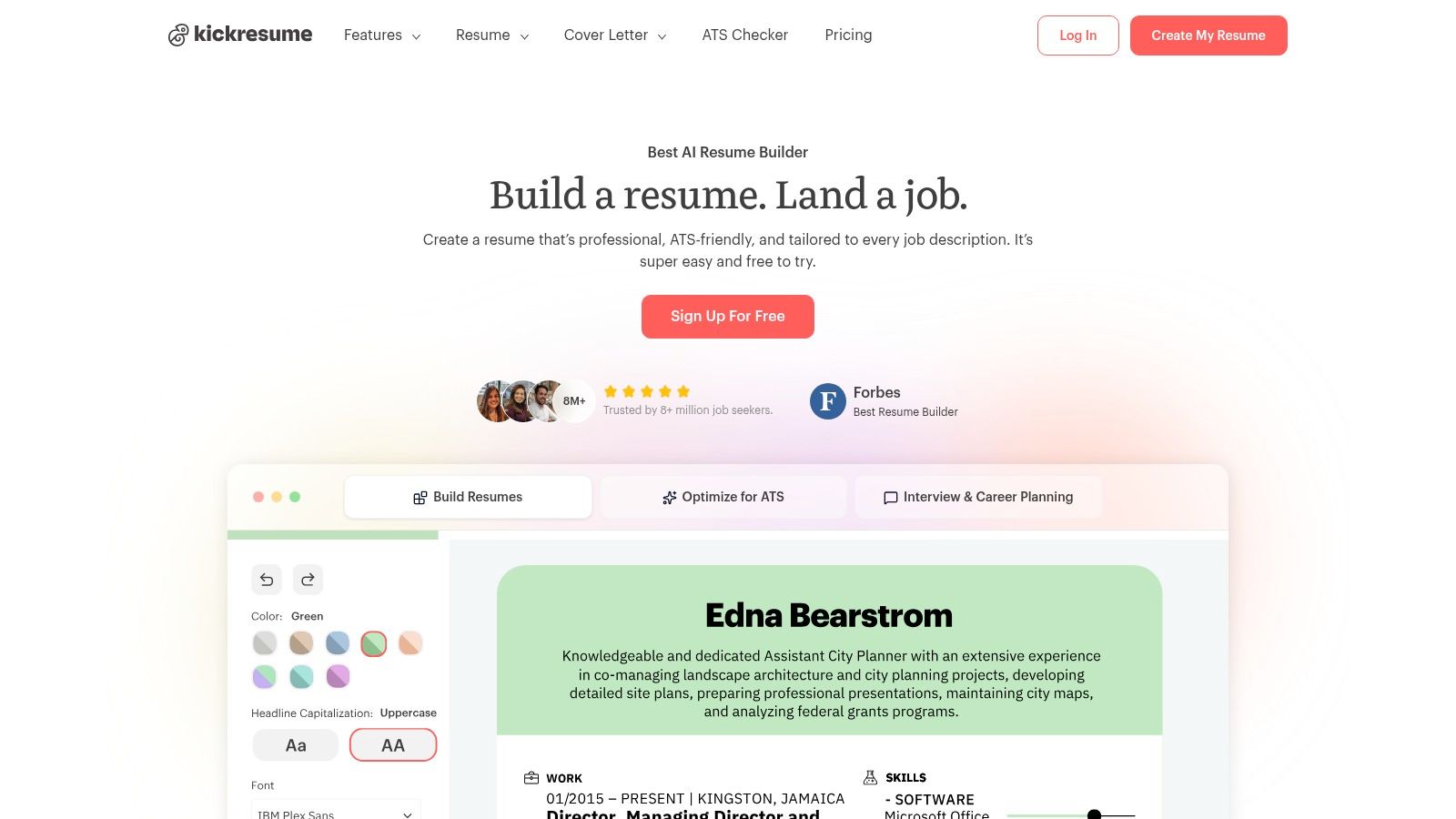
Kickresume combines a template-driven editor with AI writing tools, LinkedIn import, sample content, cover letter support, and portfolio or website options. It's a useful choice for people who need help getting started and want their resume, online presence, and supporting materials to feel connected.
The sample library reduces the effort of deciding what a strong bullet might look like. Career changers can study examples from adjacent roles, then rewrite them around their own projects and outcomes. LinkedIn import also gives you a quicker foundation, though imported material still needs editing because profiles often contain broader information than a targeted resume should include.
Kickresume works across devices and offers a mobile app, which can help applicants make small edits while moving between screens. Some templates, exports, and AI features require Premium. Annual billing can make sense for an extended search, but a short search may not justify paying for features you'll use once.
Its visual style is generally approachable, but export behavior deserves a test. Open the final PDF, select text, copy it into a plain-text document, and inspect the order. If you also create a portfolio site, keep the resume version focused on the target job rather than treating the website as a substitute for role-specific tailoring.
7. VisualCV
VisualCV is a strong option for applicants who want both an ATS-conscious document and a shareable online resume. Its library includes 30+ ATS-friendly templates, coordinated cover letters, PDF and Word exports, and online resume or portfolio pages. That combination makes it more useful for networking than a builder that only produces a downloadable file.
The online page can be shared with contacts, while optional analytics help users understand engagement. Treat that information as a networking signal, not as proof that an employer has assessed your qualifications. The downloadable file still needs to stand on its own for formal applications.
VisualCV keeps a clear distinction between free and Pro features and offers a 30-day refund policy. The best value may require a quarterly commitment, and advanced tools are limited to Pro subscribers. That pricing structure suits users actively maintaining an online professional presence, but it may be unnecessary for someone who only needs one PDF.
Select a template with standard headings, restrained columns, and conventional bullets for ATS-submitted applications. Use the online page for additional context, projects, or portfolio material. VisualCV is most effective when those two formats support each other rather than when the online page carries information missing from the resume.
Visit VisualCV
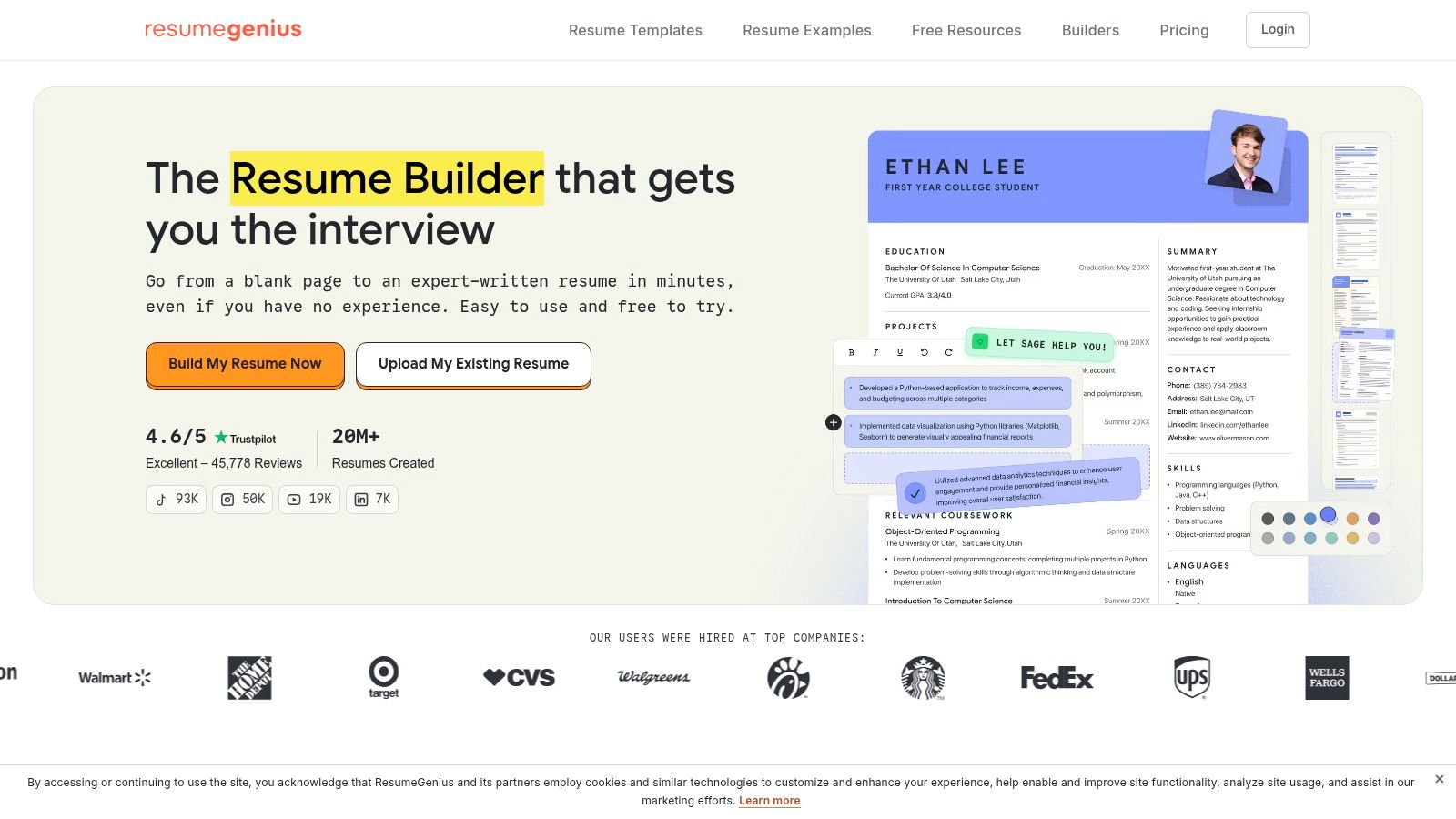
8. Resume Genius
Resume Genius focuses on guided creation at scale. It offers 90+ resume templates, additional premium designs, step-by-step prompts, content suggestions, role examples, and writing guides. That breadth is valuable for first-time applicants who need both a document builder and explanations of what different sections should accomplish.
The workflow is quick because the editor keeps asking for the next piece of information. Examples can help you move past weak phrases, but they shouldn't become copy-and-paste content. Hiring teams need truthful evidence of what you did, and generic examples often sound interchangeable when they aren't grounded in your own responsibilities.
Full Word and PDF exports typically require a paid plan. Review the trial and renewal terms before starting, especially if you only need a single download. The template library is large, but quantity shouldn't determine the final choice. A familiar, readable design is usually more useful than a decorative option that pushes important details into sidebars or visual elements.
Resume Genius suits students, early-career applicants, and people who want educational support while drafting. After export, inspect the PDF in a plain-text viewer or copy its contents into a basic editor. If the sections appear in the correct order and your target keywords remain visible, the template has done its job.
9. Canva
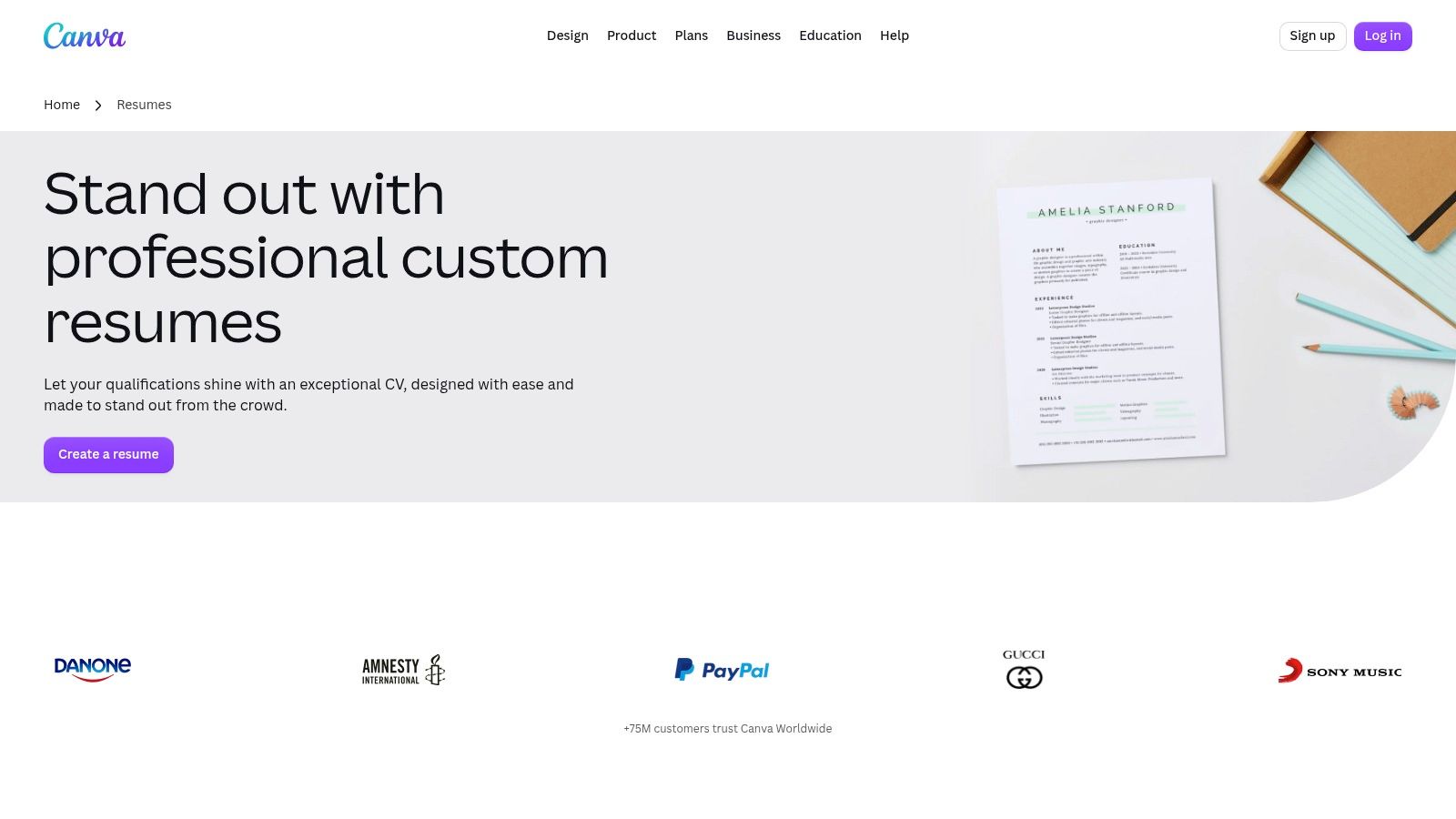
Canva gives you the most visual control in this roundup. Its large library includes free and paid resume templates, while the drag-and-drop editor supports coordinated resumes, portfolios, brand elements, and a simple one-page professional site. For creative professionals, that flexibility can help present a body of work in a coherent way.
Canva isn't purpose-built for ATS processing. Text boxes, decorative icons, unusual reading order, images, and complex columns can all create avoidable parsing risk. Choose a simple template, keep essential information in selectable text, use conventional headings, and test the exported file before sending it through an application portal.
Design test: If a hiring system can't extract your job title, employer, dates, and skills in the right order, the visual polish is working against you.
A paid subscription provides access to some Pro assets and features, but many usable templates are available without it. The better approach is to treat Canva as a visual production tool for creative applications or supporting materials, not as the default answer for every employer.
Before adjusting colors or spacing, tailor your resume to the job description. Canva suits designers, photographers, marketers, and applicants who can submit directly to a person. Keep a simpler ATS-first version for portals and large employers.
Visit Canva's resume templates
10. Indeed Resume Builder
Indeed Resume Builder is the safest simple option for applicants who want to build and download a resume without paying for a basic PDF. It offers a guided builder, PDF export from an Indeed profile, file upload and conversion, and integration with Indeed applications. The layouts are straightforward, which limits visual branding but reduces unnecessary parsing risk.
Uploading an existing file can save time, particularly if your career history is already organized. Still, review every imported field. Dates, employer names, job titles, and bullet breaks should be checked manually before you submit. Conversion is a starting point, not a substitute for proofreading.
The main limitation is control. Indeed offers fewer advanced layouts and less flexibility than Canva or Enhancv, so it won't satisfy applicants building a highly branded creative portfolio. That restraint is also its advantage for routine applications where clear text and fast submission matter more than a distinctive visual identity.
Use the same Indeed profile and resume carefully. A generic profile can weaken a customized document if the application pulls information from both. Indeed Resume Builder is best for students, hourly workers, early-career applicants, and anyone who needs a clean starting resume quickly.
Top 10 Resume Builders, Templates & Features Comparison
| Tool | Core features | UX / Quality ★ | Pricing / Value 💰 | Target audience 👥 | Unique selling points ✨ |
|---|---|---|---|---|---|
| 🏆 GetTheCall | LinkedIn/PDF import, job parsing, live Role Match, 20+ ATS templates, PDF export | 4.7★, live match score & prioritized edits | 💰 Free ATS checker; Pro one‑time $49 (no subscription) | 👥 Job seekers, mid‑career, career changers, grads | ✨ Job‑specific tailoring, end‑to‑end workflow, honest AI (uses verified experience) |
| Resume.io | 30+ templates, cover letters, "Tailor to the job" (paste), PDF/DOCX | 4.3★, polished templates, solid parsing | 💰 Freemium; paid plans (auto‑renew common) | 👥 Professionals wanting polished, easy resumes | ✨ Large template library + built‑in tailoring |
| Zety | Guided builder, pre‑written phrases, coordinated cover letters | 4.2★, strong guidance & recruiter‑oriented layouts | 💰 Low‑cost trial → subscription | 👥 First‑time builders, those needing writing help | ✨ Role‑specific phrase library and step‑by‑step guidance |
| Novorésumé | ATS‑aware templates, simple editor, clear plan tiers | 4.1★, focused on scannability and ATS parsing | 💰 Basic free; Premium subscription | 👥 Students, tech roles, ATS‑conscious users | ✨ Transparent plans, templates optimized for parsing |
| Enhancv | Visual templates, AI rewrite tools, structured sections | 4.0★, design‑forward, AI‑assisted content | 💰 Paid tiers; discounts for longer terms | 👥 Creative professionals, personal brand builders | ✨ Branded, visually distinctive resumes (choose ATS‑friendly designs) |
| Kickresume | LinkedIn import, AI tools, sample library, portfolio options | 4.0★, easy styling, helpful samples | 💰 Freemium; annual plan cost‑effective | 👥 Career changers, learners, creatives | ✨ Portfolio/website options + sample content library |
| VisualCV | ATS‑tested templates, online resume pages, analytics | 4.1★, ATS emphasis + share/track features | 💰 Free limited; Pro (quarterly/paid) | 👥 Networkers, portfolio owners, recruiters | ✨ Publishable online resumes with engagement analytics |
| Resume Genius | 90+ templates, step‑by‑step builder, writing guides | 4.0★, fast drafts, extensive examples | 💰 Trial then paid export/subscription | 👥 First‑time job seekers, those needing examples | ✨ Large example library and educational guidance |
| Canva (Resumes) | Thousands templates, drag‑and‑drop editor, brand kit | 4.2★, maximum visual control; variable ATS results | 💰 Free & Pro subscription options | 👥 Creatives, designers, brand‑focused applicants | ✨ Extreme design flexibility and coordinated assets |
| Indeed Resume Builder | Guided builder, upload/convert, Indeed integration | 4.0★, reliable ATS‑friendly output, fast DOI | 💰 💰 Free to build and download | 👥 Active job seekers applying via Indeed | ✨ Direct application integration with Indeed jobs |
Choose the Template You Can Safely Submit
Start with the bottleneck in your application process. If you need help describing your experience, Zety, Resume Genius, and Kickresume provide more guidance. If each application needs targeted editing, GetTheCall and Resume.io offer stronger workflow support. If you need online sharing, VisualCV is more appropriate. If visual control and coordinated portfolio materials matter most, Canva or Enhancv may be a better fit. If free export and a quick, conservative document are the priority, Indeed Resume Builder is the simpler choice.
Then inspect the actual template preview, not just the thumbnail. Look for standard headings such as Experience, Education, and Skills, a readable hierarchy, consistent dates, and bullets that remain selectable text. Be cautious with dense sidebars, decorative icons, text boxes, graphics, headers, footers, and complicated columns. Those elements can look polished while making extraction less predictable.
Your final checks should happen after export:
- Read the PDF as plain text: Copy the document into a basic text editor and confirm that sections and entries appear in a logical order.
- Compare it with the job description: Mirror the posting's exact job title, hard skills, and relevant competencies where they truthfully describe your experience. Jobscan's ATS guidance explains why role-specific language matters.
- Review every generated sentence: Remove unsupported claims, inflated outcomes, and skills you can't discuss confidently in an interview.
- Check the preview on another screen: Look for clipped text, awkward page breaks, tiny type, and inconsistent spacing.
- Review payment terms: Confirm what the trial includes, when renewal occurs, which exports are paid, and whether cancellation is automatic or manual.
A template is only the starting structure. The finished resume must present truthful, relevant evidence clearly enough for software to extract and people to understand. The best resume builder with templates is therefore the one that helps you make a reliable, job-specific document with the least avoidable friction, not necessarily the one with the most dramatic design.
GetTheCall turns a LinkedIn profile or existing resume into a job-specific, ATS-optimized PDF, with keyword alignment, editable AI suggestions, a live Role Match score, and professional templates you can switch in one click. If you want to replace copy-paste work with a measurable tailoring workflow, visit GetTheCall and test your next application against the actual role.