10 Resume Builder Free Tools Worth Trying in 2026
Compare 10 resume builder free tools for templates, exports, features, limitations, and ATS-friendly job applications in 2026.
“Free” is often treated as the only question worth asking about a resume builder. It isn't. A free download can still leave you with a resume that's difficult to tailor, hard for an applicant tracking system to parse, or locked inside an ecosystem you don't want to use.
The better test is whether the complete workflow works for you. Do you need to turn a LinkedIn profile into a polished application quickly, control every line in Google Docs, create several versions for different roles, protect your data, or produce a visually distinctive document? You'll also need to know when paid limits appear, which export formats are available, and whether the template keeps your experience readable to both software and recruiters.
ATS tools parse headings, dates, skills, and work history before comparing the extracted content with a job description. Research summarized by Enhancv's resume statistics guide says 70% of large organizations and 75% of recruiters use ATS tools for resume storage and management. The practical priority is simple structure and truthful alignment with the posting, not decorative design. The following tools are evaluated by how well they support the full application process.
Table of Contents
- 1. GetTheCall
- 2. Indeed Resume Builder
- 3. LinkedIn Resume Builder
- 4. Google Docs
- 5. Canva Resume Builder
- 6. Adobe Express Resume Maker
- 7. FlowCV
- 8. Reactive Resume
- 9. Teal Resume Builder
- 10. Resume.com by Indeed
- Top 10 Free Resume Builders, Quick Comparison
- Choose the Workflow You Will Actually Use
1. GetTheCall
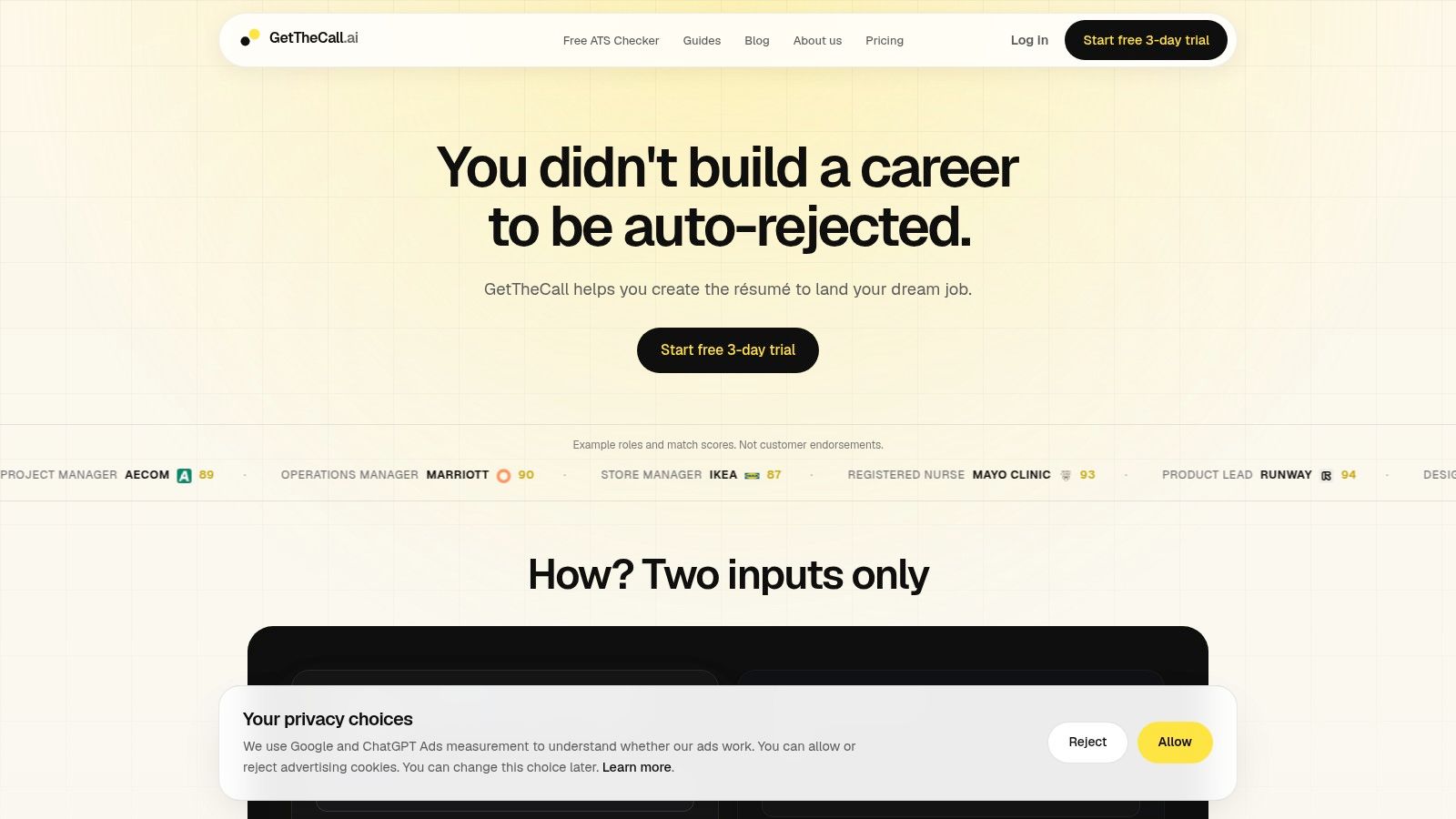
GetTheCall focuses on job-specific tailoring rather than a static template export. Start with source material you already have by importing a LinkedIn profile URL or uploading a PDF, DOC, or DOCX. Add the target job posting, and the tool extracts your career history, identifies role requirements and wording, and suggests changes tied to your existing experience.
That wording check addresses a common application problem. A resume may describe the right work but use terms that differ from the posting. ResumeFast's ATS keyword guide explains that ATS matching can occur at the literal-string level, so “project management” and a differently phrased equivalent may not be treated identically. GetTheCall helps place relevant terms in the summary, skills, and experience sections instead of producing a detached keyword list.
Why it stands out
The Role Match score provides feedback as you review suggestions, which can help identify weak alignment before submission. The recommendations are based on your stated experience rather than invented roles, skills, or achievements. You still need to verify every change. A polished claim that you cannot defend in an interview creates a credibility problem.
The workflow also includes 20+ ATS-friendly templates, one-click template switching, and PDF export. This reduces the need to move between an importer, a writing tool, and Canva or Word. The free option includes a public ATS checker. Premium features include live Role Match, premium templates, sharing and comments, and Magic Job Search. Cover-letter tailoring is announced as coming soon and is not currently available.
Practical rule: Use the score to locate missing or weak alignment, not to predict interview results. The quality of your source resume and job description still controls how useful the recommendations are.
The site lists a card-backed 3-day trial and a non-recurring Pro payment, currently shown as $49 USD for lifetime access on GetTheCall. Its example scores are illustrative rather than customer endorsements, and the site lists no public awards or third-party certifications. The workflow may suit career changers, students, mid-career professionals, return-to-work candidates, and coaches who tailor applications repeatedly. Check the trial terms, export needs, and data preferences before relying on the paid features.
2. Indeed Resume Builder
Indeed Resume Builder is a practical choice for a first resume or a fast application inside the Indeed ecosystem. Its guided, section-by-section workflow reduces the blank-page problem, and you can also upload existing material. The result is a straightforward resume that you can download as a PDF and use for applications beyond Indeed.
The main advantage is the short path from source data to submission. If you're already searching on Indeed, the builder connects naturally with job listings and Easy Apply. You can maintain multiple versions and control whether your resume is visible when posting it on Indeed, which gives you more control than attaching a public document everywhere.
Where it works best
Indeed favors a conventional, single-column structure. That's useful for ATS parsing because clear headings and linear reading order leave less room for extraction errors. It's also easier for a recruiter to scan quickly. The trade-off is that you won't get much freedom over typography, spacing, or visual hierarchy.
- Best for speed: Build a usable resume without learning a design application.
- Best for Indeed applicants: Move directly from profile and resume creation to Easy Apply.
- Best for simplicity: Keep your content readable without spending time adjusting layout details.
The builder is free to build and download, making it a good fit when your content is already strong and you mainly need structure. It's less suitable if you want a highly customized executive resume, a portfolio-style layout, or a guided job-by-job rewriting process. You'll need to tailor the language yourself and keep separate versions organized.
Use Indeed's resume tools when ecosystem integration matters more than design flexibility. Before applying, read the target posting carefully and replace generic descriptions with evidence from your own work.
3. LinkedIn Resume Builder
LinkedIn Resume Builder is the fastest option when your LinkedIn profile is accurate, complete, and already written in language that reflects your target roles. It can turn the profile into a resume-formatted PDF in a few clicks, which saves manual data entry and gives you a usable starting point for applications.
That convenience has a clear condition. LinkedIn can only reproduce the information you've entered. If your profile lists responsibilities without outcomes, omits recent projects, or uses broad language that doesn't match the vacancy, the generated resume will carry those weaknesses into the PDF.
A useful starting point, not a tailoring engine
The tool also supports uploading and reusing resumes for LinkedIn job applications, although feature availability can vary by account. That makes it useful for candidates who apply through LinkedIn and want a consistent document on hand. Template and design control are limited, so the output generally suits conventional roles better than positions where visual presentation is central.
For a more deliberate workflow, you can turn a LinkedIn profile into a resume with this practical guide. The important step is to review every imported section rather than assuming the profile is application-ready.
LinkedIn works well when the priority is profile conversion and speed. It works less well when you need multiple job-specific versions, keyword mapping, or a live explanation of what the posting still requires. Treat the generated PDF as a draft. Check section headings, dates, skills, and bullet language before sending it to an employer.
4. Google Docs
Google Docs remains one of the best answers for people who want a resume builder free of subscriptions, account-specific feature gates, and design lock-in. Its Template Gallery provides resume starting points, while the editor gives you control over every word, heading, margin, and line break. You can export through File > Download as a PDF or DOCX, so the same source document supports different application requirements.
The workflow is manual, but that's also its main benefit. You decide which achievements to emphasize, which skills belong in the dedicated Skills section, and how closely each bullet reflects the target posting. Google Docs won't automatically identify missing keywords or rewrite duties into stronger accomplishments, so the quality depends on your editing process.
What to watch during formatting
Use standard headings, consistent date formatting, and a clear reading order. Jobglance's ATS resume checker guidance explains that parsing starts with fields such as contact details, work history, dates, education, and skills. Unclear headings, two-column layouts, and complex formatting can cause systems to miss information.
- Use version control: Duplicate the document before tailoring it to a new role.
- Use collaboration carefully: Invite a reviewer to comment, then accept changes deliberately.
- Use a parsing check: Run the finished file through the GetTheCall ATS resume checker before applying.
Google Docs is strongest for candidates who want hands-on control and easy feedback. It's weaker for people who are applying quickly to many roles and need automated prioritization. The Template Gallery can give you a clean foundation, but it won't tell you whether your experience answers the employer's requirements.
5. Canva Resume Builder
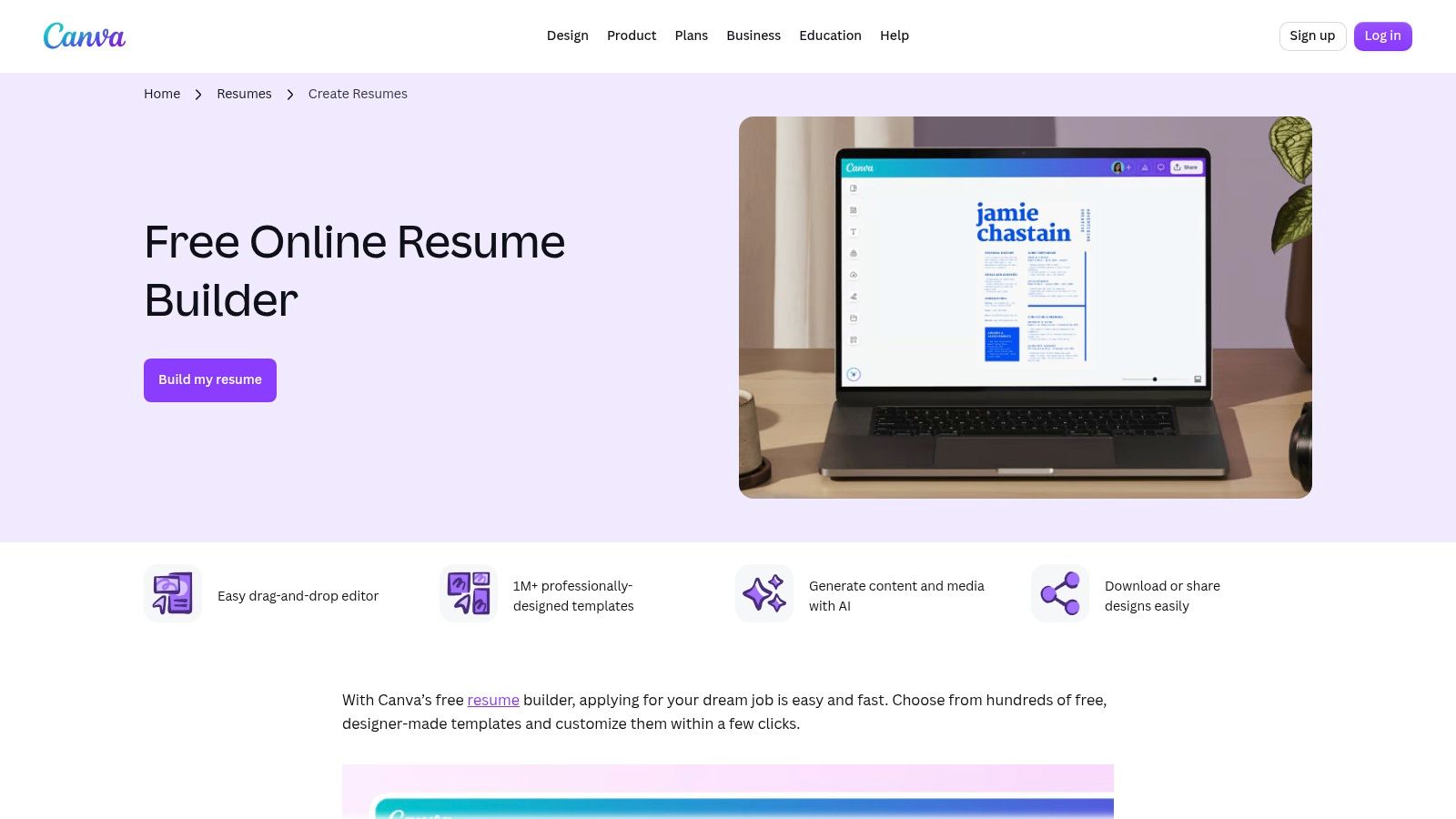
Canva is the obvious choice for visual flexibility. Its drag-and-drop editor offers a large library of resume templates, autosave, cloud versioning, and exports in PDF, JPG, and PNG. The interface makes it easy to adjust color, spacing, icons, and sections without learning traditional layout software.
That freedom creates the central ATS trade-off. A design that looks impressive in a browser may place text in columns, graphics, text boxes, or unusual reading orders that an ATS doesn't extract cleanly. Canva itself is useful, but the template choice matters more than the brand.
Choose the layout before the decoration
For most standard applications, select a simple template with a clear single-column structure. Avoid relying on icons for contact information, putting key skills inside decorative panels, or using images where text should be. Export PDF for most applications, then inspect the file by selecting and copying the text into a plain document. If the order becomes confusing, the ATS may have trouble too.
Canva's free library is broad, but some templates and elements are Pro-only. Its AI Magic Write feature can help draft language, yet any generated bullet needs fact-checking and personalization. A polished sentence that exaggerates your role is still a bad resume bullet.
Canva is best when visual presentation supports the role, such as creative work, communications, or design-adjacent applications. For highly screened roles, use its simplest template and prioritize readable content over visual effects. Visit Canva's resume builder when you want design control, but don't let the editor decide the information architecture for you.
6. Adobe Express Resume Maker
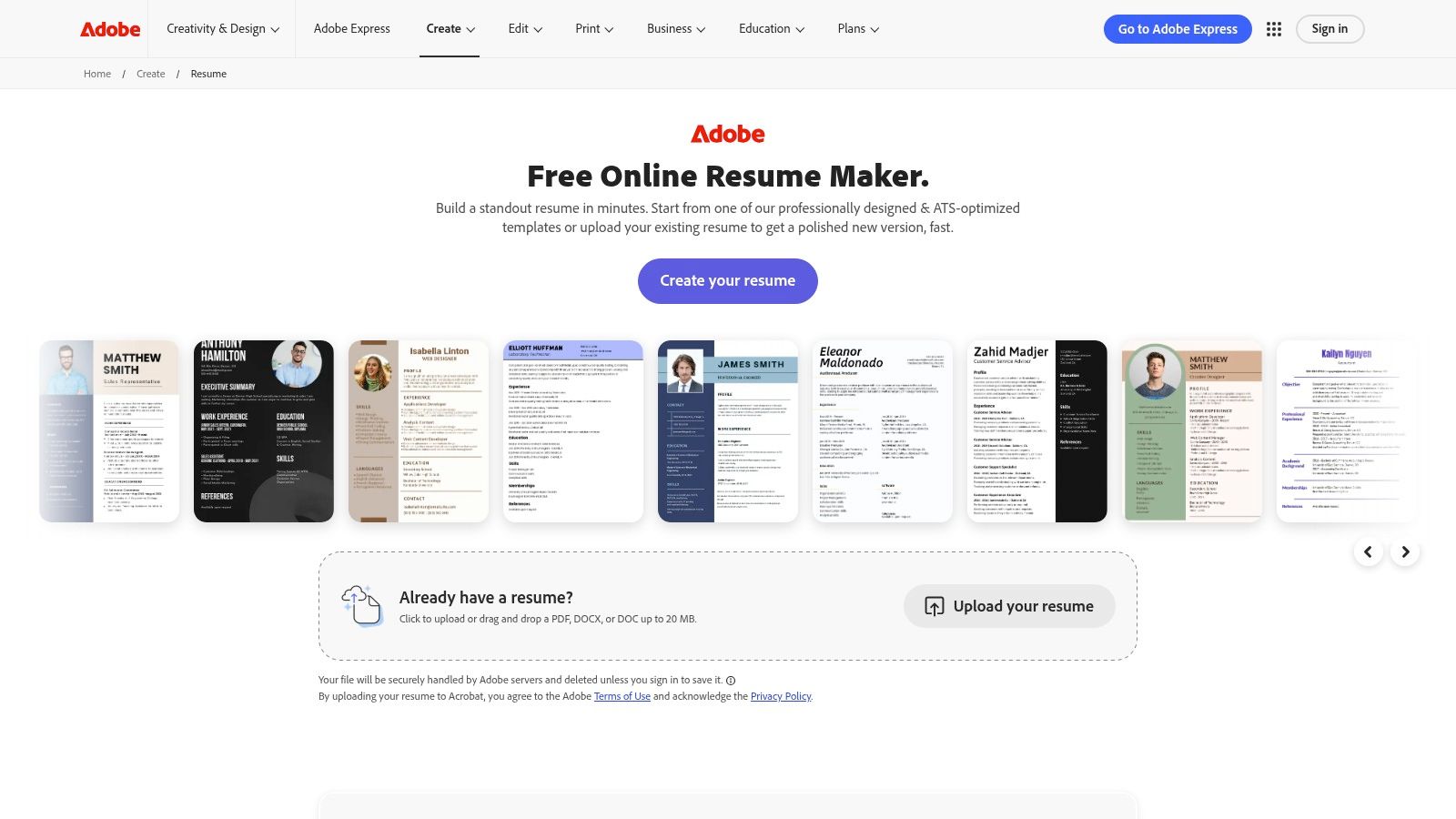
Adobe Express occupies a similar space to Canva, but its appeal is a polished browser and mobile editing experience with editable resume templates and direct PDF export. It's a reasonable option when you want a finished-looking document without installing software or building the layout from scratch.
The free plan gives you a way into the workflow, while paid tiers provide access to some premium assets and features. That makes the first export step important. Confirm that the template, fonts, graphics, and download options you've chosen are available before investing time in detailed editing.
Attractive does not automatically mean readable
Adobe Express templates can look refined, but resume aesthetics and ATS safety aren't the same thing. Complex visual arrangements can interrupt the linear structure that parsing software expects. Keep the name, contact information, experience, education, and skills in ordinary text blocks with recognizable headings. Don't place essential details in icons, sidebars, or images.
The tool is a good fit for a candidate who needs simple editing and a polished PDF. It's less suitable for someone who wants detailed job-post analysis, live keyword guidance, or a privacy-first open-source workflow. Like Canva, it works best when you treat visual design as a finishing layer rather than the main strategy.
Review the exported PDF on both desktop and mobile, then copy the text into a plain editor to check its order. Adobe Express's resume maker can produce a strong document, but you remain responsible for verifying that the design survives ATS extraction.
7. FlowCV
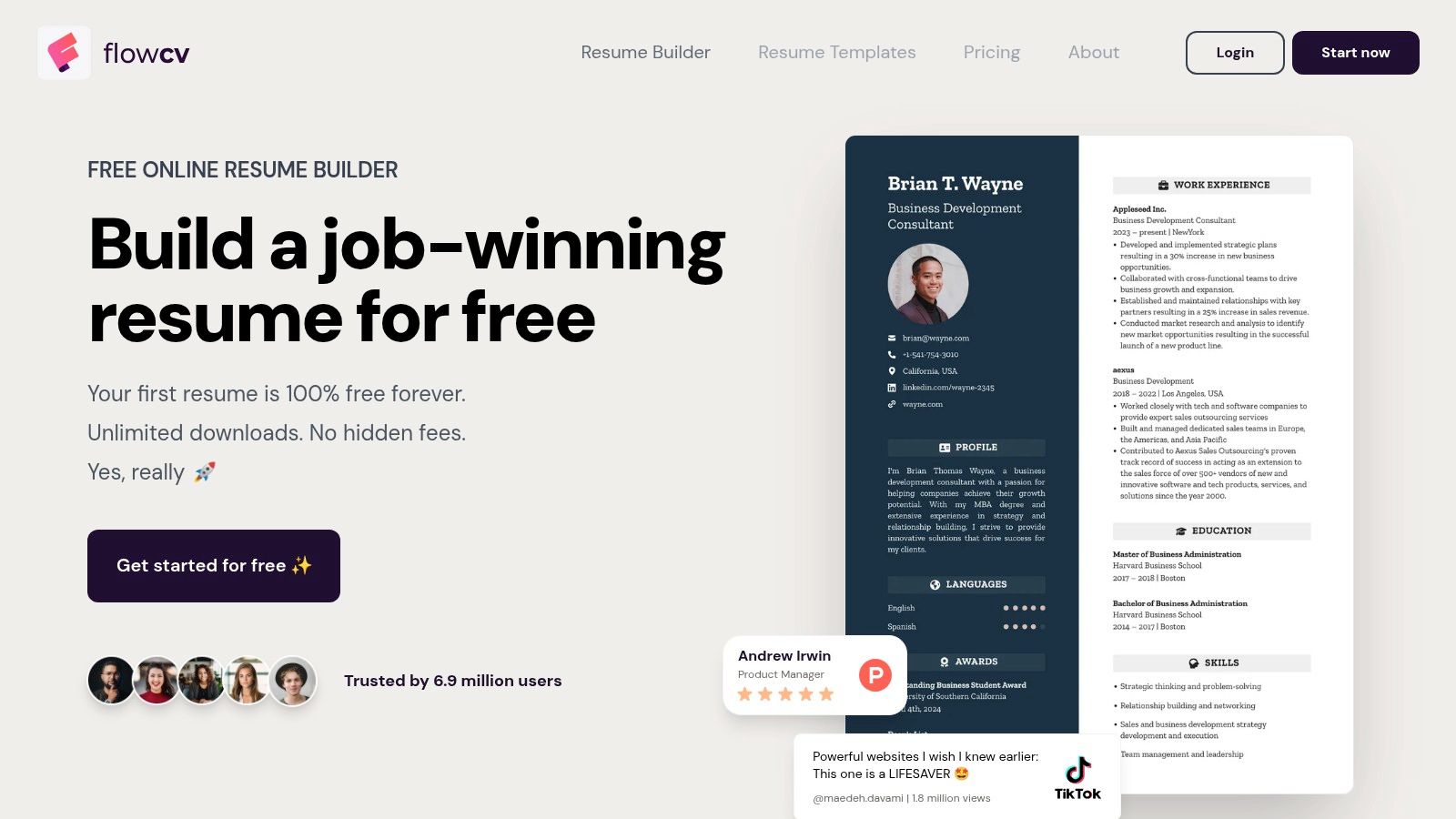
FlowCV is built specifically for resumes rather than general-purpose visual design. Its structured editor provides a live preview, clean templates, and PDF export without watermarks for the first resume. That clear free experience is valuable because many “free” builders let you write the document and then restrict the file you need to submit.
The templates emphasize readable structure, which suits ATS-based applications. You still need to check the content, but the tool does less to tempt you into heavy graphics, decorative panels, or layouts that look better than they parse.
Strong first-resume economics
FlowCV's privacy-conscious positioning and transparent approach make it attractive to users who want a dedicated builder without surprise restrictions on their initial document. The smaller ecosystem is the trade-off. You won't get the same breadth of job-search integrations or design assets as Indeed, LinkedIn, Canva, or Adobe Express.
Advanced features beyond the first resume may require payment, so candidates applying to many roles should check the current limits before creating a full library of versions. That's especially important if you're tailoring resumes for different job families and want to preserve each draft.
FlowCV is a strong middle ground for someone who wants a structured, professional PDF with little friction. It doesn't replace a tailoring workflow, and it won't automatically prove that every keyword reflects real experience. Use FlowCV when clean output and a straightforward free starting point matter more than ecosystem depth.
8. Reactive Resume
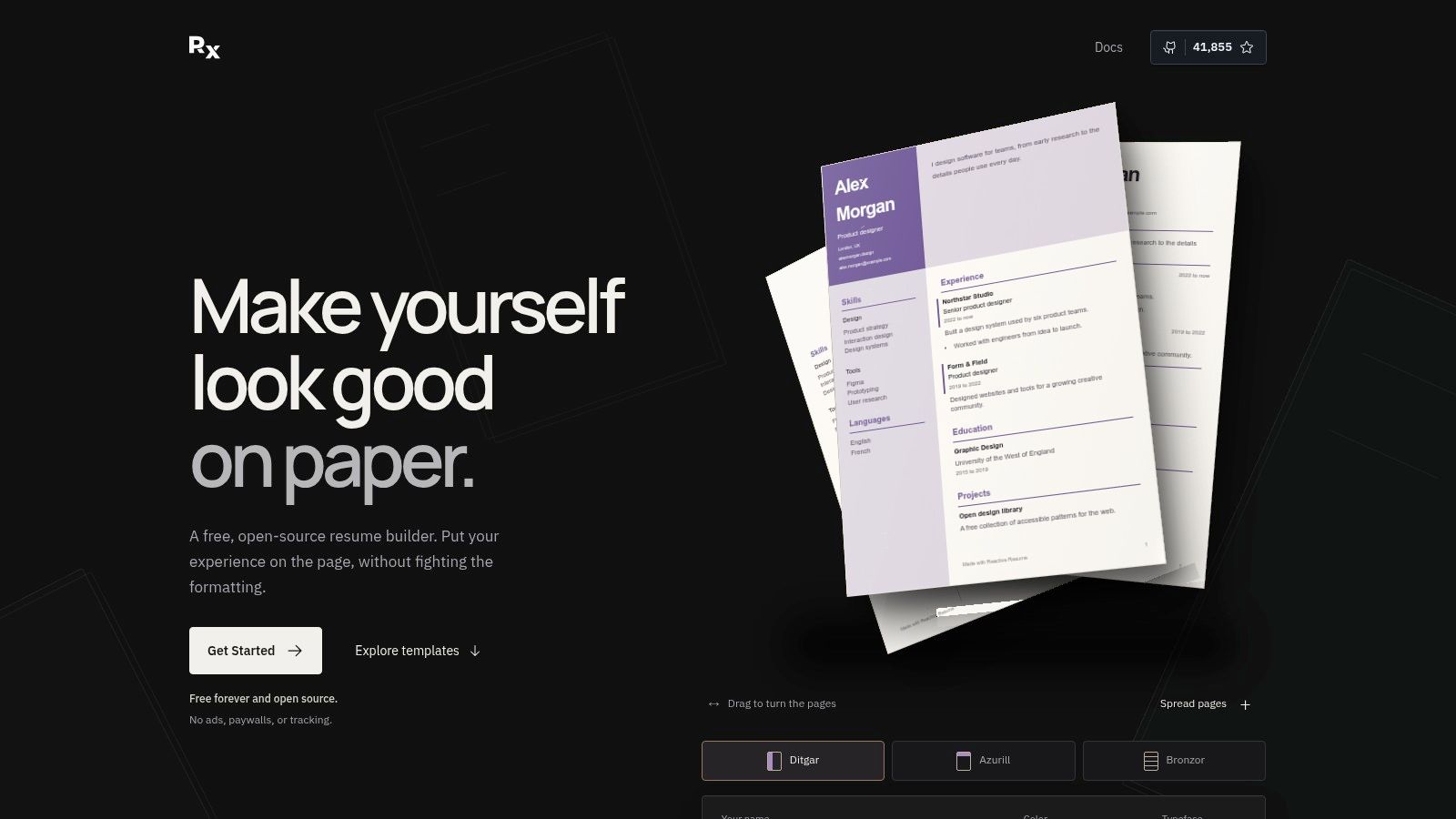
Reactive Resume takes a different approach by making the project open source and privacy-focused. You can use the public instance at rxresu.me or self-host the application for greater control over where your information is handled. For candidates who don't want to place employment history inside a heavily commercial platform, that distinction is meaningful.
The live editor supports clean layouts and PDF export. The project's transparent codebase and community-driven development also make data portability a central advantage. You're not limited to a visual ecosystem that treats your resume as another asset inside a marketing suite.
Control comes with responsibility
The template catalog is smaller than what commercial builders offer, and the interface polish and help resources depend more on community work. Self-hosting also requires technical comfort. A privacy-oriented tool can reduce platform dependence, but it doesn't remove the need to manage backups, review exports, or troubleshoot the environment you choose.
Reactive Resume is best for users who value transparency, portability, and control over guided writing assistance. Its clean, single-column options are appropriate for ATS submissions, but the tool won't analyze a target job and tell you which verified experience to emphasize. You'll need to perform that comparison manually.
Try Reactive Resume if you want a free, open-source route. Before submitting, validate the final PDF's text order and make sure your chosen headings clearly identify work history, education, and skills.
9. Teal Resume Builder
Teal is designed for people managing an active job search, not just producing one attractive resume. Its free builder supports multiple resume versions, job-description insights, job tracking, and Chrome extension support. That broader workflow becomes useful when each application needs a different emphasis and you're trying to remember which version went to which employer.
The free plan covers core resume creation and downloads. Optional Teal+ upgrades add deeper AI analysis, keyword matching, and analytics, so the point at which paid features matter depends on how much guidance you want during tailoring.
Useful for repeat applications
A job tracker can reduce the disorder that appears when you copy one resume for several roles and forget which version contains which changes. Teal also makes it easier to connect a saved job with the resume you intend to use. The interface is less focused on visual design than Canva or Adobe Express, which is a positive if your priority is application management.
Tailoring still requires judgment. This guide to tailoring a resume to a job description reinforces the practical sequence: identify the role's priorities, map them to real evidence, and place the language where it belongs. Keyword matching shouldn't become keyword stuffing.
Teal is best for organized, repeated applications. It's less compelling if you only need one conventional PDF or if you want maximum layout control. Visit Teal's resume builder when tracking jobs and maintaining several versions are as important as the resume itself.
10. Resume.com by Indeed
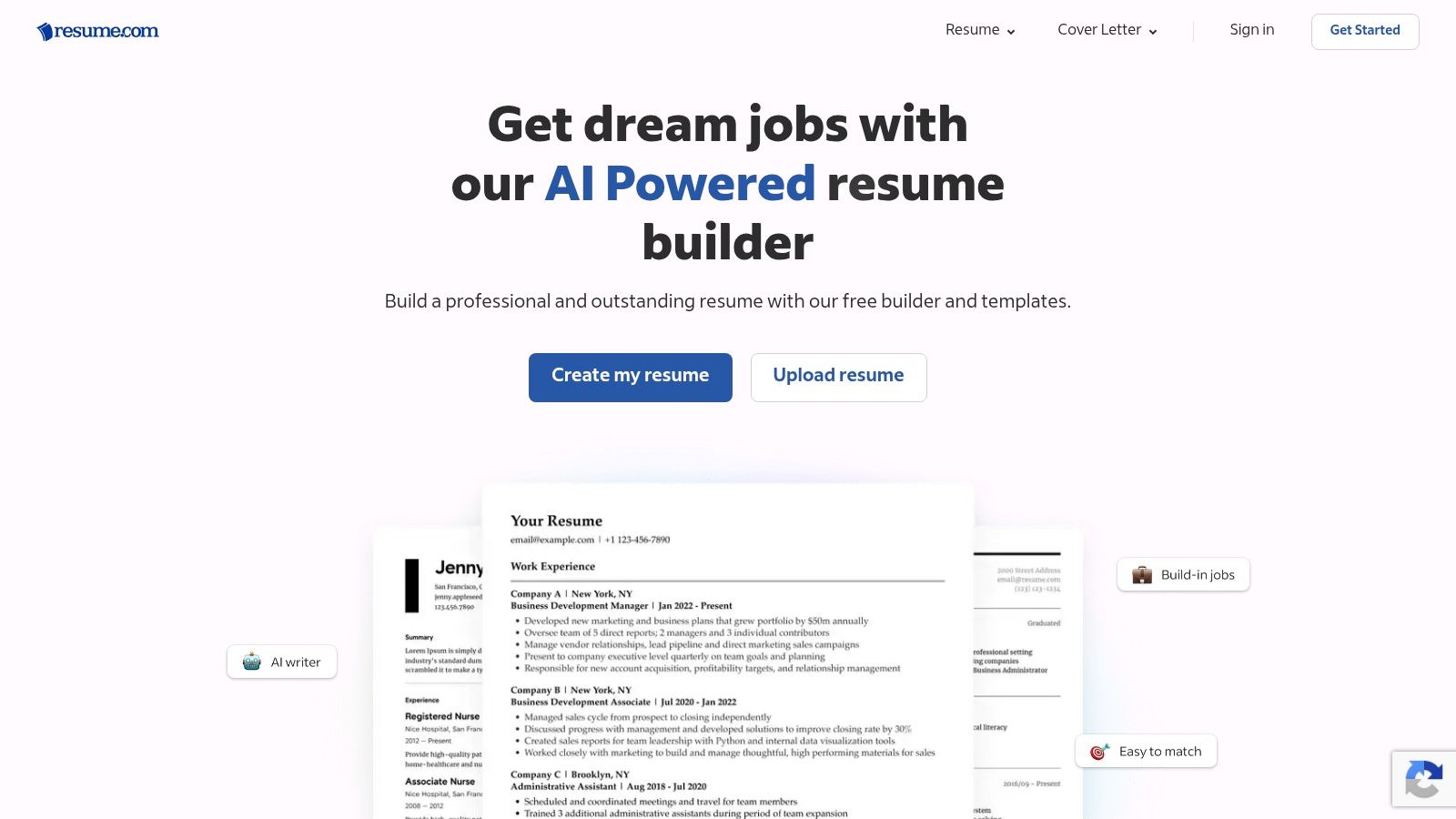
Resume.com by Indeed is a conventional, low-friction option for people who want to build and download a resume without a paywall at the export stage. You can start from a template or begin with a blank document, then download as PDF or DOCX and share the result through the Indeed ecosystem.
Its simplicity is the point. The templates are familiar, readable, and suitable for broad job searches. You won't get the advanced layout controls of a design suite or the job-level tailoring of a specialized application tool, but you also won't need to fight a complicated editor.
Good for a standard application file
Resume.com works well when your source content is already prepared and you need a dependable document. It's less useful when you're changing careers, applying across several job families, or trying to translate one background into different role-specific versions. Those tasks require manual rewriting and careful comparison with each posting.
The template variety and customization options are modest. That's usually acceptable for ATS-sensitive roles, where a clear hierarchy is more useful than an unusual visual identity. Check the exported file before applying, particularly if you've made substantial edits or changed sections.
Use Resume.com for a familiar, free PDF or DOCX workflow. Choose it when conventional structure matters more than guided optimization, analytics, or privacy controls.
Top 10 Free Resume Builders, Quick Comparison
| Tool | Core features | Quality (★) | Price / Value (💰) | Target audience (👥) | Unique strength (✨) |
|---|---|---|---|---|---|
| GetTheCall 🏆 | LinkedIn/PDF import · job parsing · AI tailoring · live Role Match · 20+ ATS templates · PDF export | ★★★★★ live Role Match & ATS focus | 💰 Free ATS checker · Pro one‑time $49 (lifetime) | 👥 Individual job seekers · mid‑career · career changers | ✨ Job‑specific ATS fit; no invented experience |
| Indeed Resume Builder | Guided section builder · PDF download · Easy Apply integration | ★★★ Fast & straightforward | 💰 Free | 👥 Broad job seekers · quick applicants | ✨ Direct apply to millions via Indeed |
| LinkedIn Resume Builder | Generate from profile · PDF export · reuse for LinkedIn apps | ★★★★ Extremely fast if profile is current | 💰 Free (feature availability varies) | 👥 LinkedIn-active professionals | ✨ Auto-generate from your LinkedIn profile |
| Google Docs (Template Gallery) | Template gallery · full formatting control · real-time collaboration | ★★★★ Flexible & collaborative | 💰 Free | 👥 DIYers · collaborators · coaches | ✨ Full formatting + live collaboration |
| Canva Resume Builder | Drag‑and‑drop editor · hundreds templates · visual exports | ★★★★ Very visual (ATS caution) | 💰 Freemium (some Pro assets) | 👥 Creative roles · designers · marketers | ✨ Rich visual customization |
| Adobe Express Resume Maker | Editable templates · guided creation · PDF export | ★★★★ Polished templates | 💰 Freemium (premium assets paid) | 👥 Designers & polished-brand seekers | ✨ Adobe-grade template polish |
| FlowCV | Structured editor · ATS-friendly templates · watermark-free PDF | ★★★★ Clear, ATS-minded | 💰 Free for first resume; paid tiers after | 👥 Privacy-conscious job seekers | ✨ No surprises, free first resume, privacy focus |
| Reactive Resume (Open‑Source) | Live editor · single-column ATS layouts · self-host option | ★★★★ Transparent & private | 💰 Free / Open-source | 👥 Developers · privacy-focused users | ✨ Open-source & self-hostable |
| Teal Resume Builder | Multiple versions · keyword insights · job tracker integration | ★★★ Good workflow & tracking | 💰 Free core; Teal+ paid upgrades | 👥 Active multi-application job seekers | ✨ Integrated job-search toolkit |
| Resume.com (by Indeed) | Templates · PDF/DOCX download · easy sharing | ★★★ Simple and reliable | 💰 Free | 👥 General job seekers · quick builders | ✨ Long-standing, no-cost resume builder |
Choose the Workflow You Will Actually Use
The best resume builder free option is the one that matches the work you're willing to do after the first draft. If you're applying to one role and already have strong content, Google Docs, FlowCV, Indeed Resume Builder, or Resume.com can produce a clean file without unnecessary complexity. If you want to convert an accurate LinkedIn profile quickly, LinkedIn is the shortest route, although you'll still need to review the wording and tailor it to the vacancy.
Repeated applications change the decision. Choose GetTheCall or Teal when you need job-specific tailoring, multiple versions, and guidance that helps you prioritize edits. GetTheCall is more focused on importing your existing resume or LinkedIn profile, parsing the target listing, and producing a submission-ready PDF with live Role Match feedback. Teal is stronger as a broader job-search organizer, especially when tracking applications and maintaining several drafts are central to your process.
Use Google Docs, FlowCV, or Reactive Resume when control, simplicity, or privacy matters most. Google Docs gives you familiar editing and collaboration. FlowCV provides a dedicated resume experience with a clear free starting point. Reactive Resume suits people who prefer open-source transparency or self-hosting, even though the community-driven workflow may require more technical effort.
Visual tools deserve a narrower recommendation. Canva and Adobe Express are useful when presentation has a legitimate role, but their flexibility can introduce ATS risk. Choose a restrained template, keep essential information in ordinary text, avoid placing content inside graphics or complex columns, and inspect the exported file. A visually impressive resume that extracts poorly is not an upgrade.
Before sending any version, run this implementation check:
- Verify the source: Confirm every title, date, employer, certification, tool, and achievement is accurate.
- Use a readable structure: Prefer recognizable headings, consistent dates, clear spacing, and a simple layout.
- Tailor truthfully: Mirror important language from the job description only when it describes experience you have.
- Choose the right export: Use the format requested by the employer. Keep an editable DOCX or source document for future revisions.
- Review the parsed result: Copy the PDF text into a plain editor or use an ATS checker to see whether sections remain in the correct order.
- Name versions clearly: Save each file with the target role and employer so you don't submit the wrong draft.
ATS alignment supports discoverability, but it doesn't replace evidence. In a 2026 survey, 41% of job seekers identified tailoring to the job as the hardest part of updating a resume, ahead of remembering achievements at 39%, turning duties into accomplishments at 35%, and optimizing for ATS at 27%, according to Resume Genius's job seeker insights report. That ordering points to the work that matters most. The builder should help you express relevant experience clearly, not manufacture a career that doesn't exist.
If you want the broadest free ecosystem, start with Indeed or LinkedIn. If you want full manual control, use Google Docs. If privacy and open-source ownership are priorities, choose Reactive Resume. If design matters, use Canva or Adobe Express carefully. If every application needs a custom, ATS-ready file, GetTheCall or Teal will save more manual effort than a static template.
GetTheCall turns a LinkedIn profile or existing resume into a job-specific PDF, analyzes the target posting, rewrites bullets from your verified experience, and provides live match guidance alongside ATS-friendly templates. Visit GetTheCall to run the free ATS checker and see whether a complete tailoring workflow fits the way you apply.