10 Job Description Keyword Scanner Tools Compared for 2026
Compare 10 job description keyword scanner tools, from free checkers to paid match scores, and learn how to read results without keyword stuffing.
A qualified candidate runs the same résumé and job listing through two tools. One reports a 62 match score. The other reports 81. Neither result automatically means the résumé is weak or that one scanner is broken. Each tool may weigh keywords, job titles, required qualifications, semantic matches, and formatting problems differently.
That's why a job description keyword scanner should be treated as a diagnostic, not a final verdict. The useful question isn't “Which score is right?” It's “What does each report reveal, and which gaps can I fix?”
This comparison covers ten tools, from focused keyword checkers to full résumé builders. You'll see whether each report emphasizes a match rate, missing-skill list, keyword frequency, title alignment, parsing checks, or editing guidance. The practical method is simple: compare the evidence behind the scores, keep changes supported by your experience, and avoid chasing a number that hides weak content or unreadable formatting.
Table of Contents
- 1. GetTheCall
- 2. Jobscan
- 3. Resume Worded Targeted Resume
- 4. SkillSyncer
- 5. ResyMatch.io from Cultivated Culture
- 6. Teal Job Matcher
- 7. Rezi AI Keyword Targeting
- 8. Enhancv Resume Checker with JD Match
- 9. Jobalytics Chrome Extension
- 10. Kickresume Targeted Resume
- Top 10 Job Description Keyword Scanners, Feature Comparison
- Choose One Scanner, Then Read the Gaps Yourself
1. GetTheCall
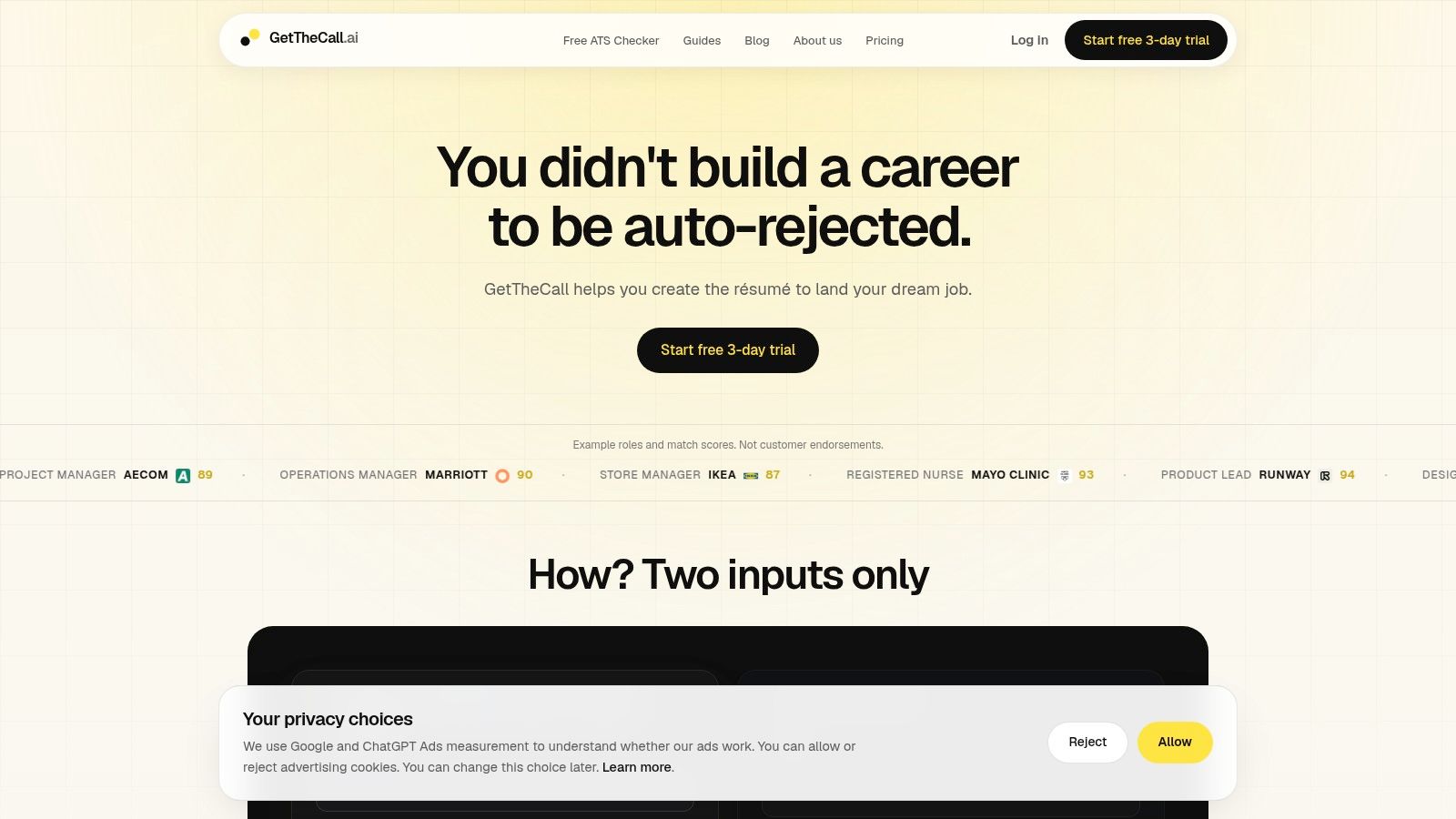
GetTheCall connects job description analysis with résumé editing, so applicants can tailor a document without moving between several tools. Import a LinkedIn profile or upload a PDF, DOC, or DOCX résumé, then add the target job listing. The platform extracts role language, required skills, and responsibilities, and suggests edits based on evidence already present in the source material.
Its main report is the live Role Match / ATS Quality score. The score changes as you accept or reject suggestions, showing whether an edit improves alignment. More useful than the number alone, the workflow indicates why the score changed. You can separate a missing skill from a formatting problem or a responsibility that needs clearer wording.
Practical rule: Add a term only when your work, education, or credentials support it.
GetTheCall combines tailoring, editing, design changes, and export. It includes 20+ ATS-friendly résumé designs, one-click template changes, in-editor AI suggestions, a free public ATS résumé checker, and high-quality PDF export. Pro users can share résumés for feedback. Its stated approach keeps rewrites grounded in verified experience, so it does not fill a genuine career gap by inventing a role, skill, or result.
The free checker can flag parsing and keyword issues before you create a customized version. Pricing currently centers on a free ATS checker and a one-time $49 Pro pass for 30 days without auto-renewal. Confirm current terms at the GetTheCall site. The product fits career switchers, students, mid-career applicants, and coaches who want one workflow from analysis to export. It is less suitable if you expect a scanner to supply experience you do not have.
2. Jobscan
Jobscan is one of the clearest choices when you want a dedicated résumé-to-job-description comparison rather than a full writing environment. Its central output is a Match Rate supported by a Match Report. The report highlights matched and missing terms, then separates gaps across areas such as hard skills, soft skills, job titles, and degrees.
That structure makes Jobscan useful for the first diagnostic pass. You can quickly see whether the résumé reflects the target vacancy's vocabulary, whether the listed title is aligned, and whether education or qualification language is visible enough. Its formatting guidance also focuses on recruiter-facing readability and ATS parsing, so the result isn't limited to keyword frequency.
Jobscan's keyword generator can surface role-specific language, but the job posting should remain the primary source. Generic keyword lists can encourage applicants to add terms that sound relevant but aren't supported by their background. The best use is to identify a missing concept, then decide whether the résumé already demonstrates it under different wording.
For a second opinion on parsing and structure, run the same file through the free ATS résumé checker. Compare the missing concepts and formatting warnings, not just the headline percentage.
Pros
- Clear gap reporting: Missing hard and soft skills are easy to identify.
- Broad diagnostic coverage: Job titles, degrees, formatting, and keywords appear in the same workflow.
- Category maturity: It's established and supports many types of roles.
Cons
- Usage limits: Free access is capped, which can become restrictive during an active search.
- Paid upgrade pressure: Heavy users may find the pricing higher than simpler alternatives.
Jobscan is a strong scan-first option. It doesn't replace careful editing, and its score shouldn't be treated as proof that an employer's ATS will rank the résumé in the same way.
3. Resume Worded Targeted Resume
Resume Worded combines job-specific keyword matching with broader résumé quality feedback. Its Targeted Resume feature compares your résumé with a particular posting and produces a Relevancy Score. The supporting report includes matched and missing keywords, with weighting for required and preferred language.
That distinction matters. A missing preferred skill shouldn't receive the same attention as an absent mandatory certification or core tool. Resume Worded is useful when you want the scanner to help prioritize the list instead of treating every term as equally important.
The platform also provides line-by-line feedback through its general resume review tools. That can expose a problem that a pure keyword scanner misses, such as a bullet that names a skill without showing how the candidate used it. Its ATS checks, LinkedIn optimization, templates, and exportable missing-keyword lists make it practical for career coaches or applicants managing several versions.
What the report is best at
Resume Worded works well when the question is broader than “Which words are missing?” You can inspect keyword coverage, then review whether the résumé communicates clear accomplishments, readable structure, and relevant evidence. That combination helps reduce the temptation to paste a list of terms into a skills section.
The trade-off is access. The strongest features sit behind the Pro subscription, and full functionality requires a paid plan. Applicants who only need a quick comparison may find the broader feature set more than they need. Applicants who want repeated feedback on both content quality and job alignment may get more value from the combined workflow.
Use its missing-keyword list as a starting point, then verify every proposed term against your actual experience. A scanner can recognize relevance, but it can't confirm whether you truly performed the work.
4. SkillSyncer
SkillSyncer takes a transparent approach to job-description analysis. It extracts keywords directly from the target posting rather than relying only on a generic role database. The output groups terms into hard skills, soft skills, and other keywords, with frequency signals that help show which language appears repeatedly.
That direct connection to the vacancy is the main advantage. If the employer emphasizes a particular platform, certification, or responsibility, SkillSyncer gives you a visible reason for its inclusion. It also separates title and degree matching, which helps diagnose whether a low score comes from content gaps or qualification language.
The paste-in scan is suitable for a quick comparison. The builder-linked Smart Scan is more useful when you're actively editing, because paid tiers provide live match scoring as changes are made. That makes the tool practical for applicants who want feedback inside a drafting workflow rather than after exporting a file.
Where the score stops
SkillSyncer can tell you that a term is present, absent, or emphasized in the posting. It can't decide whether adding that term would misrepresent your background. It also may not fully explain whether a phrase is important because it describes a core responsibility, a preferred trait, or generic employer language.
Pros
- Job-specific extraction: The scanner works from the actual posting.
- Readable breakdowns: Hard, soft, title, degree, and other keyword groups are separated.
- Accessible entry point: A free tier supports initial scanning.
Cons
- Feature gating: AI rewrites and DOCX export require Premium.
- Paid live editing: Advanced real-time features are reserved for paid plans.
SkillSyncer is a good fit for applicants who want to see the vocabulary behind a score. It's less compelling if you need extensive writing support without upgrading.
5. ResyMatch.io from Cultivated Culture
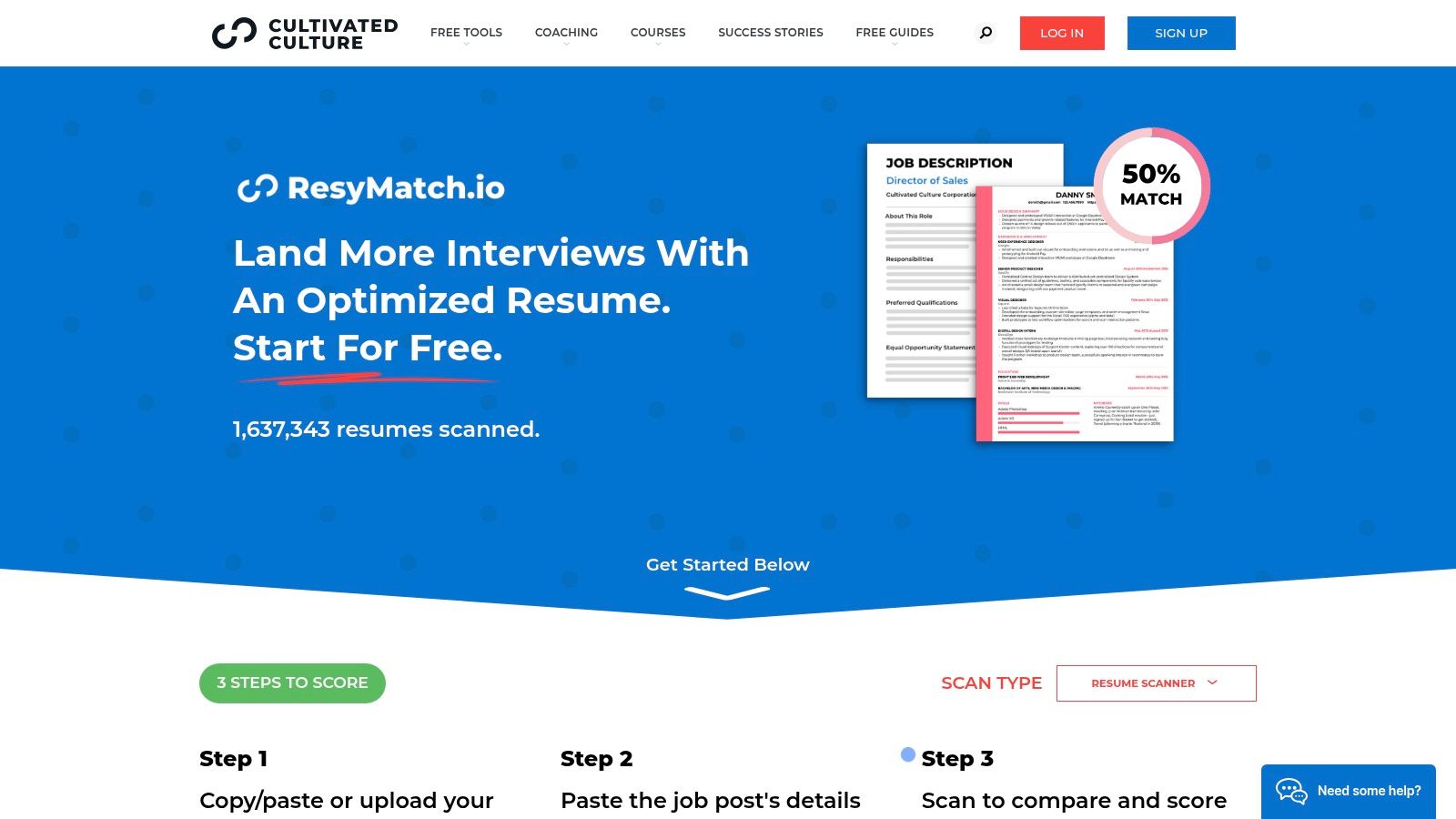
ResyMatch.io is a practical free option for applicants who want keyword and formatting feedback before using another tool to build the final résumé. You can paste or upload a résumé and job description, then review guidance on keyword coverage, ATS readability, and how clearly the document communicates value.
The report is most useful when you want instructions rather than a mysterious score. Cultivated Culture provides examples and workflow guidance that help explain what to change. That makes ResyMatch.io approachable for students, first-time applicants, and people who aren't yet comfortable interpreting ATS terminology.
Some company-site job pages can be imported by URL, which reduces copying. Import coverage isn't universal, though, and job-board pages such as LinkedIn may have limitations. If the tool can't retrieve the posting, paste the complete description manually. Partial text can create a misleading missing-keyword list.
The platform also includes companion resources such as a bullet analyzer and résumé templates. Those additions can help turn a scan into an edit, although it remains more of a diagnostic environment than a full end-to-end tailoring product.
Best use
Use ResyMatch.io as a zero-cost benchmark. Scan the original résumé, record the major gaps, make only defensible changes, and scan again. Then compare its feedback with a second scanner if the result seems unusually high or low.
Pros
- Free core scanner: Useful for early-stage testing without a paid commitment.
- Clear explanations: Instructions and examples make the feedback easier to act on.
- Practical companion tools: Bullet analysis and templates support follow-up edits.
Cons
- Import limitations: Some job boards and pages won't provide usable text.
- Plan variation: Advanced or unlimited access may depend on the site's current terms.
ResyMatch.io is especially useful when the priority is understanding the mechanics of alignment, not producing a polished final PDF in the same tool.
6. Teal Job Matcher
Teal combines résumé matching with job tracking, which changes how its scanner fits into a real application workflow. Its Job Matcher or Matching Mode surfaces keywords that appear in the job description and those that are missing. The interface also provides a Match Score and ATS checks, with inline navigation that helps you move from a flagged term to the relevant résumé section.
That editing flow is the main attraction. You can ignore a term that doesn't apply, add an accurate term where it belongs, and keep multiple applications organized through the built-in tracker. The Chrome extension supports job collection while browsing, so Teal is better suited to an active search with many potential roles than to a single one-off scan.
The core matcher offers a strong free tier. That makes it a sensible starting point for applicants who want to test job-specific alignment without immediately paying. However, advanced features and some templates require Teal+, and premium capabilities are divided across subscription tiers.
A matcher should help you decide what to edit. It shouldn't make the decision for you.
Teal is strongest when organization matters as much as keyword analysis. It helps connect job discovery, tracking, and tailoring. Its limitation is depth. Applicants who need detailed evidence mapping, nuanced qualification review, or intensive rewrite support may need another tool alongside it.
Use Teal's missing-keyword view to prioritize terms that reflect real skills, tools, and responsibilities. Don't add every highlighted phrase just because it appears in the posting. Generic language can inflate a score without making the résumé more credible.
7. Rezi AI Keyword Targeting
Rezi puts keyword targeting inside a résumé editor. Its AI Keyword Targeting feature scans a job description, identifies important terms, and highlights missing language. You can then work those terms into the résumé through guided insertion and AI-assisted rewrites rather than moving between a scanner and a separate document.
The integrated workflow is useful for applicants who want to edit while they review the report. Rezi also provides a Rezi Score, ATS and readability checks, bullet generation, and job-description-guided content suggestions. That combination makes it faster to move from “this term is missing” to “where could it fit naturally?”
The important limitation is that generated suggestions still require review. Phrase detection can occasionally miss relevant wording, and an AI-generated bullet may sound plausible without being fully accurate to the candidate's history. Treat each suggestion as a draft, not as verified evidence.
For a separate explanation of the editing process, this guide to tailoring a résumé to a job description reinforces the same principle: mirror relevant role language without claiming work you haven't done.
Strengths and limits
- Integrated editing: Keyword analysis and rewriting happen in the same résumé workspace.
- Broad checks: Rezi combines targeting with readability and ATS diagnostics.
- Paid protections: A money-back guarantee is offered on paid tiers.
The full feature set depends on the paid plan you choose. Some users may also find that the scanner misses a phrase or suggests a term that needs manual correction. Rezi is best for people who want AI support during drafting and are willing to verify every line.
A high Rezi Score can still coexist with a weak accomplishment section if the document repeats the job description without showing credible results. Review the bullets as a hiring manager would, not only as a matching system would.
8. Enhancv Resume Checker with JD Match
Enhancv takes a broader view of résumé quality. Its Checker evaluates content, layout, grammar, ATS readiness, and keyword alignment against a specific job description. The platform reports a role-specific AI match score and follows the scan with an actionable list of fixes.
The product's distinguishing idea is balance. A résumé can contain the right terminology and still be difficult for a human recruiter to read. Enhancv's workflow tries to address both sides by pairing JD matching with presentation and writing feedback. Its one-click tailoring feature can help adapt wording for a role without rebuilding the entire document manually.
The platform describes 27+ automated checks across layout, grammar, and keywords. Because this is a product feature claim, treat the checks as a broad diagnostic set rather than a universal simulation of every employer's ATS. Different systems parse documents differently, and no commercial score can guarantee a hiring outcome.
When its report helps most
Enhancv is useful when your résumé has two simultaneous problems: weak job alignment and inconsistent presentation. The fix list gives you a sequence of corrections instead of forcing you to interpret keyword counts alone. Its ATS hub also explains why scores may differ between checkers, which is valuable when tools disagree.
Plan details and feature availability can vary by region and term. Some advanced functions may require a paid plan. Applicants who prioritize a visually polished résumé should still confirm that the exported file preserves readable text, standard sections, and a sensible reading order.
Enhancv is a good choice for candidates who don't want ATS preparation to erase human readability. It's less suitable if you only need a lightweight missing-keyword list.
9. Jobalytics Chrome Extension
Jobalytics works directly on job pages through its Chrome extension. Instead of requiring you to move a posting into a separate workspace first, it extracts important keywords from the live description and shows a match view against your résumé. It can also surface suggested jobs with a strong match, making it useful during early prospecting.
The extension's main advantage is speed. You can scan a listing while browsing and decide whether it deserves a customized application. That's particularly helpful when a posting uses a different title from the one you normally search for but contains familiar skills or responsibilities.
Its report is lighter than the output from a full résumé builder. Jobalytics is better at finding and displaying job-page language than at rewriting bullets, checking every document structure issue, or managing a complete versioning workflow. Browser compatibility and the structure of the job page also affect what the extension can read.
Use Jobalytics when:
- You're screening opportunities: Quickly assess whether a listing overlaps with your background.
- You browse several boards: On-page analysis reduces copying and pasting.
- You need a first signal: The match view can help decide where to spend tailoring time.
Don't rely on it alone when:
- The résumé needs structural repair: Use a fuller ATS checker for formatting and parsing issues.
- The gap is contextual: A keyword presence signal doesn't prove that your experience supports the requirement.
- You need polished output: Pair it with a dedicated résumé editor or builder.
Core features are available for free. Jobalytics is best viewed as a prospecting companion, not a complete job description keyword scanner for final submission quality.
10. Kickresume Targeted Resume
Kickresume combines targeted résumé editing with polished templates. Its workflow lets you paste a job description, align résumé language with the role, and use AI-assisted rewrites grounded in your existing content. The built-in matcher provides a role match score, while the ATS checker adds a second layer of review.
This combination suits applicants who want to tailor quickly without sacrificing presentation. The tool is more than a keyword counter because it connects the target description to editable résumé content and a template library. That can reduce the friction of creating a separate version for every serious application.
The important phrase is grounded in your content. AI rewrites still need fact-checking. If a suggested bullet implies ownership, technical depth, or an outcome that your source résumé doesn't support, remove or revise it. The objective is accurate alignment, not maximum phrase coverage.
What to verify before applying
Kickresume's targeted flow is straightforward, but some advanced features require Premium membership. Check the available export options and confirm that the final file preserves readable text and a clear section order. A visually attractive template is only useful if the receiving system can extract the content reliably.
For a formatting-focused companion, this guide to creating an ATS-friendly résumé explains why readable structure matters alongside keyword alignment.
Pros
- Fast tailoring: The job matcher and editor support per-role changes.
- Presentation options: Templates help produce a polished document.
- Integrated checks: Keyword matching and ATS review are part of the same workflow.
Cons
- Premium gating: Some advanced functions require a paid membership.
- Export verification: Applicants should confirm the chosen file format works for the intended application system.
Kickresume is a good fit when speed, layout, and job-specific wording all matter. It's not a reason to ignore the evidence behind the match score.
Top 10 Job Description Keyword Scanners, Feature Comparison
| Tool | Core features | UX / Quality | Value & Pricing | Target audience | Unique selling points |
|---|---|---|---|---|---|
| GetTheCall 🏆 | Import LinkedIn/PDF → JD parse → tailored rewrites; live Role Match; 20+ ATS templates ✨ | Live Role Match & in-editor AI ★★★★ | 💰 Free ATS checker; Pro one-time ~$49 / 30‑day pass options | 👥 Mid‑career, switchers, grads, coaches | ✨ End‑to‑end, evidence‑based tailoring; one‑click template switch |
| Jobscan | Resume vs JD Match Report; gap analysis; keyword generator | Match Rate & gap highlights ★★★★ | 💰 Free limited; subscription for heavy users (higher) | 👥 Job seekers needing deep keyword/gap diagnostics | ✨ Established category leader for JD comparison |
| Resume Worded – Targeted Resume | JD relevancy scoring; matched/missing keywords; line‑by‑line feedback | Relevancy & resume quality checks ★★★★ | 💰 Free tier; Pro for full features | 👥 Candidates & coaches seeking detailed feedback | ✨ Combines keyword scan with quality diagnostics |
| SkillSyncer | JD keyword extraction; grouped keywords; Smart Scan & builder | Transparent scoring; live match on paid tiers ★★★ | 💰 Free tier; Premium for DOCX/export & live features | 👥 Value‑conscious users & DIY tailors | ✨ JD‑derived keyword logic with frequency emphasis |
| ResyMatch.io (Cultivated Culture) | Free ATS scanner; paste/upload JD; workflow guidance & examples | Simple, clear scanner UX ★★★ | 💰 Free core tool | 👥 Budget users benchmarking JD fit | ✨ Well‑documented examples and companion tools |
| Teal – Job Matcher | JD keyword surfacing; Match Score; job tracker & Chrome ext | Match score + inline edits; strong workflow ★★★★ | 💰 Robust free tier; Teal+ subscription for premium | 👥 Applicants managing many applications | ✨ Integrated tracking + matcher for workflows |
| Rezi – AI Keyword Targeting | JD scan; guided keyword insertion; AI rewrites; Rezi Score | Editor‑integrated tailoring; ATS checks ★★★ | 💰 Paid plans; money‑back guarantee on some tiers | 👥 Users wanting AI‑assisted content generation | ✨ Keyword‑aware content generation to avoid stuffing |
| Enhancv | 27+ automated checks; role AI match; one‑click tailoring | Balances ATS & human readability ★★★★ | 💰 Paid plans; regional plan variations | 👥 Users prioritizing layout & readability | ✨ Actionable fix list bridging ATS + human review |
| Jobalytics (Chrome Ext) | On‑page keyword extraction; computes match vs resume | Fast in‑context JD analysis ★★★ | 💰 Free extension | 👥 Rapid job prospectors & browser users | ✨ Live, on‑page keyword finder while browsing job boards |
| Kickresume | JD‑based tailoring; AI rewrites; templates; ATS checker | Quick tailoring flow; polished templates ★★★★ | 💰 Freemium; Premium for advanced exports/templates | 👥 Users wanting polished presentation + JD fit | ✨ Polished templates + targeted tailoring workflow |
Choose One Scanner, Then Read the Gaps Yourself
No scanner can reproduce every employer's screening workflow. Applicant tracking systems are now a foundational part of large-market recruiting infrastructure. A 2025 survey reported that more than 98% of Fortune 500 companies use an ATS, while 99.7% of surveyed recruiters use ATS or similar filters to locate candidates, according to Jobscan's ATS overview. The most common search signals were résumé skills, education, job titles, certifications or licenses, and years of experience. That makes job-specific language worth checking, but it doesn't turn any scanner's score into a hiring probability.
Start with one primary tool that fits your workflow. Use GetTheCall if you want verified-experience tailoring, a live Role Match score, templates, and PDF export in one place. Choose Jobscan or SkillSyncer for a more scan-first view of missing terms. Use Teal when application tracking is central. Choose Resume Worded or Enhancv when broader résumé quality matters alongside keyword matching. Rezi and Kickresume suit applicants who want editing and AI assistance inside a builder. ResyMatch.io and Jobalytics are useful lower-friction starting points.
Then run the same résumé and the same listing through one or two scanners. Don't compare scores as though they share a universal scale. Compare the underlying evidence:
- Missing hard skills: Is a required tool, method, certification, or responsibility absent?
- Title and qualification alignment: Does the résumé use an accurate title and make relevant education or credentials easy to find?
- Placement: Is the term buried in a section the scanner may not interpret well?
- Formatting: Can the file preserve contact details, section order, dates, and text?
- Semantic gaps: Does your résumé describe equivalent experience using different language?
- Unsupported suggestions: Would adding the term exaggerate your background?
The Harvard Business School and Accenture research summarized by NovoResume's statistics guide reported that more than 90% of employers use screening software in the first cut. It also found that 88% of employers believed qualified high-skilled candidates were screened out because they didn't match exact job-description criteria, rising to 94% for middle-skilled candidates. Those findings support careful alignment, not keyword stuffing. A scanner should help you uncover a communication gap. It shouldn't persuade you to claim experience you don't have.
Formatting deserves its own final check. A technically strong match can still fail if the document is difficult to parse. An academic implementation describes ATS résumé analysis as extracting personal data, education, experience, and skills with NLP before comparing résumé terms with job-description requirements. An industry review cited by IJLTEMAS research reported 91% precision for NLP and semantic-analysis systems versus 67% for legacy keyword-only systems, but that benchmark isn't a universal guarantee across ATS platforms. Treat semantic matches as suggestions that require human review.
Your final process should be consistent:
- Save the original: Keep an untouched résumé version before tailoring.
- Scan the listing: Separate required qualifications, preferred skills, tools, titles, and generic language.
- Review two reports: Compare missing-skill lists and formatting warnings, not just scores.
- Edit carefully: Add exact wording only where it reflects verified experience.
- Strengthen evidence: Put relevant terms into clear accomplishment statements, not a hidden keyword block.
- Check the exported file: Read it as a recruiter and verify that the text remains selectable and ordered.
- Stop when the document is clear: More keywords aren't automatically better.
A job description keyword scanner is a checkpoint. It can expose missing language, weak alignment, and parsing risks before you apply. The goal is a clear résumé that represents your verified work and helps a human understand why you fit the role.
GetTheCall turns a LinkedIn profile or existing résumé into a job-specific, ATS-optimized PDF, then shows a live match score as you tailor it to the listing. If you want to compare gaps, improve wording, and export a submission-ready résumé without inventing experience, visit GetTheCall.