Job Description Keyword Generator Free: 10 Tools Compared
Compare 10 job description keyword generator free tools, with accuracy notes and usage tips for pulling role-specific keywords from any job post.

You've pasted a strong résumé into an ATS checker, only to receive a discouraging match score. The result doesn't tell you whether the problem is a missing certification, a different job title, an overlooked tool, or a résumé format the software can't read reliably. You're left wondering which words matter.
Start with the job description, not the scanner. The posting is the employer's own vocabulary for the role, including its skills, technologies, responsibilities, qualifications, and preferred experience. A free tool can extract and compare those terms, but it can't decide whether you have the capability behind each one.
That distinction matters as hiring software becomes more common. A 2025 audit found an ATS on 489 of 500 Fortune 500 career sites, or 97.8% of the companies examined, according to the State of ATS 2026 audit. Still, keyword matching isn't a guarantee of an interview. The comparison below uses the same practical test for every tool: how many role-specific keywords it surfaces, whether it separates required from preferred terms, what sits behind a paywall, and where the free output stops being dependable. A manual extraction method remains the baseline.
Table of Contents
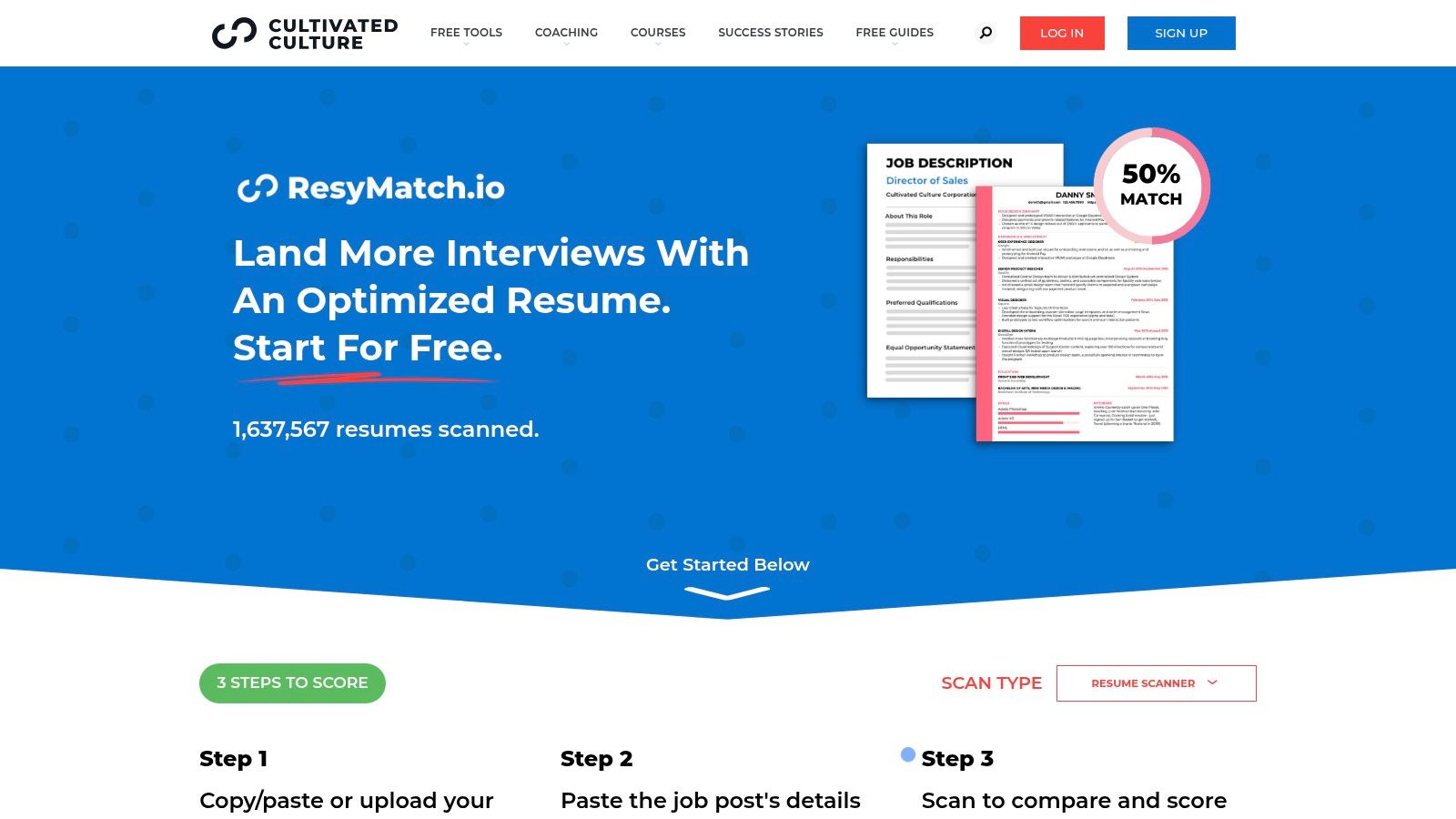
- 1. ResyMatch.io from Cultivated Culture
- 2. Novorésumé ATS Resume Checker
- 3. Enhancv Resume Checker
- 4. Jobalytics Chrome Extension
- 5. Careerflow.ai
- 6. SkillSyncer
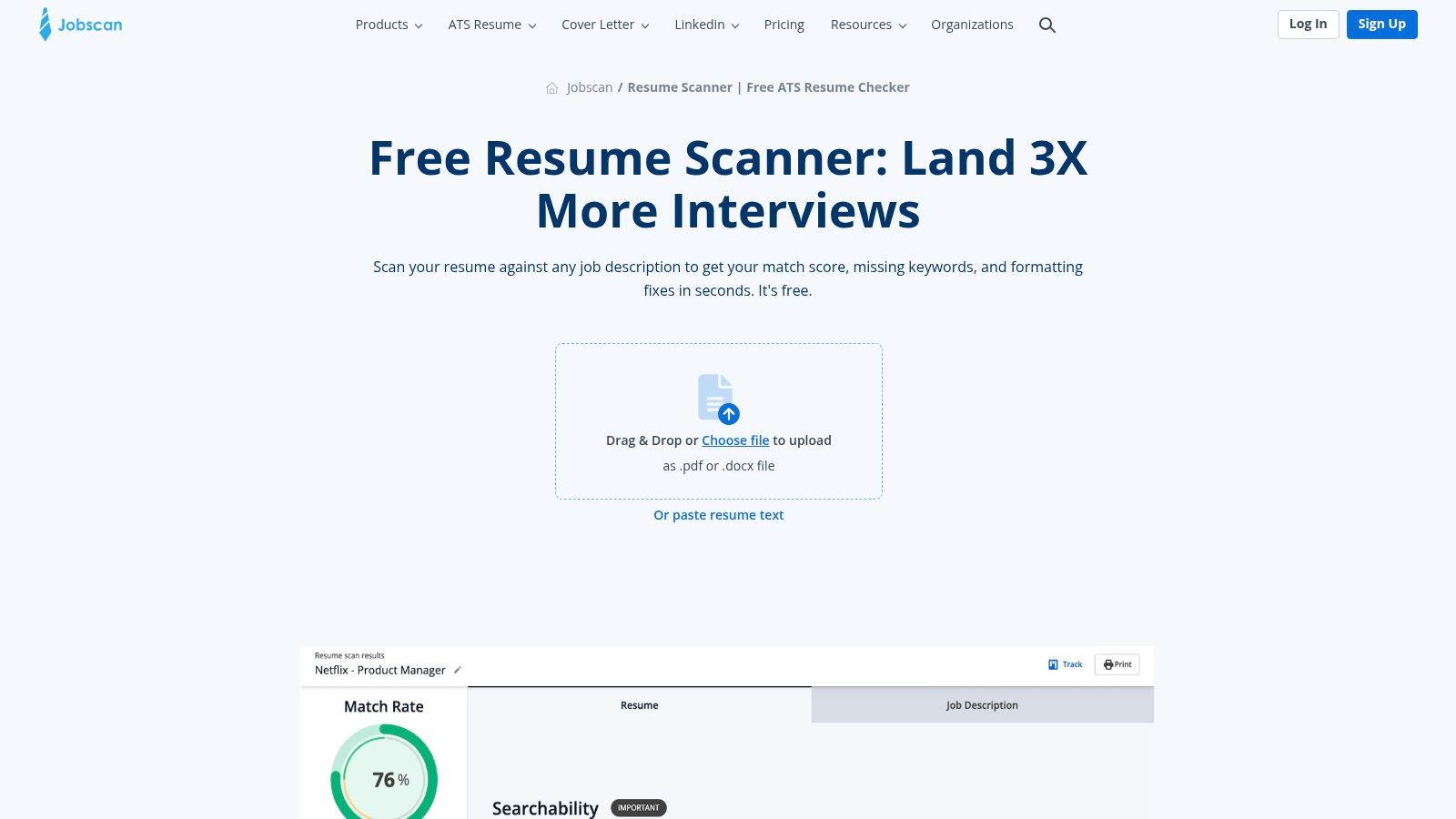
- 7. Jobscan
- 8. Resume Worded Targeted Resume
- 9. Teal Job Matcher
- 10. Rezi
- Top 10 Free Job Description Keyword Generators, Comparison
- Pick One Tool, Then Trust Your Own Read
1. ResyMatch.io from Cultivated Culture
ResyMatch.io is a good starting point when you want a straightforward job description keyword generator free of complicated setup. You paste the job description and résumé, then receive keyword alignment insights and ATS-oriented checks. There's no need to create an account before testing the core matcher.
The tool focuses on the essentials. It parses the vacancy, surfaces relevant keywords, checks coverage, and gives practical instructions for improving alignment. That makes it useful when you already have a résumé and want to see whether your language reflects the vacancy's stated requirements.
What ResyMatch does well
The main advantage is that the core experience is free. Results arrive quickly, and the interface doesn't make you build a complete résumé before you can inspect the job description. For a manual comparison, that's valuable because you can use the output as a second pair of eyes rather than treating it as an unquestionable score.
It also keeps the emphasis on ATS basics rather than visual design. You'll see whether important skills appear in your document and where keyword coverage may be weak.
Practical rule: Use ResyMatch to identify gaps, then rewrite your own bullets. Don't paste every extracted term into a skills block.
The limitations are clear. There's no built-in résumé designer, and export or customization options are basic. It also doesn't fully solve the harder judgment call of separating a must-have from boilerplate or a preferred qualification. You'll need to read the posting yourself and label those categories.
Try ResyMatch.io from Cultivated Culture.
2. Novorésumé ATS Resume Checker
Novorésumé combines job-specific matching with résumé structure and formatting guidance. Paste a job description into its Job Match view, and the checker looks at keywords, sections, and ATS-readable organization. That makes it a practical choice if your low score might reflect both content and document structure.
The free checker works without signup for its basic checks, which keeps the first pass simple. It can point out keyword-density concerns and formatting issues while giving you a route to rework the document in the same ecosystem. The builder and templates are helpful if you're starting from a rough résumé rather than polishing an established one.
Where the free version ends
Novorésumé is stronger as a combined checker and builder than as a pure keyword extraction tool. It can show whether your résumé aligns with the vacancy, but you still need to inspect the posting's wording and decide which terms deserve evidence in your experience bullets.
Some templates and customizations are paid. Advanced features and premium designs require an upgrade, so the free result is best treated as a diagnostic rather than a complete application workflow.
Use the Job Match output to make targeted edits. If the role asks for a specific platform and you've used it, add the exact platform name where your experience proves it. If the term describes work you haven't performed, don't add it to raise the score. This ATS résumé checker guide offers a similar reminder that parsing and role alignment are separate checks.
Open the Novorésumé ATS Resume Checker.
3. Enhancv Resume Checker
Enhancv is useful when you want the keyword comparison explained through a broader résumé review. Provide a target job description, and its checker can show a match score, identify what's lowering it, and offer a Tailor to JD path for aligning the content.
Its free checker includes more than a single keyword count. The product presents ATS and content checks with scoring, then connects the findings to editing prompts. That combination helps when you know your résumé needs work but don't yet know whether the issue is missing terminology, weak section structure, or unclear presentation.
A clearer path from score to edit
The strongest part of Enhancv is the feedback loop. A match score is only useful when it points to an actionable change, such as clarifying a skill, moving relevant experience into a stronger section, or using the job's terminology accurately. The in-app builder makes those edits convenient.
The free experience is still bounded. Deeper edits, advanced features, and premium designs belong to the paid builder. The checker can identify a weakness, but the most polished redesign options may require a subscription.
Don't treat the score as a hiring prediction. Applicant systems can use keyword matching, Boolean rules, filters, and meaning-based comparisons, as described in this technical résumé-screening framework. A good result is evidence that your résumé communicates relevant experience clearly, not proof that an employer will select you.
4. Jobalytics Chrome Extension
Jobalytics changes the workflow by analyzing the vacancy where you find it. Instead of copying a posting into a separate site, you use its Chrome extension on major job boards, including LinkedIn and Indeed, to surface keywords in context.
That one-click approach is convenient when you're reviewing several listings and want an immediate sense of each role's language. The extension can highlight missing keywords and provide a match view while the posting remains open, so you don't have to switch between tabs or manually select a long description.
Useful for browsing, limited for editing
Jobalytics is strongest at the discovery stage. It helps answer, “What terms does this posting emphasize?” before you start editing. It can also reduce the chance that you overlook a qualification buried in a long job listing.
The trade-off is that it isn't a full résumé editor. You'll need to make changes somewhere else, then decide whether to run another comparison. Its functionality also depends on the structure of the job-board page. If a page loads content dynamically or uses an unusual layout, extraction may be less complete.
Treat the extension's list as a prompt for verification. Open your résumé and mark each suggested term as supported, adjacent, preferred, or irrelevant. Only the first two categories deserve further consideration, and “adjacent” still needs honest wording.
Install the Jobalytics Chrome extension.
5. Careerflow.ai
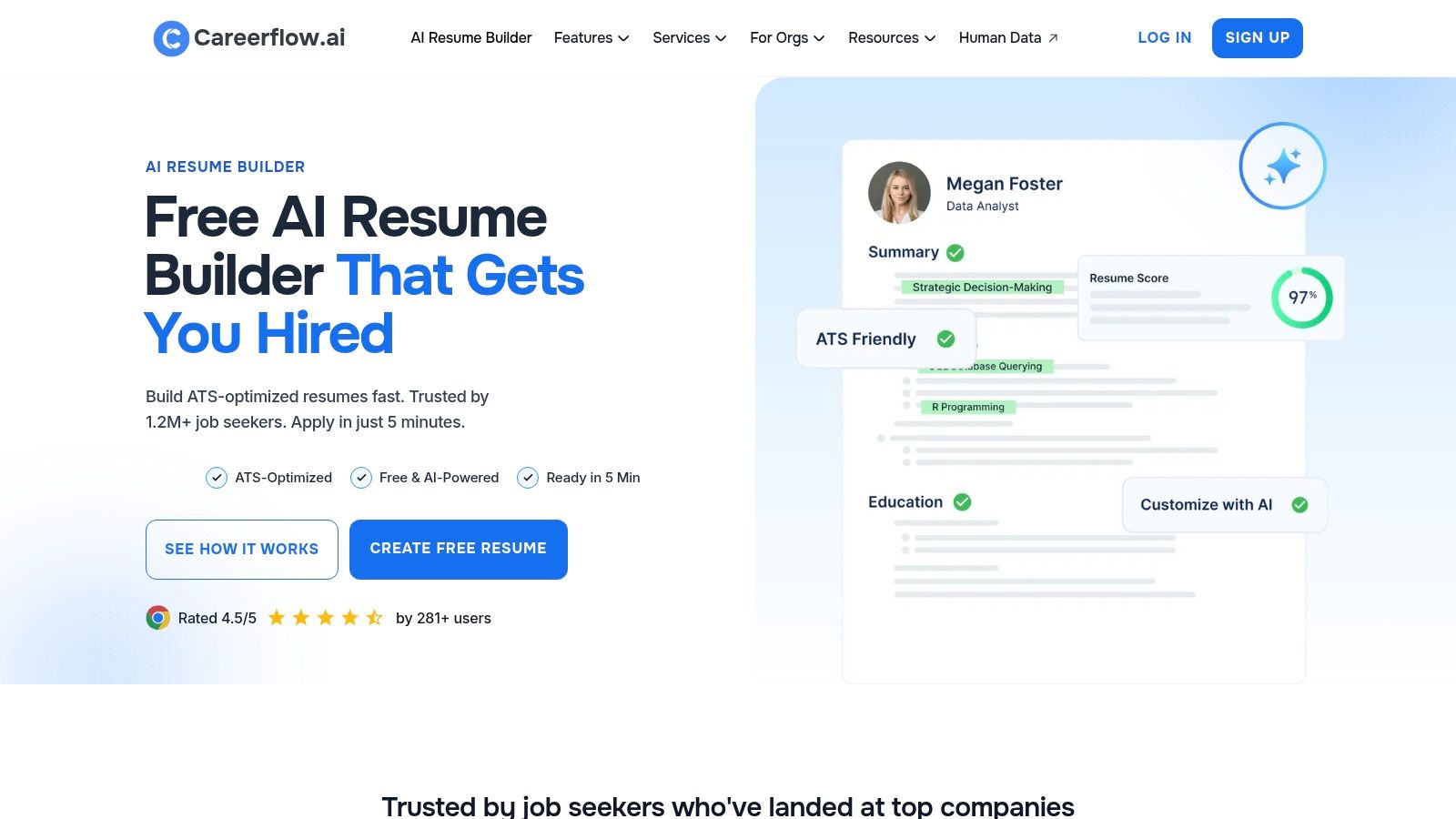
Careerflow.ai is built for people who want keyword analysis connected to résumé editing and job tracking. Its Skill Match view and Resume Keyword Analyzer compare your résumé with a target description, flag missing terms, and provide an ATS-oriented view of the gap.
The free plan includes the core matching tools, making it a reasonable option for basic analysis without immediately committing to a paid workflow. Its Chrome extension and job tracker integrations also make sense if you're managing multiple applications and want the target posting attached to each résumé version.
A useful workflow with clear limits
Careerflow.ai's advantage is continuity. You can identify a missing skill, work on the résumé, and keep the application connected to the job tracker. That's more practical than extracting keywords in one tool, rewriting in another, and losing track of which version belongs to which role.
The limitation is that the free plan doesn't expose everything. Some AI rewrites and advanced functions are paid, while deeper analysis and unlimited features require an upgrade. The free output can show a gap, but it may not give you the full assistance needed to rewrite every bullet.
Use its recommendations selectively. If the tool identifies “stakeholder management,” look for a real example of presenting, coordinating, negotiating, or managing expectations. If you can support the concept but haven't used the exact phrase, describe the work truthfully and consider including the recognized term only when it accurately represents your responsibility.
Explore Careerflow.ai's resume builder.
6. SkillSyncer
SkillSyncer is a good fit for candidates who want a visible distinction between matched and missing terms. It compares a résumé with a job description, produces a match score, and explains how its scoring works through supporting documentation.
That transparency matters. A score without an explanation encourages people to chase the number. SkillSyncer gives you more context for interpreting what affects the result, which makes it easier to decide whether a suggested edit improves the résumé or merely increases repetition.
The free scan is a rationed resource
Free accounts receive a limited number of weekly scans. That's enough for a focused search if you reserve scans for roles you're considering, but it's less useful for experimenting with many versions of the same résumé. Scan history and additional functionality are also limited unless you upgrade.
The tool's practical value comes from its separation of matched keywords and missing keywords. Don't assume every missing term belongs in the résumé. A missing certification you don't hold should remain missing. A platform you've used under a different title may deserve a carefully placed synonym or exact phrase.
A higher score is useful only when the résumé remains believable to the person reading it.
Run the free scan after you've completed a manual pass. That order helps you judge the tool's extraction instead of allowing its output to define your entire application.
7. Jobscan
Jobscan is one of the more detailed choices for a direct résumé-to-job-description comparison. It returns a match rate, identifies missing hard and soft skills, and flags formatting issues that can affect parsing, including tables, headers, and fonts.
Its broader ATS education is the main differentiator. The tool doesn't stop at “you're missing this keyword.” It also helps explain why a visually impressive résumé may not extract cleanly. One published evaluation found that plain-text résumés parsed at 96.7%, while image-converted résumés parsed at 53.3% in that particular system evaluation, as reported in this AI applicant-tracking evaluation. Those figures aren't a universal benchmark, but they support keeping critical information in selectable text.
Strong diagnostics, frequent upgrade prompts
Jobscan can provide an ATS Tip that identifies a likely ATS and offers guidance suited to common platforms. Its JD-to-résumé comparison also highlights where terms appear and where the gaps remain. For a practitioner, that's more useful than a generic keyword counter.
The free experience has limits. Deeper analysis and unlimited scans require a paid plan, and the interface can repeatedly direct you toward an upgrade. If you're applying selectively, the free scans may be enough. If you're tailoring many applications, the limits become more noticeable.
Use the output to fix both content and mechanics. Then follow a human review process based on this guide to tailoring a résumé to a job description, especially when a missing term reflects adjacent experience rather than a genuine gap.
Try the Jobscan resume scanner.
8. Resume Worded Targeted Resume
Resume Worded takes a more weighted approach than a simple count of repeated terms. Its Targeted Resume feature compares your résumé with a job description, considers required and preferred qualifications, and returns a relevancy score with matched and missing keywords.
That distinction is useful because job descriptions rarely treat every requirement equally. A required technical skill should influence your decisions more than a soft preference listed near the end. Resume Worded's weighting helps surface that difference instead of presenting every term as equally important.
Helpful priority signals behind a paid report
The free view gives you a starting point, but the complete Targeted Resume report is gated behind Pro. You may see enough to identify the major issue, yet need to pay for the full explanation and broader set of recommendations.
Resume Worded also includes résumé and LinkedIn critique tools, which can be valuable if your professional profile needs work beyond one application. The broader suite is an advantage for an active job search, but it can distract from the immediate task if you only need to extract terms from one vacancy.
Use the weighted output as a prioritization aid, not a substitute for reading. Check whether the tool's “required” interpretation matches the wording in the posting. Then place the most relevant terms in a summary, skills section, or achievement bullet where your experience proves them.
Open Resume Worded's Targeted Resume tool.
9. Teal Job Matcher
Teal's Job Matcher sits inside a broader résumé builder and job-tracking workflow. It surfaces job-description keywords, shows a match view, and connects the target role to the résumé you're building. Its Chrome extension can also pull jobs into the tracker, which reduces manual copying during an active search.
The free tier provides quick keyword identification, so it's useful for an initial read of a posting. The platform is particularly convenient if you want one place to save vacancies, tailor documents, and monitor applications rather than using a separate scanner for every step.
Convenient integration, partial visibility
Teal's weakness as a standalone free keyword tool is that the free tier doesn't reveal everything. Free users see the top surfaced keywords, while full keyword lists and deeper analysis are available through Teal+. AI usage and some additional features are also limited on the free plan.
That means Teal works best when the visible terms are enough to guide your first edit. If the role has subtle distinctions between required and preferred qualifications, you'll need to return to the original posting and classify them yourself. Don't assume the top terms are the complete set of requirements.
The builder is useful for organizing versions, but avoid changing wording merely to satisfy the match view. A concise bullet with clear evidence is more persuasive than a crowded line that repeats the same phrase.
10. Rezi
Rezi combines ATS-friendly résumé templates with an AI Keyword Targeting feature. It surfaces terms from a target job description, provides a Rezi Score, and gives guidance while you edit bullets and sections in the builder.
That integrated experience is its main appeal. You don't have to extract keywords in one tool, rewrite in a document editor, and then upload the result somewhere else. Rezi keeps targeting, content analysis, and document construction in one interface.
Good for guided building, restricted on free access
The free plan provides limited access to keyword targeting. It also caps templates, AI usage, and exports, while full targeting and unlimited résumés require a paid plan. If you're creating one résumé and want guided help, those restrictions may be manageable. If you're producing several role-specific versions, you'll encounter the boundaries sooner.
Rezi's templates can support clean structure, but always inspect the exported document before submitting. ATS software needs to extract sections, dates, titles, and skills consistently. Visual clarity matters, but graphics, columns, and text embedded in images can create parsing problems.
Use Rezi when you want keyword guidance alongside a builder. For a separate explanation of readable layouts and content decisions, consult this guide to creating an ATS-friendly résumé.
Top 10 Free Job Description Keyword Generators, Comparison
| Tool | Core features | UX / Quality | Value & Price | Target audience | Unique selling point |
|---|---|---|---|---|---|
| ResyMatch.io (Cultivated Culture) | JD parsing & keyword extractor; ATS checks | ★★★★, fast, no signup | 💰 Free | 👥 Job seekers needing quick JD checks | ✨ Truly free matcher; no account required |
| Novorésumé (ATS Resume Checker) | JD match view; format & section checks; builder | ★★★★, clear formatting guidance | 💰 Freemium, free checks, paid templates | 👥 Users who want format + keyword help | ✨ Integrated builder + ATS tips |
| Enhancv (Resume Checker) | 20+ ATS checks; JD tailoring prompts; editor | ★★★★, actionable feedback | 💰 Freemium, basic free, premium editor | 👥 Candidates wanting guided tailoring | ✨ "Tailor to JD" flow; editing in-app |
| Jobalytics (Chrome extension) | In‑browser JD keyword analysis; match view | ★★★, instant in-context cues | 💰 Free | 👥 Passive job browsers on job boards | ✨ One‑click, on‑page JD keyword surfacing |
| Careerflow.ai | Skill Match view; keyword recommendations; tracker | ★★★★, integrated workflow | 💰 Freemium, core tools free, pay for AI | 👥 Job seekers who track applications | ✨ Builder + tracker + Chrome extension |
| SkillSyncer | Resume–JD scanner; missing vs matched keywords | ★★★★, transparent scoring | 💰 Freemium, limited free scans | 👥 Steady applicants who need clarity | ✨ Clear docs on scoring; weekly free scans |
| Jobscan | Match rate; missing keywords; 30+ ATS checks | ★★★★★, deep, practical guidance 🏆 | 💰 Freemium, paid for unlimited scans | 👥 Serious applicants targeting ATS roles | ✨ Extensive ATS formatting checks & tips |
| Resume Worded (Targeted Resume) | Weighted relevancy; matched/missing keywords | ★★★★, weighted insights | 💰 Freemium, full report in Pro | 👥 Users who want priority weighting | ✨ Weighted scoring (req vs nice‑to‑have) |
| Teal (Job Matcher) | JD keyword surfacing; builder & tracker | ★★★★, all‑in‑one UX | 💰 Freemium, deeper features in Teal+ | 👥 Users wanting tracking + tailoring | ✨ Integrated tracker + match view |
| Rezi | AI Keyword Targeting; ATS-friendly templates | ★★★★, builder focused | 💰 Freemium, limited free, paid for full | 👥 Users who want AI-driven targeting | ✨ AI keyword targeting + real‑time analysis |
Pick One Tool, Then Trust Your Own Read
The best free tool depends on where your process breaks. If you need a quick, no-signup comparison, ResyMatch.io is a sensible first test. If formatting may be part of the problem, Novorésumé, Enhancv, or Jobscan provide more context. If you want job tracking alongside tailoring, Careerflow.ai or Teal make the workflow easier to manage. If you care most about visible matched and missing terms, SkillSyncer offers a clear starting point, while Resume Worded is useful when required and preferred qualifications need different weight.
No tool should replace the job description. Applicant tracking systems can search, filter, score, and rank candidates against employer-defined criteria, but their behavior varies by system and configuration. Indeed's guidance recommends extracting the skills named in the posting, using the employer's exact wording when truthful, and listing only qualifications you genuinely possess in its résumé matching guidance.
A repeatable free workflow
Start with a manual pass before opening a scanner. Divide the posting into four groups:
- Required capabilities: Skills, tools, credentials, and responsibilities explicitly described as necessary.
- Preferred qualifications: Helpful experience that can strengthen an application but shouldn't be invented.
- Evidence language: Actions and deliverables that can become résumé bullets.
- Context terms: Industry vocabulary, customer types, processes, and seniority signals.
Then paste the job description and your résumé into one free checker. Compare the tool's output with your own groups. If it surfaces a tool you've genuinely used, add the exact wording where your experience supports it. If it identifies a capability you can demonstrate through adjacent work, explain the connection without claiming experience you don't have.
The rule that prevents keyword stuffing
Confirm every proposed keyword against your actual background. A higher score can make a document look more aligned, but unsupported skills create problems when a recruiter asks for an example, an assessment tests the capability, or an interviewer explores the work in detail.
This is especially important for career switchers, returners, international applicants, and candidates whose strongest experience comes from projects. A résumé may need to translate adjacent work into the employer's language, but the translation still has to point to real evidence. A generator can help you find the wording. It can't create the evidence.
Finish by checking the document itself. Make sure headings, dates, job titles, and skills remain selectable text, then export a clean PDF and inspect it after export. Run the checker again after your edits, but read the revised résumé as a person, not as a score.
If you want keyword tailoring, a live match score, and a submission-ready PDF in one workflow, GetTheCall is built for that process. It can import a LinkedIn profile or existing résumé, parse a target job listing, align verified experience with role-specific keywords, and provide ATS-friendly layouts and PDF export. Its free tier includes an ATS résumé checker, while a 30-day Pro pass provides unlimited tailoring and scores without auto-renewal.
Choose one tool for your next application, classify the output yourself, and keep only the terms you can defend. That combination is more reliable than chasing the highest possible match score.
GetTheCall turns a LinkedIn profile or existing résumé into a job-specific, ATS-optimized PDF with role keyword alignment and a live match score. Visit GetTheCall to compare your résumé with a target posting, revise supported experience, and prepare a cleaner application for submission.