ATS Resume Score Checker: 10 Tools Ranked for 2026
Compare the 10 best ATS resume score checker tools of 2026 — free and paid options, honest limitations, and how to read your score before you apply.
An ATS can miss a qualified applicant, not just reject an unqualified one. In HR.com's survey of 225 HR professionals, 78% of organizations used an applicant tracking system, and among ATS users, 14% said their systems filtered out good candidates to a high or very high extent.
That's a reason to check your résumé before submitting it, not a reason to panic about a secret hiring algorithm. Employers use ATS software to store applications, extract career information, search for skills, and support screening. They don't all calculate the same résumé score, and some screening decisions depend on application answers rather than your document.
An ATS resume score checker gives you an outside assessment of things you can improve: readable formatting, recognizable sections, relevant terminology, and evidence that matches a particular vacancy. It doesn't tell you your odds of getting hired.
The most useful distinction is between document quality and job alignment. A clean, well-written résumé can still be poorly matched to a role, while a keyword-rich document can leave employers, titles, and dates difficult to interpret.
Treat the score as a list of questions to investigate, not permission to apply.
These tools are ranked by practical usefulness for different workflows, not by an invented accuracy benchmark. Each recommendation explains who it suits, where the friction is, and what its score means.
Table of Contents
- 1. GetTheCall
- 2. Jobscan
- 3. Resume Worded
- 4. Teal
- 5. SkillSyncer
- 6. Rezi
- 7. Enhancv
- 8. Kickresume
- 9. Novorésumé
- 10. ResumeNerd
- 10 ATS resume score checkers at a glance
- How to Pick Your Checker and Read Your Score Wisely
1. GetTheCall
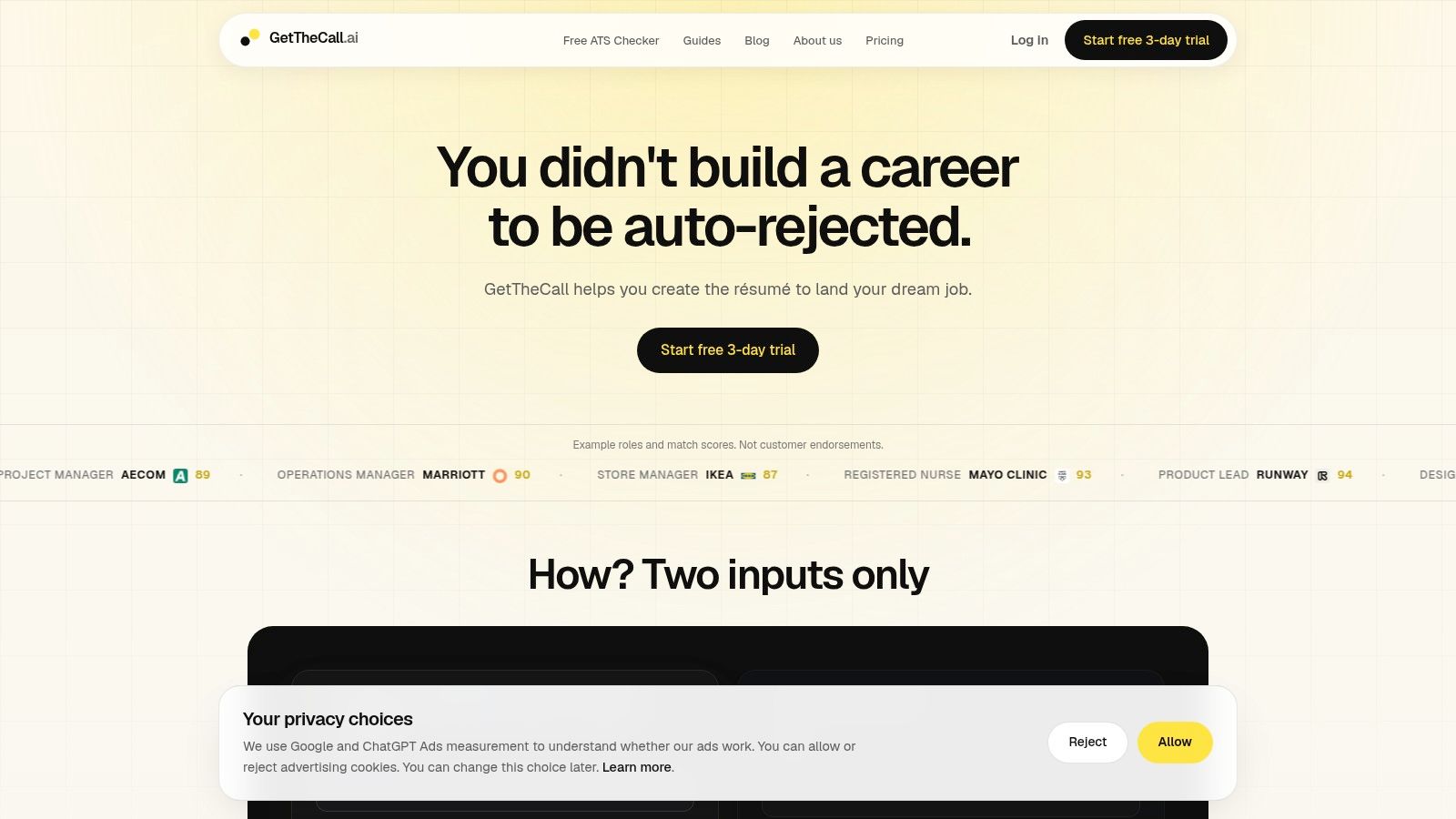
Best fit for job seekers who want to check a résumé against a role, revise it, and export a finished document in one workflow.
GetTheCall lets you import a LinkedIn profile or résumé, add a specific job listing, and review revisions that connect your real experience to the role's requirements. Its AI reads the listing's required skills and keywords and recommends evidence-based changes. You can tailor a résumé to a specific listing for free with the free ATS résumé checker.
Every résumé receives a free Résumé Quality score, based on evidence, clarity, completeness, positioning, and ATS structure. Pro adds a Role Match score that compares verified career evidence with a job description and its screening gates. The live ATS Score Match increases as you make suggested changes, so use it to track alignment, not as a hiring prediction.
Where the integrated workflow helps
Review suggestions before integrating a draft. Your résumé changes only when you choose to incorporate reviewed edits. Pro includes advanced editing, PDF export, 15 templates, and comments for sharing a résumé and getting feedback. That keeps assessment and document editing together, though you still need to check every recommendation, score, and generated statement before relying on or sharing it.
- Main advantage: Recommendations prioritize evidence from your actual background instead of treating every missing keyword as a phrase to insert.
- Main trade-off: The score cannot confirm how an employer will assess your application. GetTheCall does not guarantee interviews, employment, or compatibility with every ATS.
- Pricing and access: Pro is a 30-day pass with no auto-renewal. Starting the free trial requires a card and opens the editor for 72 hours. Check the price displayed at checkout before authorizing payment. Without successful payment, saved résumés remain available to view and download, but editing and Pro tools require active access.
A standalone checker can be enough when you only need a quick role comparison. Choose an integrated tool when you also want help turning the findings into a revised, formatted PDF.
2. Jobscan
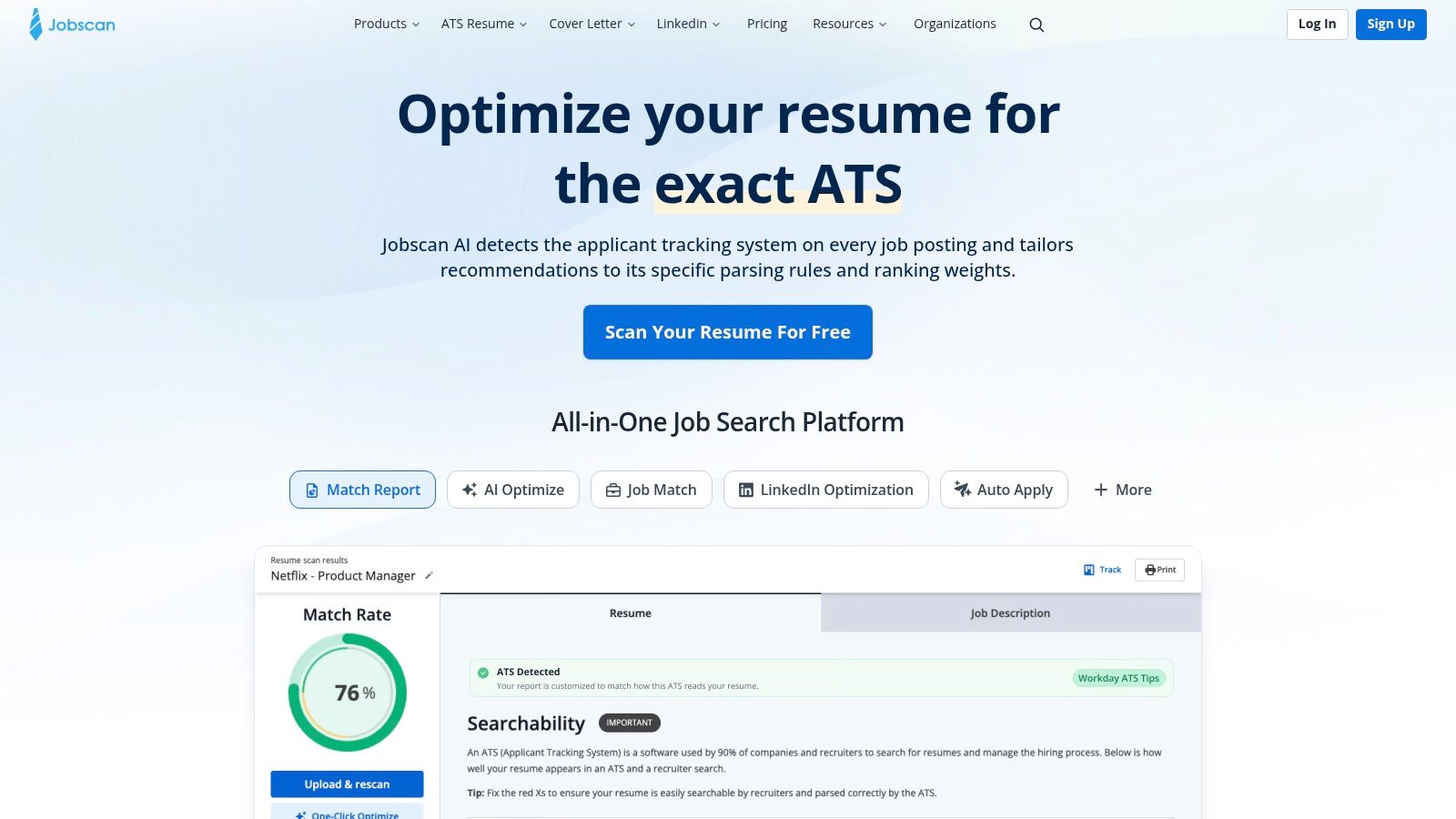
Already happy with your résumé's layout? Jobscan is a strong fit for checking it against individual job postings. Upload or paste the résumé, supply the description, and use its Match Rate report to investigate skills, titles, education, keywords, and readability.
That field-specific approach is useful because recruiters don't just search for good writing. In Jobscan's 2025 survey of 384 recruiters, 76.4% used skills filters, while 55.3% used job-title filters.
Use the report as an editing brief
Start with hard skills that the report says are missing. Then check whether your title and credentials are represented accurately, rather than inserting every suggested phrase into your summary.
- What works: Separate feedback categories make it easier to distinguish missing terminology from formatting problems.
- What takes effort: You may prefer another editor or builder to revise and export the document.
- Cost and access: Jobscan lists five free scans per month, with Premium at $49.95 monthly or $89.95 quarterly; free access limits scan volume and report detail.
What the score means: Match Rate is Jobscan's résumé-to-posting comparison, not the score a recruiter necessarily sees. A stronger match doesn't override eligibility requirements or weak supporting evidence.
Best fit: Applicants with a solid existing document who want focused diagnostic feedback. Pair the report with an ATS-friendly résumé workflow so you improve readability as well as terminology.
3. Resume Worded
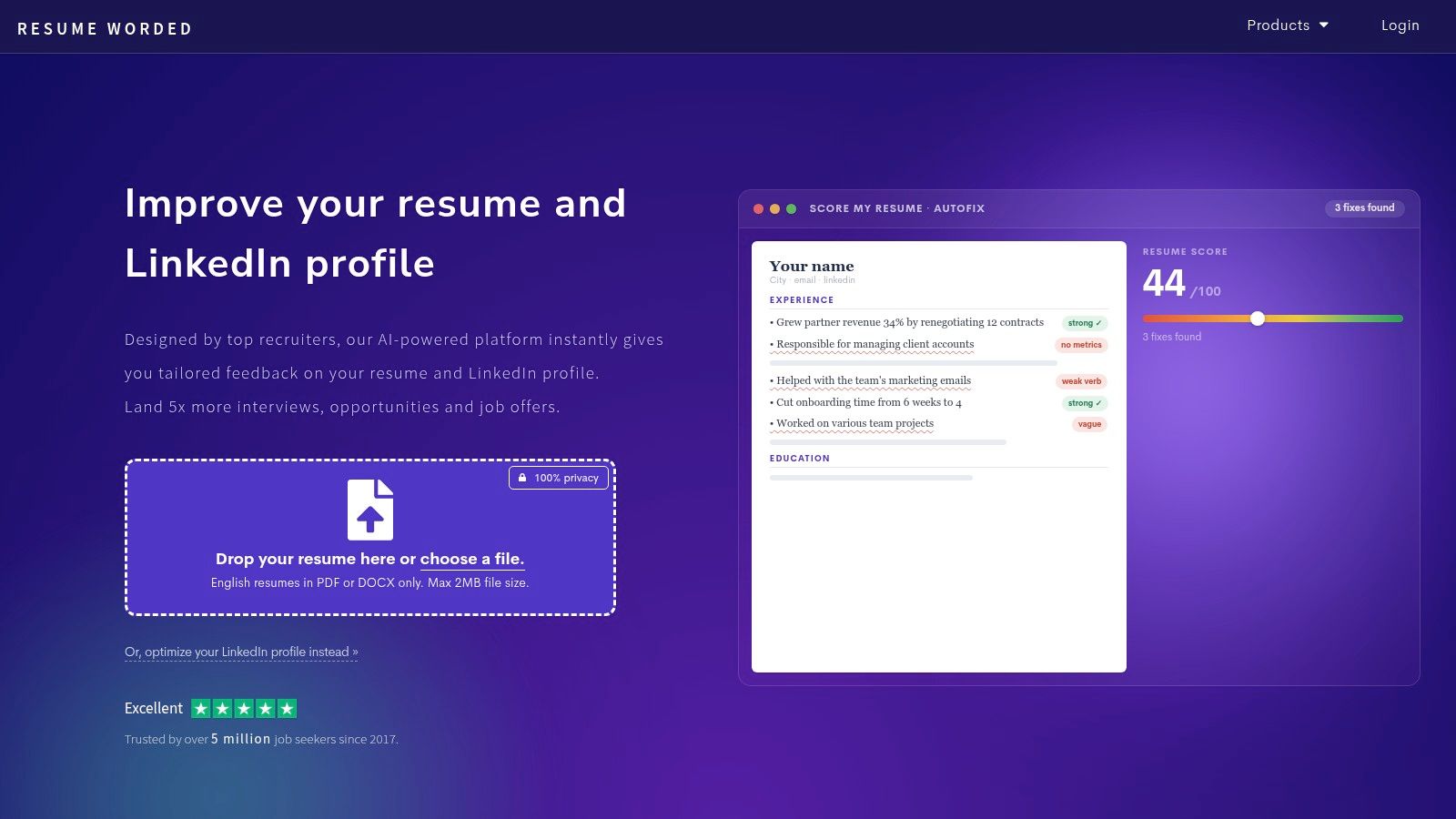
A résumé can contain the right skills and still read like a job description. Resume Worded is particularly useful when the weakness is the writing itself, including vague bullets, repetition, and unclear impact.
Its Score My Resume review evaluates the document broadly, while Targeted Resume separately checks job-description alignment. That separation helps you distinguish a weak résumé from a reasonable résumé aimed at the wrong role.
For example, a bullet about handling customer accounts needs more than a stronger verb. Clarify which accounts you managed, what you changed, and what happened, using only details you can substantiate.
Stronger writing before stronger matching
Resume Worded grades documents out of 100 using more than 30 checks and lists Pro at $49 monthly, $99 every three months, or $229 yearly. A free first report is available, but full feedback and many editing features require Pro.
- Main strength: Line-level feedback gives you something more useful than a broad instruction to improve impact.
- Main limitation: General quality analysis and job-specific matching are separate, so you may need both.
- Useful extra: LinkedIn review and Pro rewriting tools can help keep your positioning consistent.
What the score means: The general score reflects Resume Worded's writing and structure criteria. It doesn't establish that you meet a particular employer's requirements.
Best fit: Graduates, career returners, and experienced applicants whose achievements are buried in duty-heavy bullets. Use a job-description tailoring process after improving the underlying evidence.
4. Teal
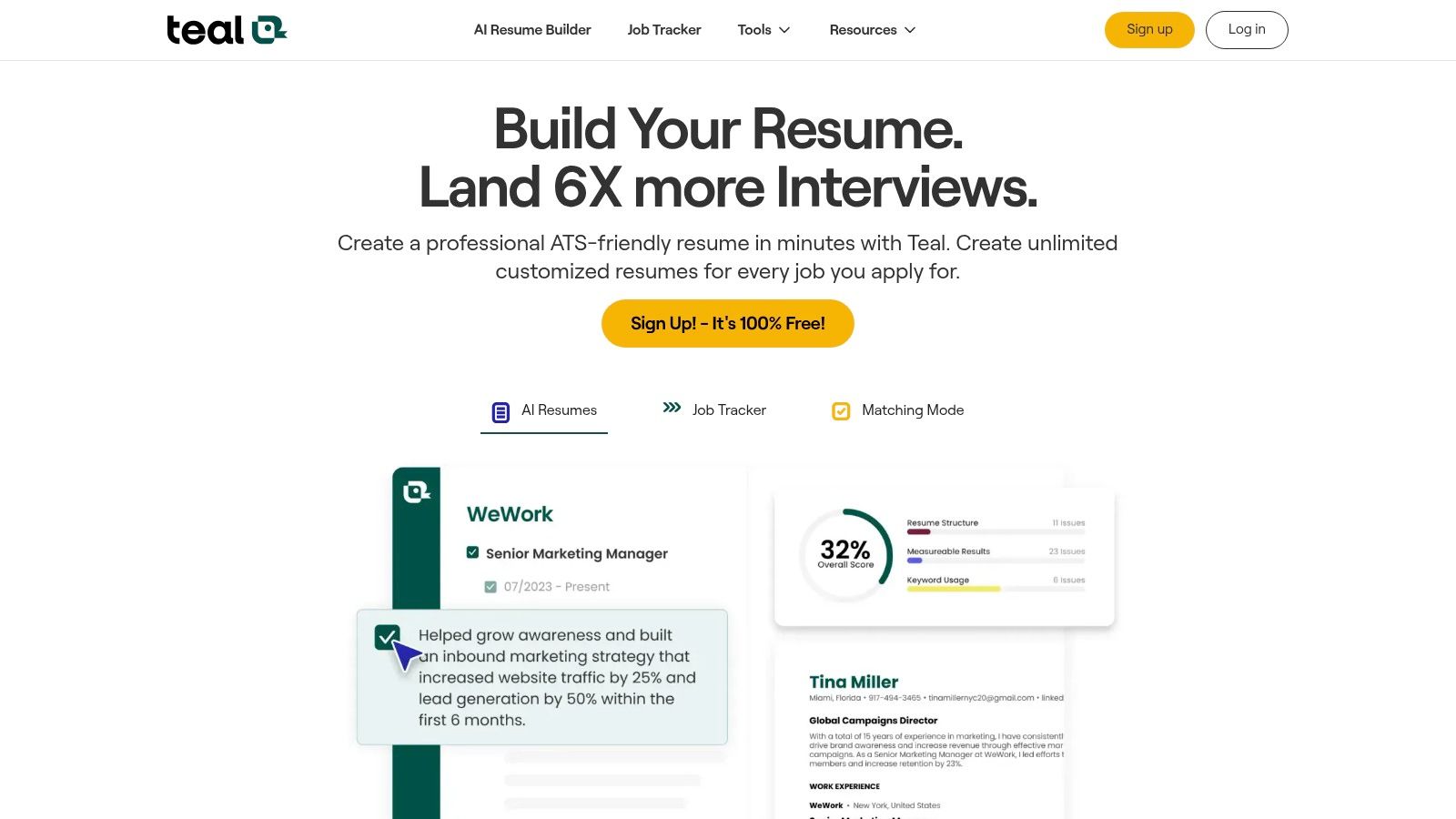
Teal suits applicants whose résumé problem is partly an organization problem. When you're saving vacancies, managing application stages, and maintaining different résumé versions, its shared workspace has a practical advantage over a scanner used in isolation.
Resume Analyzer flags structural and content issues. Job Matcher compares the résumé with saved descriptions, while the tracker keeps the relevant vacancy nearby.
That connection matters when similar-looking roles ask for different evidence. A customer-success application might emphasize onboarding and retention, while an account-management opening might prioritize renewals and commercial responsibilities.
Practical rule: Save the job description with the résumé version you submit. Otherwise, you can't reliably interpret an old match score.
Teal offers a free plan and lists Teal+ at $13 per 7 days, $29 per 30 days, or $79 per 90 days. Choose the billing period deliberately and review cancellation settings rather than comparing only the smallest displayed price.
What works: Application tracking, résumé versions, templates, and AI-assisted writing sit together. What doesn't: Free access limits visible keywords and advanced findings, so the initial analysis may not reveal every actionable detail.
What the score means: The Match Score describes alignment with the saved description; broader résumé analysis addresses document issues. Neither confirms that you satisfy every screening question.
Best fit: Active job seekers who need to manage applications and tailoring together, particularly when version control has become difficult.
5. SkillSyncer
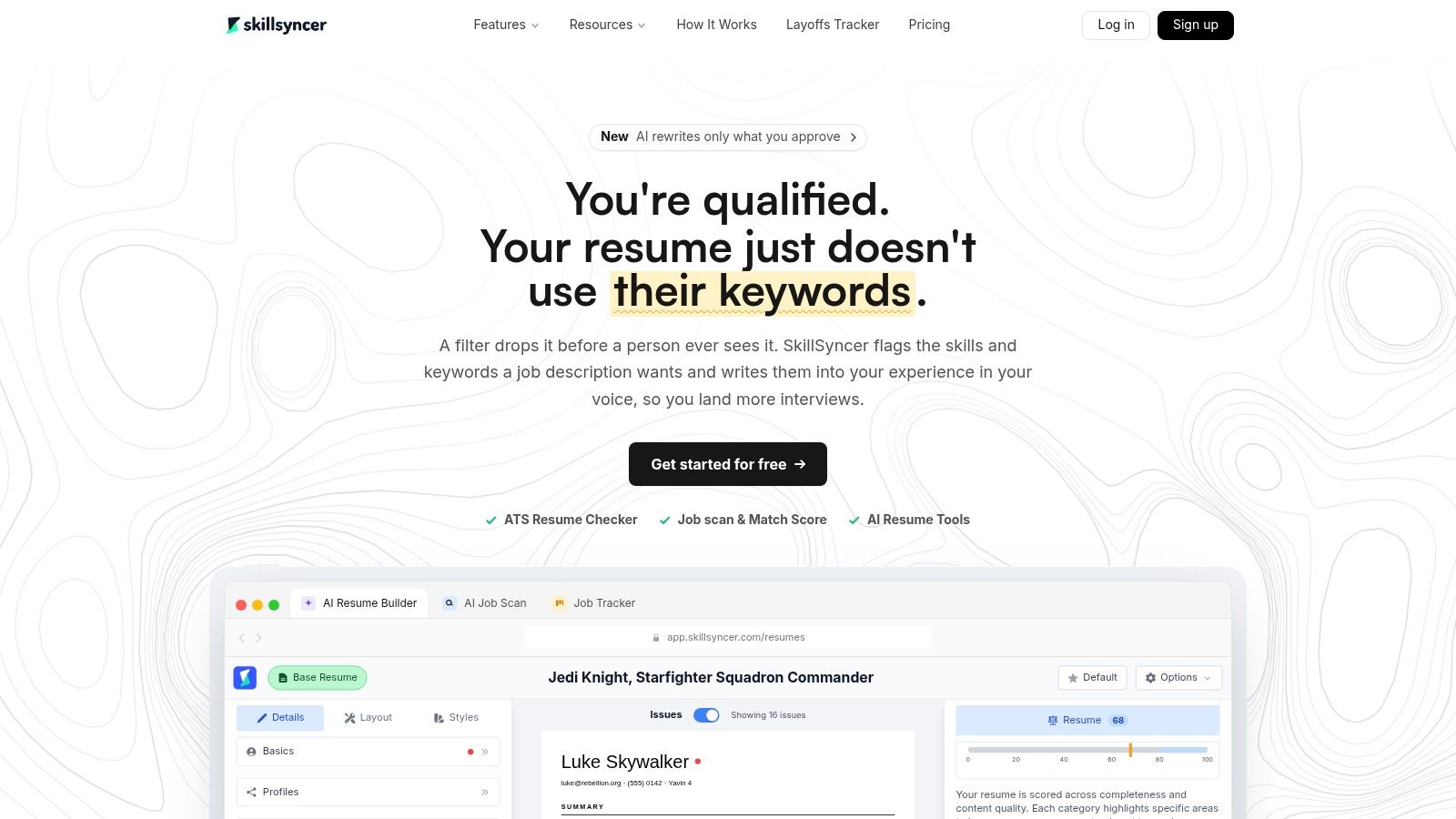
SkillSyncer keeps the central task straightforward: compare an existing résumé with a vacancy, then inspect missing skills and terminology. It also provides editing, PDF export, a job tracker, and AI-assisted suggestions.
This is a sensible starting point when you don't want to rebuild your entire job-search process. Import a résumé, check a relevant opening, and decide whether the missing terms represent wording problems or actual qualification gaps.
A focused option with useful free access
SkillSyncer provides two free scans per week and lists Premium at $14.95 monthly or $34.86 quarterly. Unused free credits can accumulate up to a cap, and qualifying students and military users may be eligible for a year of Premium access.
- Useful free features: Résumé import and PDF export let you do more than view a teaser score.
- Editing limitation: Free scans identify issues by section rather than giving exact in-document suggestions.
- Paid distinction: Live scoring and detailed suggestions require Premium; AI tools have a separate weekly credit allowance.
What the score means: The job-match score reflects SkillSyncer's comparison of your wording and qualifications with the posting. A missing degree or skill may be a genuine gap, not something an AI rewrite should disguise.
Best fit: Budget-conscious applicants who already have a usable résumé and want targeted checks. I'd use it selectively for well-matched roles rather than spend limited scans on openings with clear eligibility mismatches.
6. Rezi
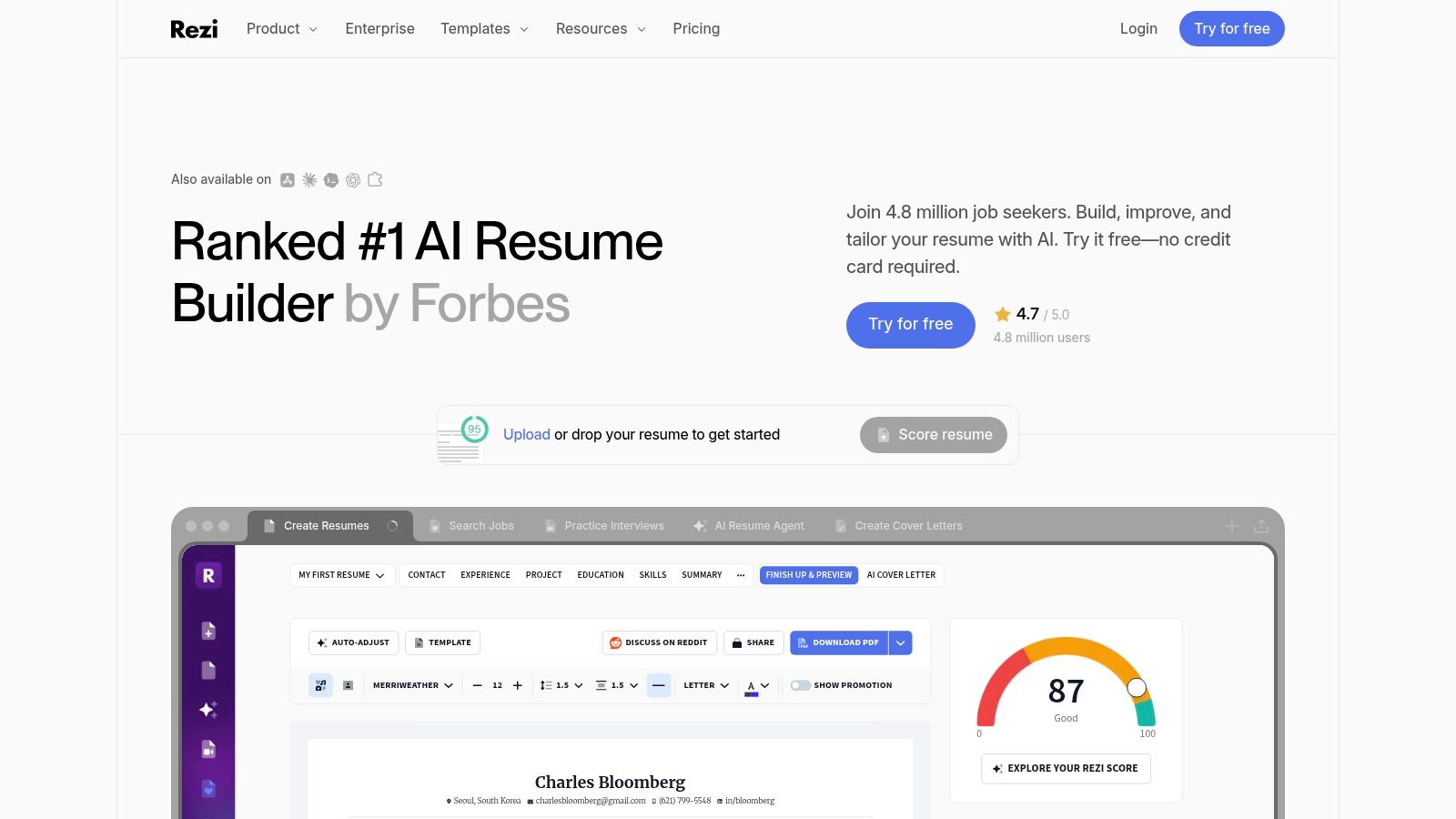
With Rezi, the score is part of writing the résumé, not just a report you read afterward. Its real-time feedback covers content, formatting, optimization, writing practices, and application readiness.
That makes it more appealing when you're prepared to work inside a builder. Keyword targeting helps connect the draft to a job description, while guided sections and AI bullet tools support the writing process.
The practical benefit is a shorter feedback loop. You can revise a section and inspect the result without repeatedly exporting a file for a separate scanner.
Choose it for building, not just inspecting
Rezi offers limited free access and lists Pro at $29 monthly or $149 for lifetime access. Export options include PDF, Word, and Google Drive.
Main advantage: Live feedback keeps suggestions close to the text you're editing. Main trade-off: The product centers on creating and maintaining résumés in Rezi, so it may feel unnecessarily involved if you only want an outside check of a finished file.
What the score means: Rezi Score is Rezi's own assessment of résumé quality and readiness. It isn't an official employer ATS score, and improving it doesn't prove that the vacancy is a suitable match.
Best fit: Applicants starting over, replacing a difficult template, or wanting guided writing with ongoing feedback. Before choosing a lifetime plan, confirm that you like the editor and its exported document, not just the scoring interface.
7. Enhancv
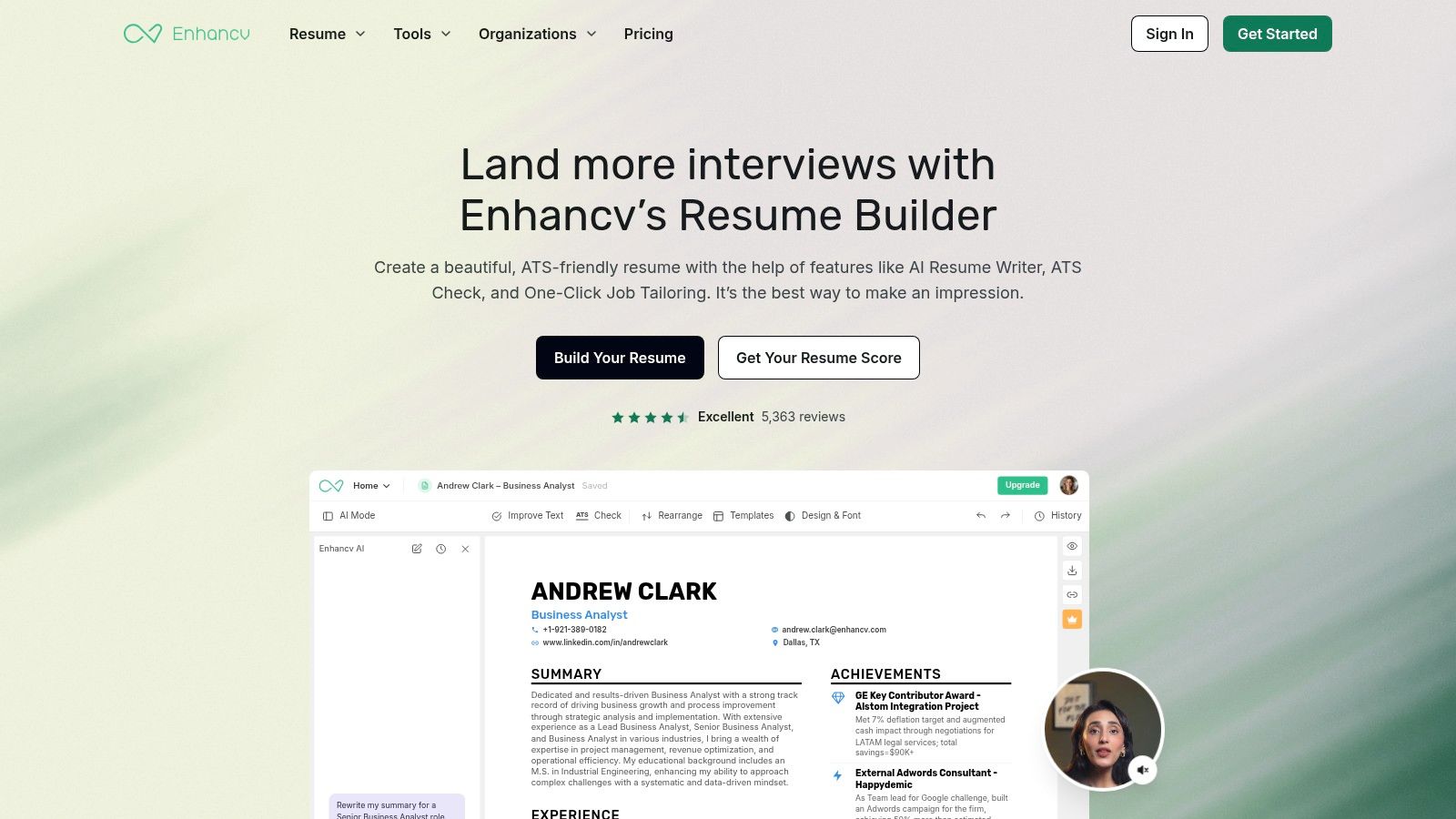
You don't have to create a résumé in Enhancv to have it checked. Its uploaded-document review addresses formatting, parsing, content, and style, with job-specific keyword and skills feedback when you provide a description.
That makes it useful for applicants who want a second opinion before deciding whether to switch builders. The report can inform edits in your existing document or lead into Enhancv's templates and AI editing tools.
Design still needs a technical check. Adobe's résumé-formatting guidance explains that text-based PDFs can be readable by an ATS, while image-only files, columns, text boxes, and poor exports can create problems.
- What works: The checker considers parsing alongside writing and keyword alignment.
- What to watch: Some advanced tools and downloads require payment, and access and pricing can vary by region and billing term.
- Before committing: Use Enhancv to assess your existing file, then decide whether its builder solves a problem you have.
What the score means: Enhancv cautions that online résumé scores aren't actual employer ATS scores. Treat individual findings as more important than the headline number.
Best fit: Applicants who want document review and design options without first committing to a complete rebuild. After exporting, select individual words and inspect copied text for reading-order problems.
8. Kickresume
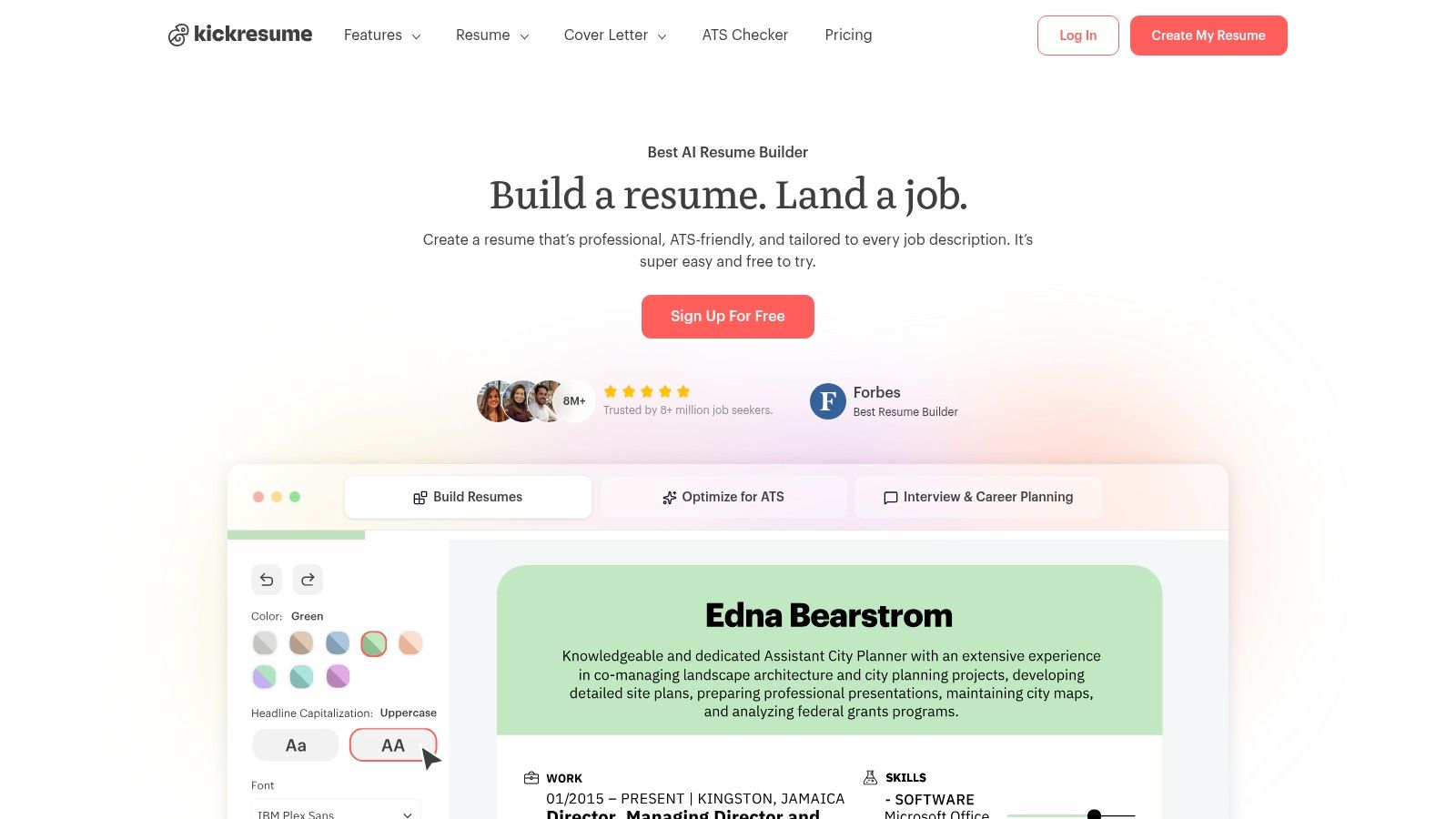
Kickresume is worth considering when you want scoring and editing in the same interface, especially if you qualify for educational access. Its checker covers design, structure, content, and keyword or skill alignment.
The overall score and category scores are visible for free. Detailed analysis and more advanced editing sit behind Premium, so distinguish between seeing where you're weak and receiving enough information to fix it.
Category scores are the useful starting point
Kickresume describes more than 20 checks and lists Premium at $24 monthly, $18 per month billed quarterly, or $8 per month billed yearly. Verified students and teachers may qualify for free Premium access.
- Main benefit: You can move from diagnosis into templates and AI-assisted writing without changing services.
- Main restriction: The full report requires Premium, and advanced templates or customization may also require a subscription.
- Buying consideration: A monthly equivalent on a longer plan isn't the same commitment as paying month to month.
What the score means: It summarizes Kickresume's checks across several résumé dimensions. An improvement in design or structure doesn't necessarily mean you've strengthened evidence for the target role.
Best fit: Students, recent graduates, teachers, and applicants who prefer an all-in-one builder. Keep generated wording specific: describe the project, tool, responsibility, or outcome rather than accepting polished language that could describe almost anyone.
9. Novorésumé
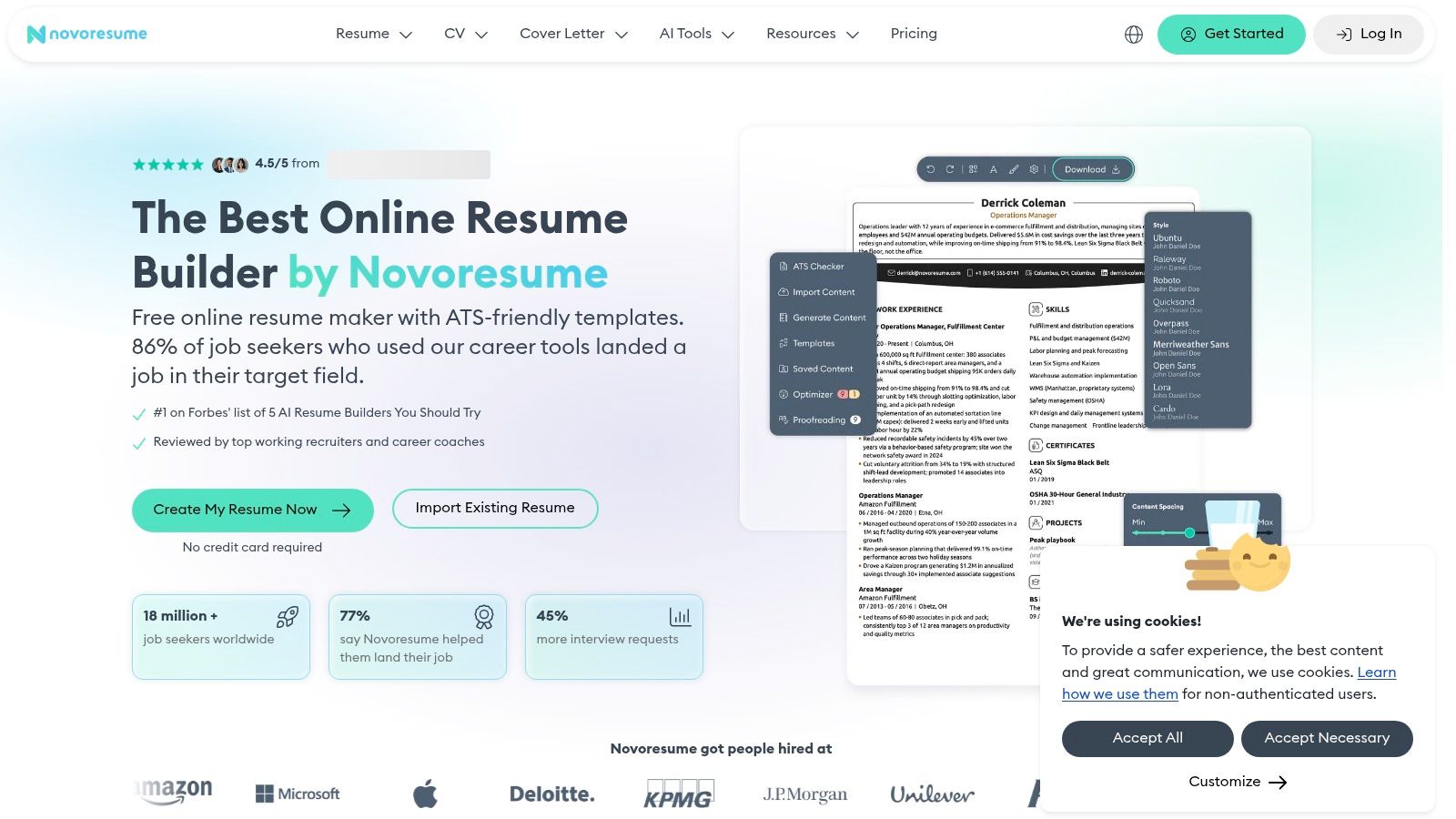
Novorésumé offers a low-friction starting point for a second opinion. Its checker and separate job-matching tool can be tried without creating an account, making it useful when you want to assess the feedback before adopting another workspace.
The review considers technical formatting, structure, content quality, and fit against a supplied job description. That combination is more useful than a generic grade when you have a real vacancy in mind.
For a career switcher, the distinction is especially important. A résumé may be technically clean yet fail to explain how previous responsibilities connect with the new role.
Don't rename your employment history to satisfy a checker. Explain an accurate functional equivalent in your summary or bullets while preserving the original title.
Novorésumé is free to start, with Premium checker access listed as 10 uses per month. Repeated use may require an account or Premium access, and the service also offers a résumé builder.
What the score means: The result reflects Novorésumé's methodology, not a universal employer-system rating. Inspect whether each flagged issue concerns extraction, missing context, or a requirement you do not meet.
Best fit: Applicants who want to try a role-specific check before signing up. It's also a reasonable second opinion when another tool's recommendations seem overly focused on keyword repetition rather than understandable evidence.
10. ResumeNerd
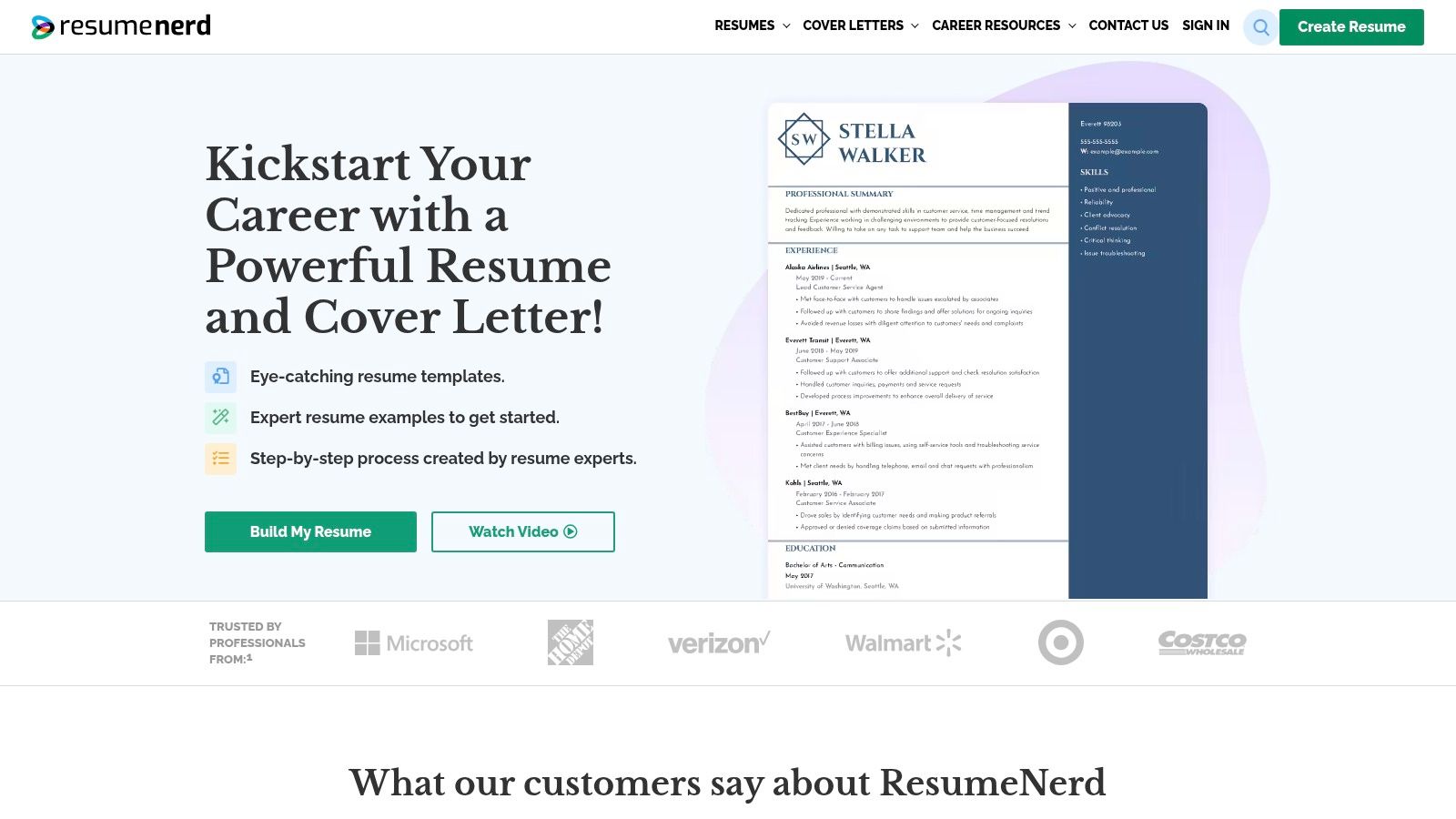
Starting from a blank page is a different problem from checking a finished résumé. ResumeNerd is better suited to guided drafting than to standalone scanning, with prompts, templates, scoring, and job-matcher features in the same service.
Its section, margin, and layout controls help users assemble a consistent document. Resume and cover-letter tools also share an account, which can simplify the process for someone preparing their first professional application.
Helpful guidance, with a subscription decision
ResumeNerd lists an introductory 14-day trial for $2.75. The offer renews, and some downloads and features require a subscription, so review the current checkout price and renewal terms before entering payment details.
- Main strength: Step-by-step prompts reduce the difficulty of deciding what to write and where to put it.
- Main limitation: It's less direct than a dedicated scanner if you already have a finished document.
- Template caveat: The service describes its templates as ATS-friendly, but you should still inspect the exported file.
What the score means: ResumeNerd's assessment helps you review a document created within its workflow. It doesn't certify that an employer will parse every field correctly or advance your application.
Best fit: First-time résumé writers and applicants who want guided construction alongside feedback. Don't assume suggested phrasing is automatically accurate: adjust it to reflect what you personally did, and remove claims you couldn't comfortably explain in an interview.
10 ATS resume score checkers at a glance
Scores are useful for prioritizing edits, not predicting an interview. A strong match can still miss employer-specific screening rules, and a lower score may reflect wording rather than a genuine qualification gap. Compare each tool by what it checks and how much work it supports after the report.
| Item | Free access | Paid pricing | Best for | Scoring focus |
|---|---|---|---|---|
| GetTheCall | Free résumé Quality score and checker comparing a résumé draft with a specific role; free preview | Card-backed 72-hour Pro trial; Pro 30-day pass for unlimited tailoring and scores, no auto-renewal | Tailoring and designing a job-specific résumé in one workflow | Evidence-based Role Match against a job description and its screening gates; live score rises as suggested changes are made |
| Jobscan | Five scans per month; limited report detail | $49.95 monthly or $89.95 quarterly | Comparing a résumé with a specific job posting | Skills, keywords, title alignment, education, and formatting |
| Resume Worded | One free report; limited feedback | $49 monthly, $99 every three months, or $229 yearly | Line-level résumé feedback and general review | Impact, brevity, style, skills, formatting, and job keywords |
| Teal | Free plan with basic résumé features and limited match insights | $13 per 7 days, $29 per 30 days, or $79 per 90 days | Combining résumé tailoring with job and application tracking | Résumé analysis and job-specific keyword match |
| SkillSyncer | Two scans per week; some features limited | $14.95 monthly or $34.86 quarterly | Job-specific matching with résumé editing and tracking | Match score, skills, keywords, title, and degree alignment |
| Rezi | Limited free plan | $29 monthly or $149 lifetime | Building and tailoring ATS-oriented résumés | Rezi Score, content, formatting, optimization, and job keywords |
| Enhancv | Limited free option | Some advanced tools and downloads require payment | Checking an existing résumé and using a builder in one service | Parsing, formatting, content, style, skills, and keywords |
| Kickresume | Free overall and category scores | $24 monthly, $18 per month billed quarterly, or $8 per month billed yearly | Résumé checking and editing in one interface | More than 20 checks across design, structure, content, and alignment |
| Novorésumé | Free checker; can try without signing up | Premium checker access listed as 10 uses per month | ATS and job-fit feedback with no-account access | Formatting, structure, content, technical elements, and job match |
| ResumeNerd | No free plan; introductory 14-day trial for $2.75 | Introductory 14-day trial for $2.75; some features require a subscription | Guided résumé drafting with scoring tools | Résumé score and job match |
A checker is usually enough when your résumé is already well structured and you need to spot role-specific gaps. When tailoring requires repeated rewriting, layout changes, and exports, an integrated tool such as GetTheCall can keep those steps together. Its score is guidance for reviewing fit, not a guarantee of ATS compatibility or a particular hiring outcome.
How to Pick Your Checker and Read Your Score Wisely
Choose an ATS resume score checker by the work you need to do after the report appears. A detailed diagnostic is valuable only if you can turn it into a better application without introducing inaccuracies.
Use a standalone scanner such as Jobscan or SkillSyncer when you already like your résumé. If its layout is readable, your achievements are clear, and you're comfortable editing the original, you mainly need to identify missing job language and overlooked requirements.
Choose an integrated approach such as GetTheCall when repeated handoffs are slowing you down. This is especially relevant when each application needs substantial repositioning, rather than minor wording changes.
Separate technical problems from qualification gaps
Work through findings in a sensible order. Fix unreadable text and incorrectly grouped employment history before polishing keywords, then distinguish requirements you possess from requirements you don't.
- Parsing problem: The extracted text separates a role from its employer or dates. Simplify the layout and check the export again.
- Language problem: You have the experience but describe it differently. Add the employer's terminology where it accurately explains your work.
- Evidence problem: You list a skill without showing its use. Strengthen an experience or project bullet with defensible detail.
- Qualification gap: You lack a required license, credential, or capability. Don't use rewriting to imply otherwise.
A high score isn't a guarantee of interviews. Every vendor's score should be read with that limitation, including ours, because an outside checker can't reproduce every employer's configuration, screening questions, applicant pool, and human judgment.
An analysis published in the TalentTuner white paper found an average résumé-to-job-description score of 57.6% across 944 résumés matched against 529 distinct job titles. That's a result from its own methodology, not a universal baseline or a pass mark you need to beat.
Before submitting: Read the résumé without looking at the score. Can a recruiter quickly understand your relevant experience, and can you defend every statement?
Review the actual exported document, not just the editor preview. Check selectable text, reading order, contact information, section headings, employer-title-date relationships, and any awkward page breaks.
Then stop optimizing when the remaining flags describe experience you don't have or wording that would make the résumé less truthful. Tonight, run your current résumé through a free checker against one real job posting and fix the top three flagged issues.
GetTheCall brings career-history import, job-specific tailoring, live match feedback, and PDF export into one workflow. Visit GetTheCall with your current résumé and a target listing, review the suggested changes against your real experience, and prepare a clearer application before you submit.