10 Best ATS Resume Checker Free Online Tools in 2026
Compare 10 ATS resume checker free online tools for keyword matching, formatting, ease of use, accuracy, and practical resume improvements.
A high ATS score looks reassuring, but it doesn't automatically mean a stronger resume. Different tools measure different things, some lean hard on keyword matching, some punish formatting problems, and some add content-quality feedback that a plain scanner can miss. That's why the best ats resume checker free online choice depends on what you need right now, a fast no-sign-up scan, a job-description match, editing help, or a full tailoring workflow that ends with a clean PDF.
The most useful way to compare these tools is by the job you're trying to do, not by the score badge on the screen. Some tools are best for a quick sanity check before you apply, others help you close keyword gaps against a specific posting, and a few are better when you want to rewrite bullets and re-export the resume in the same place. GetTheCall fits that last category well, since it can import a LinkedIn profile or existing resume, tailor it to a job listing, show a live match score while you edit, and export an ATS-ready PDF.
One more thing matters more than people admit, the score itself is only a proxy. ATS systems first parse structured text, then rank by keywords and other match signals, so the tool that helps most is the one that shows you where parsing, phrasing, or structure could still hurt you in a real application. Use the score as a guide, then check the final resume against the actual posting with human judgment.
Table of Contents
- 1. GetTheCall
- 2. Jobscan Resume Scanner
- 3. ResyMatch.io Free Resume Scanner
- 4. Resume Worded Score My Resume
- 5. SkillSyncer Resume Keyword Scanner
- 6. Teal Job Matcher and Resume Builder
- 7. Rezi Free ATS Resume Checker
- 8. Enhancv ATS Resume Checker
- 9. Novorésumé Free ATS Resume Checker
- 10. Resume Scanner AI
- Top 10 Free ATS Resume Checkers, Quick Comparison
- Turn the Score Into a Better Application
1. GetTheCall
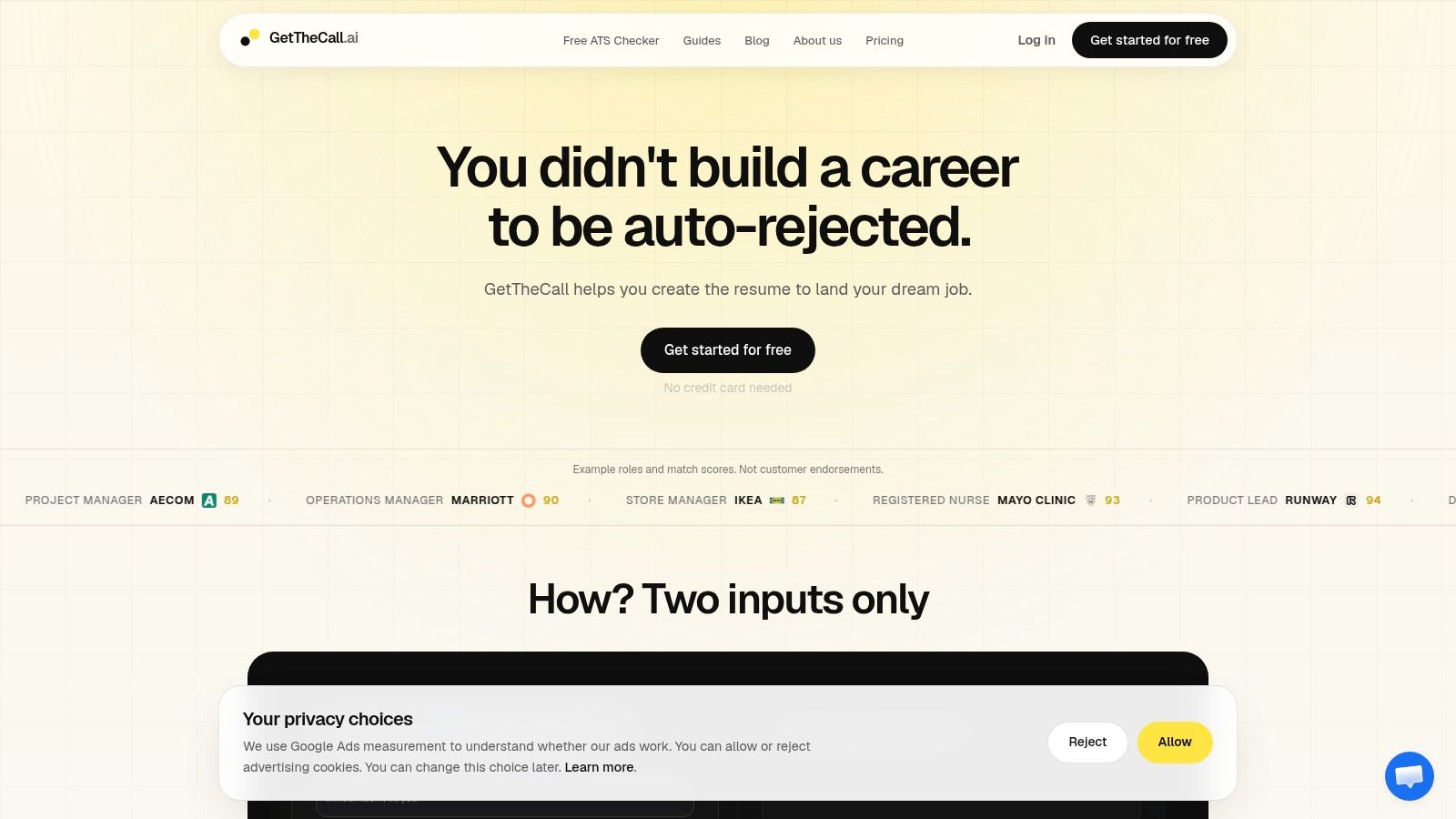
GetTheCall fits people who need more than a score. It takes a LinkedIn URL or existing resume, accepts a job listing, and helps turn that material into a version that matches the role's language while staying tied to verified experience. That makes it useful when the primary question is not only whether a resume passes ATS parsing, but whether the submission is ready to send.
Why it stands out in practice
GetTheCall combines import, tailoring, scoring, templates, and export in one workflow. That matters because ATS problems often come from split tasks. You change wording in one place, adjust layout in another, then export a PDF and hope the formatting still parses correctly. Keeping those steps together reduces drift and makes it easier to keep the final resume aligned with the posting.
Practical rule: if a tool rewrites using your actual experience and the match changes as you edit, it is doing more than a surface scan.
The free tier handles the starting point well with resume import, templates, and a quality score. The Pro tier adds the Role Match score, screening gates, prioritized suggestions, premium templates, and collaboration features for feedback. The pricing language and product notes are not identical across the site, so check the current billing setup at checkout.
Best fit and trade-offs
This works well for individual job seekers, mid-career applicants, career switchers, recent grads, and career coaches who want fast tailoring without moving between Word, Canva, and separate checker tools. The trade-off is simple. Some of the strongest guidance sits behind Pro, and unusual source formats can still need light manual cleanup after import.
- Best for: end-to-end tailoring, not just scoring.
- Useful when: you want job-specific bullets, a live match score, and polished export in one workflow.
- Watch out for: billing details and occasional formatting edge cases after import.
Website: GetTheCall website
2. Jobscan Resume Scanner
Jobscan stays popular for a reason, it gives you a direct comparison between your resume and a target posting. That makes it a practical baseline if your main question is whether the resume mirrors the job description closely enough to survive an ATS first pass.
Jobscan Resume Scanner is especially useful when you already know the role and want a focused gap report. It highlights missing keywords and flags formatting issues that can trip parsing, which is exactly the sort of feedback a job seeker needs before applying.
Where it helps and where it stops
The value is clarity. You get a job-specific report that makes it obvious which terms are missing, and that helps with roles where the language is fairly standardized. The downside is that the free tier limits how often you can scan, and the interface is more keyword-driven than content-driven, so it won't always tell you whether a bullet is weak even if it technically matches.
Use this resume tailoring guide when you want to turn the scanner feedback into a real rewrite, not just a longer keyword list.
Jobscan is strongest when you treat it like a diagnostic tool, not a final verdict.
If you want a mature, well-known checker with a clear gap list, Jobscan does that job well. If you need deeper editing help, better narrative feedback, or a workflow that rewrites the resume, you'll probably want to pair it with another tool.
3. ResyMatch.io Free Resume Scanner
ResyMatch.io is the tool I'd point to when someone wants a free scan with no sign-up friction. It's quick, simple, and focused on the basics, which makes it useful for a first pass before you spend time reworking the whole resume.
The scanner compares your resume against a job description, then surfaces keyword gaps and basic formatting issues. That makes it a good fit for people who want immediate feedback without creating yet another account or giving up an email address just to see a score.
Straightforward, but intentionally narrow
The strength here is speed. You can paste, scan, and get a practical answer fast, which is helpful if you're applying to several roles and don't want to overthink the first review. The trade-off is depth, because the guidance is more checklist-style than strategic, and it doesn't try to act like a full editor or design assistant.
Best use case: get a fast read on whether your resume roughly matches the role language.
Not ideal for: people who want bullet rewrites, detailed section coaching, or design help.
The tool works best when you already know what you're looking for, missing title terms, missing skills, or a likely parsing problem. If you want a lightweight ATS resume checker free online option that doesn't ask for much upfront, this one is easy to keep in your rotation.
4. Resume Worded Score My Resume
Resume Worded is a better choice when your resume needs content critique, not just ATS compatibility. It looks at structure, wording, readability, and impact, so it can point out problems that a keyword-only checker might ignore.
That matters because ATS readiness and resume quality aren't the same thing. A document can contain the right terms and still read flat, vague, or cluttered once a recruiter opens it.
Better for writing quality than pure matching
The platform's score gives you a useful starting point, then the report narrows in on sections and lines that need attention. If you've ever wondered whether a bullet is too long, too generic, or too light on results, this kind of feedback helps. It's also a good companion to a more literal job-description matcher, because it pushes you to improve the actual writing, not just the keyword count.
The trade-off is that some more advanced functions sit behind paid access, and the score can differ from other tools. That's normal, because different scanners weigh parsing, keywords, and presentation differently.
Use Resume Worded when the resume needs to sound stronger, not only rank higher.
A practical approach is to use it after a keyword scan. First fix the obvious match gaps, then use the writing feedback to make the resume easier to read and more convincing to a human reviewer.
5. SkillSyncer Resume Keyword Scanner
SkillSyncer is built for the kind of applicant who wants to see exactly where the resume misses the job description. It focuses on keyword alignment, missing terms, and ATS-readiness checks, which makes it a very practical tool for role-specific tailoring.
It also gives you a dashboard feel, so if you're comparing multiple applications, the tool can help you keep scans organized. That's useful when your job search starts turning into a stack of similar roles with slightly different requirements.
A good match for repetitive tailoring
The main benefit is discipline. SkillSyncer keeps attention on the words employers use, and that can be helpful for people switching industries or moving into a more specialized role. It also offers scan history and sample previews, which make it easier to compare versions instead of rewriting blindly.
The downside is the interface. It's more utilitarian than polished, and the free access is more of an on-ramp than a full solution. If you want design help or higher-level writing guidance, it won't be the only tool you need.
If your main problem is, “I'm close, but the posting says something my resume doesn't,” SkillSyncer is useful. If your main problem is “this whole resume needs a better story,” another checker may give you more benefit.
6. Teal Job Matcher and Resume Builder
Teal works best as part of a broader job-search system. Its matcher compares your resume to a pasted job description, then slots that feedback into a workflow that also includes a resume builder and job tracker.
That makes it a smart choice for applicants who don't want to bounce between separate tools while they save roles, tailor documents, and track progress. The matcher is useful on its own, but the surrounding workflow is what gives it staying power.
Good for staying organized across many applications
Teal's value is continuity. You can save a role, compare your resume, edit in the builder, and keep moving without rebuilding context every time. For busy applicants, that can save real mental friction.
The trade-off is that the ATS parsing checks are lighter than what you get from specialist scanners. Teal is great for workflow, but if you're trying to diagnose a parsing issue or a weird formatting problem, a more technical checker may be better.
It's a strong option when you want a free matcher as part of a larger application system. It's less ideal if you only want a deep diagnostic once and then plan to tailor elsewhere.
7. Rezi Free ATS Resume Checker
Rezi is strongest when you want to scan, edit, and rescan without changing tools. That loop matters, because the most useful ATS feedback is the kind you can act on immediately, then recheck to see whether the fix helped.
The checker flags formatting problems, keyword gaps, and content issues, and the builder side gives you a place to apply the changes fast. That makes Rezi especially practical for users who are actively rebuilding or refreshing a resume, not just checking an old one.
Rezi's ATS-friendly resume guide is a good companion if you're trying to understand why a layout or bullet still isn't parsing cleanly.
Strong loop, builder-first experience
Rezi's biggest strength is that the feedback isn't isolated. You can use the check, make the adjustment, and run the scan again without exporting and re-uploading a file somewhere else. That saves time and reduces mistakes.
The trade-off is that the best experience is inside Rezi's builder ecosystem, not as a standalone upload-and-go checker. Some AI features also sit behind paid access, so the free experience is useful, but not unlimited.
For people who like a structured editing environment, Rezi can be one of the most productive tools in this category.
8. Enhancv ATS Resume Checker
Enhancv sits in a useful middle ground, it gives you ATS guidance without giving up a design-forward builder. That matters because many job seekers want a resume that looks clean and modern without crossing into layout choices that make parsing harder.
The checker and builder are connected, so you can review the resume, see clarity notes, and keep improving in the same environment. It's especially appealing if you care about presentation but still want the document to be ATS-safe.
Good balance, but use design carefully
Enhancv's feedback goes beyond pure keyword matching, which makes it helpful for people who need clarity on verbs, metrics, and structure. It also supports job-description tailoring prompts, so you can make the document more specific to the role instead of just more polished.
The caution is simple. Attractive layouts can still create parsing problems if you push too far with columns or visual flourishes. A design-forward builder is useful, but strict ATS systems still prefer simple structure over clever formatting.
If a layout looks impressive but hides key details from parsing, it's the wrong layout.
Enhancv is a good fit for applicants who want both style and substance, as long as they keep the formatting disciplined.
9. Novorésumé Free ATS Resume Checker
Novorésumé is a clean choice for people who want a simple ATS compatibility scan without a lot of setup. It gives you a straightforward read on whether the resume looks structurally sound, and it can also compare the document against a job description.
That makes it especially friendly for students and early-career applicants who may not need a deep diagnostic yet. The interface is easy to follow, and the guidance is designed to get you moving quickly.
Best for simple validation
The biggest plus is that the checker is free and easy to understand. If you just want to confirm that the resume isn't making obvious ATS mistakes, Novorésumé does that job without overwhelming you.
The trade-off is that the diagnostics are narrower than what you get from heavier keyword matchers. It's useful for foundational checks, but if you're trying to beat a very specific posting, you may want a more detailed scanner alongside it.
This LinkedIn-to-resume guide is worth using if your starting point is a profile and not a polished resume file.
Novorésumé is a good early-stage tool, especially when the goal is confidence and clarity rather than deep optimization.
10. Resume Scanner AI
Resume Scanner AI, formerly CVScan, is built for a quick, no-frills pass. It gives an instant score, highlights keywords, and adds a checklist of items to fix, which is enough for many job seekers who just want to know whether the resume is in decent shape.
The rebrand may confuse some users, but the basic use case is easy to understand. Upload the resume, review the score, and fix the obvious problems before you send anything out.
Lightweight and fast
The main upside is speed. It's a good tool for a fast baseline when you don't want a heavy builder or a complicated dashboard.
The trade-off is depth. Compared with suite-style tools, it has fewer editing features and less support for end-to-end tailoring, so it's better as a diagnostic than as a full workflow.
If you need an immediate read and don't care about extras, it gets the job done. If you want rewrite support, design flexibility, and export control, you'll probably outgrow it quickly.
Top 10 Free ATS Resume Checkers, Quick Comparison
| Tool | Core features ✨ | UX/Quality ★ | Value/Price 💰 | Target audience 👥 | USP / Notes |
|---|---|---|---|---|---|
| 🏆 GetTheCall | LinkedIn/import, JD parsing, live Role Match, AI rewrites, 20+ ATS templates | ★★★★★ Live match + prioritized edits | 💰 Free tier; Pro 30‑day pass (~$29) | 👥 Job seekers, mid‑career, career changers, coaches | 🏆 Recommended, end‑to‑end tailoring to ATS‑ready PDF; uses only verified experience |
| Jobscan, Resume Scanner | Resume vs JD scan, keyword gap, ATS formatting checks | ★★★★☆ Mature, clear gap reporting | 💰 Free limited scans; subscription for full access | 👥 Career centers, job seekers needing keyword focus | ✨ Early leader; exportable keyword lists and optimization tips |
| ResyMatch.io (Cultivated) | JD match, keyword coverage, basic ATS formatting | ★★★☆☆ Fast, no‑signup flow | 💰 100% Free | 👥 Students, quick‑scan users | ✨ Frictionless, immediate feedback without account |
| Resume Worded, Score My Resume | 30+ recruiter/ATS checks, snippet suggestions, Targeted Resume | ★★★★☆ Strong content + ATS balance | 💰 Free + paid features | 👥 Content‑focused applicants, mid/senior roles | ✨ Deep content critique with prioritized fixes |
| SkillSyncer, Keyword Scanner | Keyword match score, ATS error checks, scan history | ★★★☆☆ Utilitarian, practical tips | 💰 Free tier; paid for advanced | 👥 Keyword‑targeting applicants | ✨ Dashboard for tracking multiple scans |
| Teal, Job Matcher & Builder | Resume vs JD matcher, builder integration, Chrome extension | ★★★★ Smooth workflow integration | 💰 Free with account; some paid features | 👥 Job searchers wanting workflow & tracking | ✨ Integrates job saving, tailoring and tracker |
| Rezi, ATS Resume Checker | Instant ATS scan, AI rewrites, ATS templates & export | ★★★★ Strong scan→edit→rescan loop | 💰 Generous free usage; paid for AI credits | 👥 Users who want on‑the‑spot fixes | ✨ AI suggestions built into builder for quick fixes |
| Enhancv, ATS Checker (builder) | ATS compatibility checks, AI clarity feedback, templates | ★★★★ Design‑forward with ATS guardrails | 💰 Free trial; paid for advanced layouts | 👥 Design‑oriented applicants | ✨ Combines modern layouts with ATS checks |
| Novorésumé, ATS Checker | Instant ATS compatibility scan, JD comparison option | ★★★☆☆ Simple, beginner friendly | 💰 Free checker; builder paid tiers | 👥 Students, early‑career job seekers | ✨ Easy, clear guidance for beginners |
| Resume Scanner AI (CVScan) | Instant score, keyword extraction, checklist | ★★★☆☆ Fast, lightweight scan | 💰 Free trial / basic free features | 👥 Quick‑scan users, first pass checks | ✨ Rapid, no‑frills ATS readiness check |
Turn the Score Into a Better Application
The smartest workflow starts with the job description, not the resume score. Run your resume through one or two tools that complement each other, one for keyword or parsing checks and one for writing quality if needed, then fix only the gaps that are truthful and relevant to the role. After that, review the document yourself for clarity, consistency, and basic common sense, because no scanner can judge whether a bullet supports your candidacy.
Treat scores as directional, not universal. A tool may flag a resume differently because it weighs parsing, structure, or keyword density in its own way, so the number is a starting point, not a hiring verdict. The core question is whether the resume now reflects the posting more clearly, reads cleanly to a human, and exports into a stable PDF without broken formatting.
Choose the tool based on the task. A no-sign-up scanner works well when you want a quick check before applying, a content-focused tool helps when the bullets themselves are weak, and a more complete builder is better when you need import, tailoring, live feedback, and export in one place. That's where GetTheCall is especially useful, because it ties those steps together instead of making you stitch them across different apps.
Before you submit, compare the final resume line by line against the actual job posting. If the role asks for specific skills, tools, or responsibilities, make sure your resume reflects them clearly. That final review is what turns an ATS score into a stronger application.
If you want an end-to-end way to tailor a resume to a specific posting, GetTheCall brings the import, live match guidance, ATS-friendly templates, and export together in one workflow. It's a practical fit for this topic because it helps you move from a free scan to a submission-ready resume, and you can try it directly at GetTheCall.