ATS Friendly Resume Templates for 2026: Best Picks
Discover top ATS friendly resume templates designed to pass screening software and land interviews in 2026. Compare parsing, use cases, and pricing.
You've found a resume template that looks polished, modern, and perfectly suited to the role. Then the application form rejects the file, the text appears in the wrong order after upload, or the resume reads well but doesn't reflect the language in the job description. A template can create as many problems as it solves when its visual design, keyword workflow, export format, or version controls don't fit the application.
This guide compares 10 ATS-friendly resume templates and builders as working tools, not as a gallery of attractive designs. Each pick is evaluated for parsing safety, job-specific tailoring, export access, version management, practical use cases, and limitations. ATS compatibility depends on clean structure and truthful, relevant language, not on an “ATS” label alone.
The safest starting point is still straightforward. A 2026 ATS resume study based on 2,417 anonymized scans found formatting issues in 62% of submitted resumes, while the average job-specific match score was 58/100. Two-column layouts were the most common formatting error, appearing in 38% of resumes, and had an associated parsing failure rate of 31% according to the 2026 ATS resume study. Use the comparison below to choose a workflow you can test, tailor, export, and manage before you submit.
Table of Contents
- 1. GetTheCall
- 2. Jobscan
- 3. Resume.io
- 4. Zety
- 5. Rezi
- 6. Novorésumé
- 7. Standard Resume
- 8. Teal
- 9. FlowCV
- 10. Indeed Resume Builder
- Top 10 ATS-Friendly Resume Templates Comparison
- Choose the Template That Fits Your Workflow
1. GetTheCall
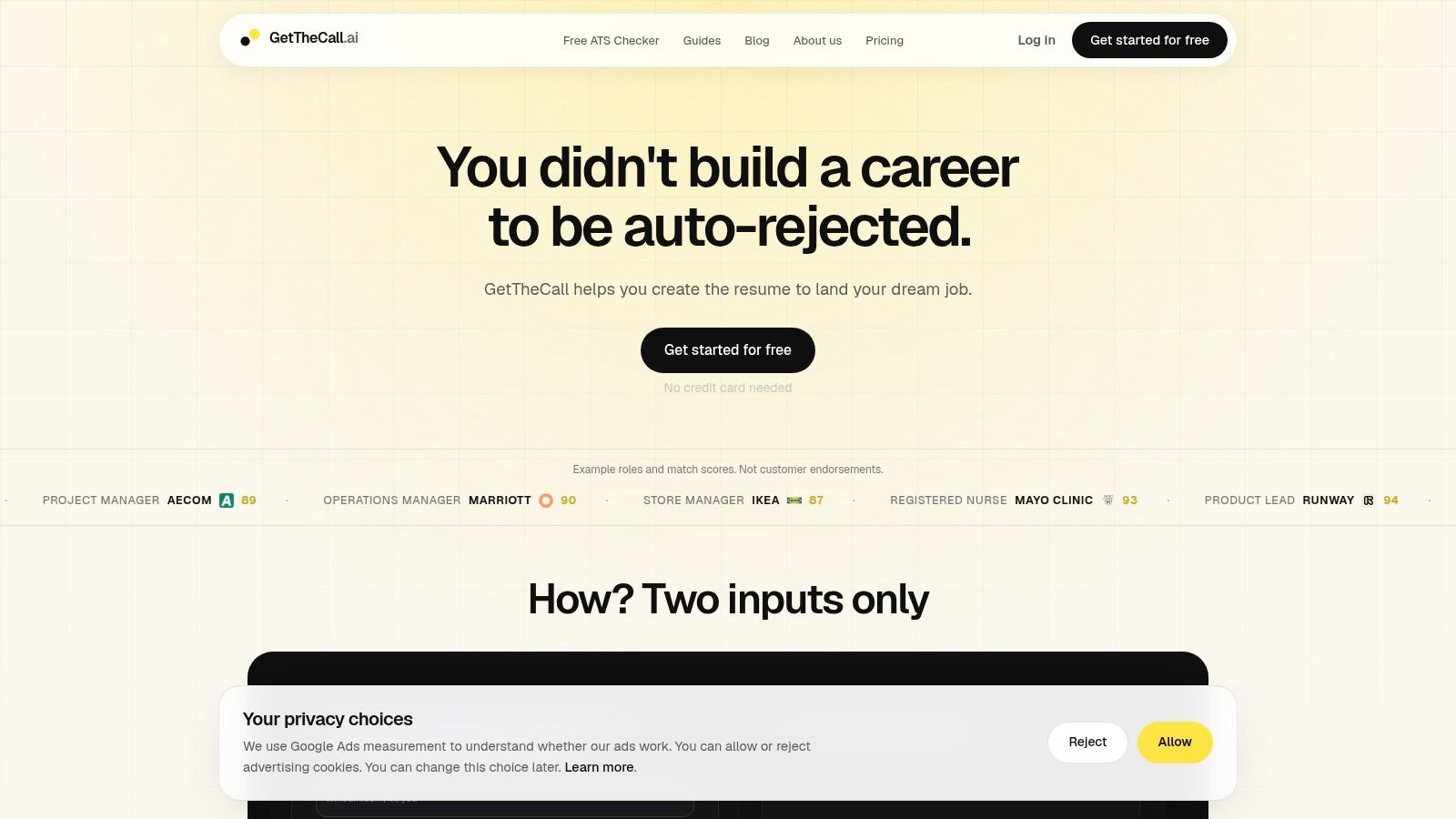
GetTheCall fits applications where you need a faster workflow, not just a finished template. Import a LinkedIn profile or upload a PDF, DOC, or DOCX file, then add the target job listing URL. The platform parses the role, identifies relevant skills and screening requirements, and generates resume content based on your verified experience.
That workflow supports tailoring each application instead of maintaining one general resume. Its live Role Match and Resume Quality scores change as you review AI suggestions, revise bullets, and accept prioritized recommendations. The system does not invent roles or skills, but you still need to approve every edit and confirm that the final wording reflects your background.
Practical rule: Use the score to guide revisions, not to predict an interview. Employer ATS configurations vary, so a stronger match can improve preparation without guaranteeing progress.
Where it fits best
GetTheCall includes 20 ATS-friendly templates, one-click style switching, PDF export, a free resume quality and ATS checker, and Pro features for sharing feedback. The layouts aim to retain machine-readable structure while offering more visual distinction than a plain-text document.
The free tier provides resume import, editing, templates, PDF export, and a Resume Quality score, with no credit card required to start. Pro adds Role Match scoring, screening gates, prioritized job-specific suggestions, feedback sharing, and premium templates. According to the product's own site, Pro is listed at $29 per month with monthly renewal, while product materials also mention a single 30-day Pro pass without auto-renewal. Review the purchase flow carefully before paying.
The tool suits mid-career professionals, career switchers, recent graduates, people returning to work, and career coaches handling repeated tailoring. Its main limitation is a useful safeguard: recommendations still require human review. Before exporting, verify every bullet, keyword, title, and date.
The site displays illustrative match examples, including Product Lead at Runway with a score of 94, Registered Nurse at Mayo Clinic with 93, Data Scientist at Spotify with 90, and Executive Assistant at LVMH with 92. These are example outputs, not customer endorsements.
2. Jobscan
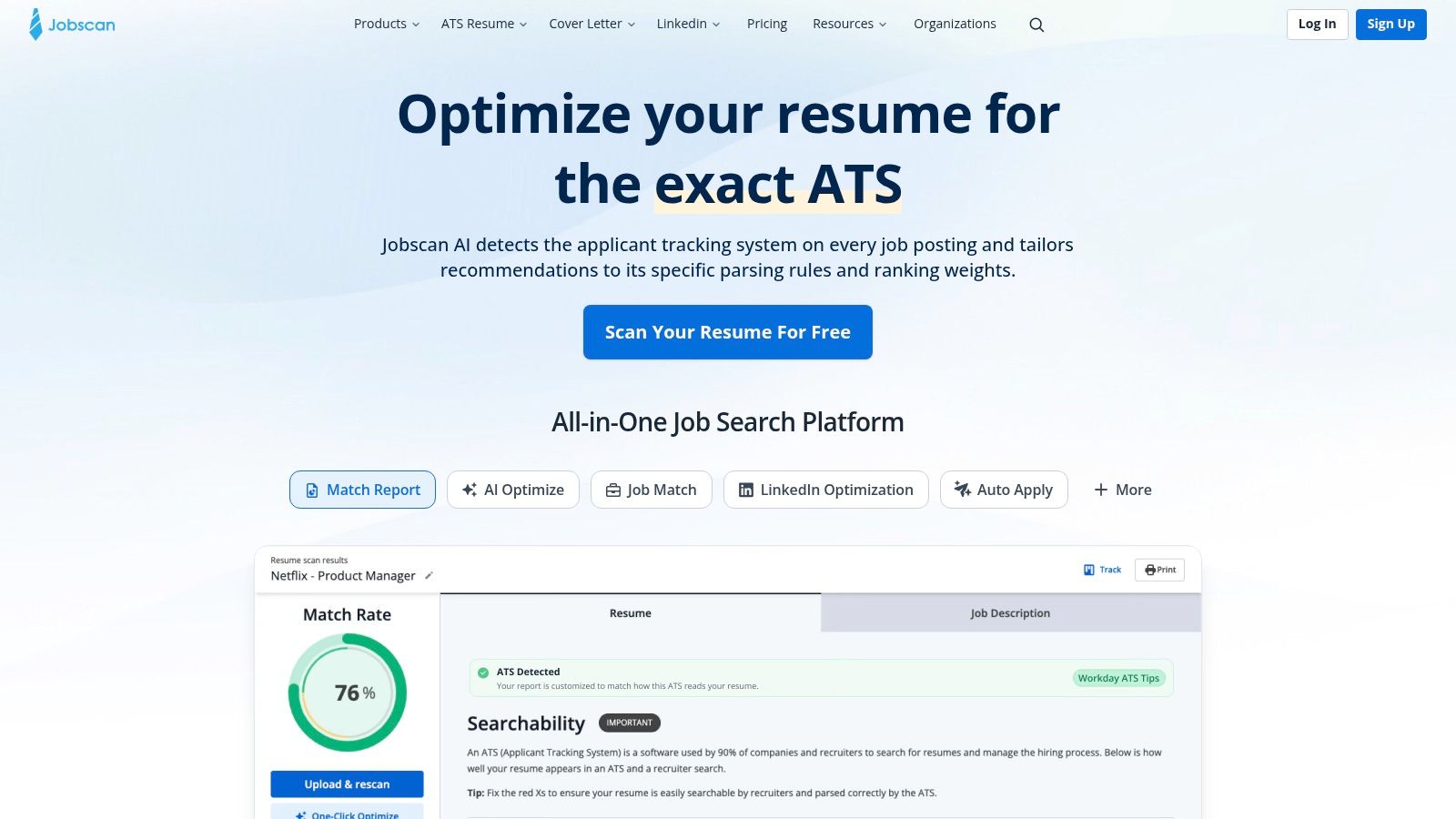
Jobscan is built around a specific question: how closely does this resume match this job description? Its resume builder includes ATS-ready templates, while the optimizer compares your resume with the target listing and identifies missing skills, keywords, job titles, and education requirements. That makes it useful when you already have a decent career history but aren't sure whether the document speaks directly to the opening.
The builder's free core experience can produce text-clean PDFs, which gives you a practical starting point without committing immediately. Premium features add AI Optimize, advanced scans, an AI Resume Coach, and generators for summaries and bullet points. The trade-off is clear: the basic workflow is accessible, but the deeper tailoring and repeated scanning features sit behind Premium.
A scanner can identify a missing term, but it can't decide whether that term belongs in your resume. Add language only when it accurately reflects your experience. The ATS-friendly resume guide is useful alongside Jobscan if you need to verify that the layout remains readable after you make keyword changes.
Jobscan suits applicants who want formatting and job-description analysis in the same place. It's less compelling if you want extensive visual customization or a complete application tracker. Think of it as an ATS validation and tailoring workspace first, and a design platform second.
3. Resume.io
Resume.io works well for applicants who want a polished builder with an explicit ATS template category. Its library includes professional designs for different industries, along with structured single-column options that are easier to inspect for reading order. Google Docs and Word variants also make it more flexible than a platform that only exports from its own editor.
The AI resume builder and examples library can help when you're starting with incomplete material. It provides prompts and content direction, but you'll still need to replace generic language with evidence from your own work. A visually attractive template won't compensate for vague bullets or a poor match with the target role.
The main constraint is the payment path. Resume.io offers a 7-day trial with full feature access, but the trial auto-renews to a recurring plan if you don't cancel. Its free plan limits downloads to TXT, so confirm the export terms before you invest time polishing a final version.
Best use case
Resume.io is a reasonable choice for someone who wants many professional styles and an obvious place to start with ATS-oriented layouts. Choose its simpler designs, keep contact details in the main document body, and copy the exported text into a plain-text editor to check that sections remain in the expected sequence.
It's less suitable for applicants who want a fully free PDF workflow or detailed version management. If you're applying to several roles, track each customized copy outside the builder unless the current account features give you the controls you need.
4. Zety
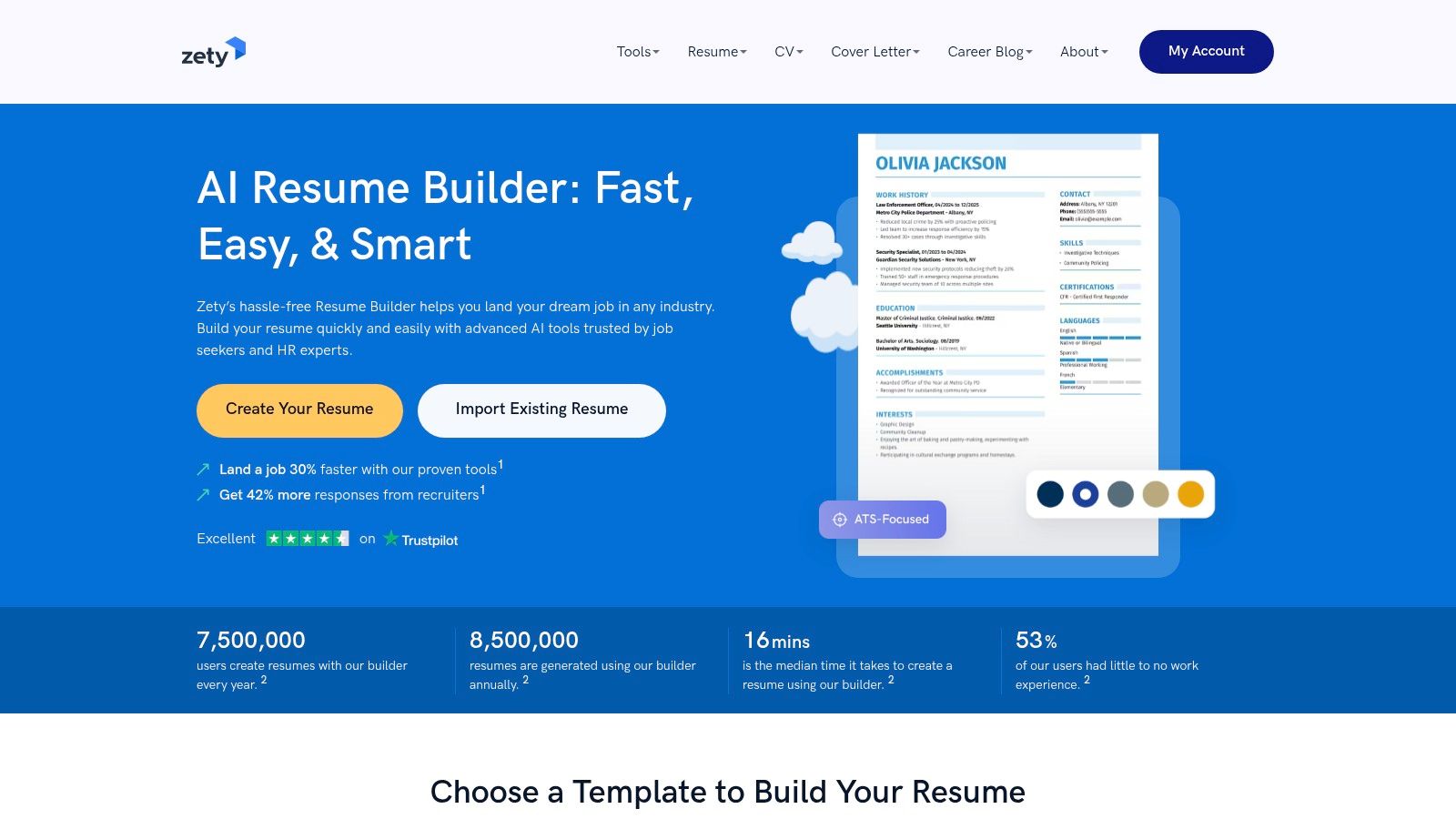
Zety is a fast route from a blank page to a readable resume draft. It offers more than 20 modern templates that Zety describes as optimized for ATS parsing, plus role-based content suggestions and a library of resume examples. The builder's guidance can help you organize experience when you know what you've done but struggle to phrase it clearly.
Its strongest practical feature is speed. You can create a clean structure, use standard sections, and produce a TXT download at no cost while you decide whether the platform fits. That makes it useful for testing content before paying for a more polished export.
The limitation appears at the submission stage. PDF and Word downloads are paywalled, and full export features require a subscription after the trial. That matters because a free draft isn't the same as a free, submission-ready resume.
Zety works best for early drafting, recent graduates, and applicants who want role-specific writing prompts. It's a weaker fit if you need multiple versions without added subscription costs. Before downloading, inspect the final file rather than relying only on the template label. Tables, sidebars, decorative icons, or unusual headings can still create extraction problems if they appear in the selected design.
Keep the final document text-first and verify the job language manually. Content suggestions should support your experience, not encourage you to claim tools, responsibilities, or achievements you haven't had.
5. Rezi
Rezi takes an explicitly ATS-first approach. Its templates, keyword targeting, and AI writing tools are designed around getting relevant information into a structure that screening software can read. That focus makes it a good choice for applicants who care more about job alignment and parsing reliability than about elaborate visual styling.
The free plan includes a core ATS template and free PDF downloads, which is a meaningful advantage for people who need a usable document without encountering an export paywall. Rezi's AI suggestions can help transform responsibilities into sharper bullets, but the best results still come from detailed source material and close human review.
A clean export is only useful if the text remains accurate, relevant, and easy for a recruiter to understand.
Advanced AI tools, unlimited tailoring, and some automation sit on paid tiers. That creates a familiar trade-off. You can build a credible resume for free, but frequent applications and deeper customization may require a subscription.
Rezi is a strong fit for job seekers applying through ATS-heavy processes, career changers translating previous experience into new role language, and users who want keyword alignment built into the writing workflow. It's less appealing if you want a large collection of visually distinctive templates or extensive manual design controls.
Before using any AI resume builder, run the final document through an independent ATS resume checker and read every generated sentence. A keyword that appears in a job posting should only appear in your resume when your experience supports it.
6. Novorésumé
Novorésumé emphasizes clean template architecture and text-based PDF exports. That focus is helpful when your main concern is whether the ATS can reconstruct headings, dates, employers, and bullet points in the right order. The platform also provides matching cover letter designs and specialized resume sections, so the application can look consistent without requiring a separate design tool.
Its free ATS checker gives you a way to test the document before applying. That's particularly useful after editing a template, adding a project section, or moving information between pages. A resume can look correct on screen while producing scrambled text during extraction, so visual inspection alone isn't enough.
Novorésumé offers free basic access and a pay-once Premium option without auto-renewal. The practical downside is that some advanced styling and multi-page controls require Premium. Applicants with straightforward experience may never need those features, while managers with dense career histories may find the restrictions more noticeable.
The workflow it supports
Use Novorésumé when you want a controlled, professional layout with an integrated check. Start with a dated experience structure, use recognizable section names, and keep decorative elements subordinate to the text. Its templates can provide more polish than a plain document, but don't add visual features just because they're available.
This is a good middle ground for applicants who want human readability and parser safety without a heavily automated tailoring system. You'll need to do the job-description analysis yourself or pair the builder with a separate matching tool.
7. Standard Resume
Standard Resume deliberately keeps the design restrained. Its 12 hiring-manager-approved templates focus on readability, clean PDFs, and a simple editor rather than a large menu of visual effects. LinkedIn import and automatic formatting reduce the work involved in rebuilding an existing career history.
The platform also offers a shareable web resume alongside PDF export. That can help when a recruiter, coach, or contact wants to review a live version, although you should still submit the file type and version requested by the employer. A web link isn't a substitute for checking the uploaded document in an application portal.
Standard Resume is particularly suitable for professionals who want a minimalist document that feels credible to a human reader. It can also help users who are prone to overdesigning their resumes. The smaller template library and limited customization are intentional trade-offs, not defects, but they may frustrate applicants looking for elaborate branding or unusual layouts.
Keep the design quiet enough that the reader notices your progression, skills, and evidence before noticing the template.
Use Standard Resume when you want one strong base resume and a clean presentation. If you're applying to many distinct roles, you may need another system for systematic job tracking, keyword comparison, or maintaining numerous custom versions.
8. Teal
Teal treats the resume as part of a broader job-search workspace. Its ATS-focused templates include controls for layout, font, and spacing, while integrated job tracking and resume versions help you maintain different documents for different targets. That version-management layer is the main reason to choose Teal over a basic template builder.
A resume is only useful if you can find it later. Teal helps connect a job, its application status, and the resume version created for it, which reduces the risk of sending a generic document to a role that needed different positioning.
The free tools provide a strong starting point, but the full template library and some features sit behind Teal+. Advanced functionality requires a paid subscription. Decide whether you need the broader workspace before upgrading. If you're applying to one or two roles, a free builder and carefully named files may be enough.
For a practical process, use this guide to tailoring a resume to a job description alongside Teal's tracking workflow. Pull language from the target posting, connect each important term to real evidence, and save the version with the employer and role clearly identified.
Teal is strongest for an active search with multiple applications. It's less necessary for someone who wants a single finished resume and no tracking overhead.
9. FlowCV
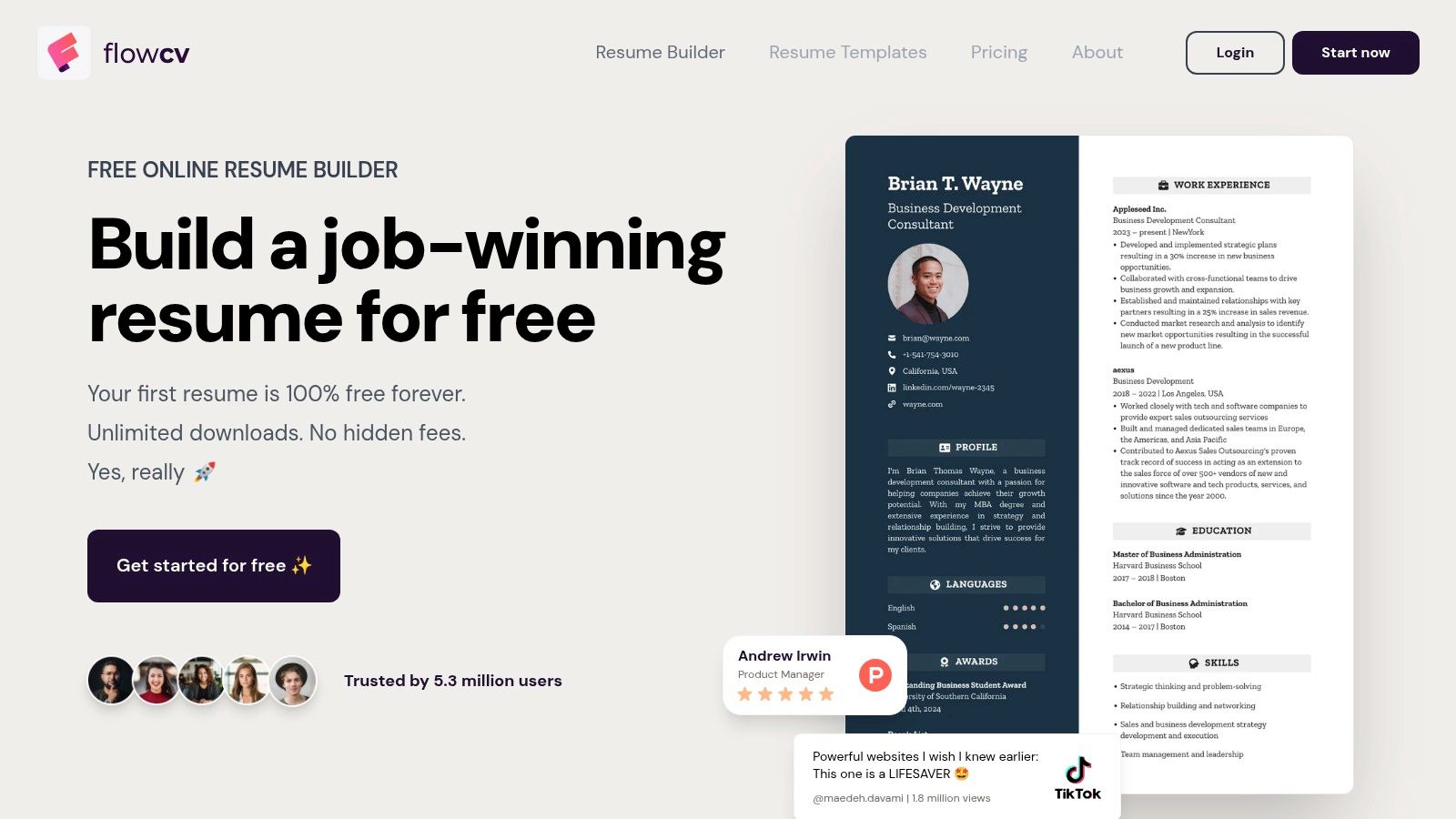
FlowCV stands out for its generous free workflow. It offers more than 50 customizable professional templates, unlimited watermark-free PDF downloads for a first resume, and imports from existing PDF or DOCX files. The platform also emphasizes privacy and clean, text-based exports intended for ATS parsing.
That combination is valuable if you're creating a first resume or rebuilding an old one without wanting to pay before you know what works. You can test layouts, edit the imported content, and download a clean version repeatedly. The range of templates is broad, but choose carefully. More choice doesn't remove the need to verify reading order and text extraction.
The main limitation is version management. Saving multiple versions and accessing advanced features require an upgrade, while AI tools and multi-resume management are paid. Someone applying to several job families may outgrow the free single-resume workflow quickly.
FlowCV suits students, recent graduates, and applicants who need a credible resume at no cost. It also works for a professional who wants to clean up an existing file without rebuilding everything manually. Keep a separate folder for customized copies if you're using the free plan, and name each file with the role and employer so you don't confuse the documents later.
Its privacy-focused positioning may appeal to users who are cautious about uploading career data. Review the current account and storage terms before importing sensitive information.
10. Indeed Resume Builder
Indeed Resume Builder is the simplest option for applicants who already use Indeed. Its guided builder provides ATS-friendly templates, stores the resume in your Indeed profile, and lets you manage and share it alongside applications on the job board.
The benefit is convenience. You don't need to learn a separate design platform, and you can create a basic ATS-readable resume through a step-by-step process. For a first professional resume or a quick application, that simplicity can be more useful than a large template library.
The trade-off is control. Templates and formatting options are more basic than those in dedicated resume platforms, and you'll get less flexibility for positioning a career change, highlighting projects, or maintaining several distinct versions. If the job requires a carefully customized document, you may need to edit the content elsewhere or use a specialist optimizer.
Indeed Resume Builder is best for a straightforward application where speed, cost, and job-board integration matter most. Use standard headings such as Experience, Education, and Skills, and avoid adding design elements that could interfere with extraction. Even with an integrated builder, read the final resume as a recruiter would and confirm that the most relevant evidence appears early.
Top 10 ATS-Friendly Resume Templates Comparison
| Tool | Core focus | Unique features (✨) | Quality / ATS fit (★) | Price / Value (💰) | Target audience (👥) |
|---|---|---|---|---|---|
| GetTheCall 🏆 | Job-specific ATS tailoring from LinkedIn/resume | ✨ Live Role Match score; one-click template switching; imports LinkedIn; no invented skills | ★★★★★ | 💰 Free tier; Pro 30‑day pass or $29/mo (check checkout) | 👥 Mid‑career, career‑switchers, grads, ATS‑screened seekers |
| Jobscan | JD vs resume keyword optimizer & ATS scans | ✨ Deep keyword matcher; ATS validation; AI Optimize (premium) | ★★★★ | 💰 Freemium; premium scans/features paid | 👥 Keyword‑focused applicants; recruiters' candidates |
| Resume.io | Polished builder with many templates & AI help | ✨ Large template library; Google Docs/Word variants | ★★★★ | 💰 7‑day trial → subscription; free limited downloads | 👥 Design‑oriented users; wide‑industry applicants |
| Zety | Quick, role‑based resume drafts and examples | ✨ Role‑tailored content suggestions; examples library | ★★★★ | 💰 Free TXT export; paid PDF/Word exports | 👥 Fast drafters; entry‑to‑mid level seekers |
| Rezi | ATS‑first AI resume builder with templates | ✨ ATS‑optimized templates; AI keyword targeting; free PDF | ★★★★ | 💰 Freemium; pro features/subscription | 👥 ATS‑priority applicants; technical roles |
| Novorésumé | ATS‑friendly layouts + built‑in ATS checker | ✨ Parsing guidance; matching cover letters & sections | ★★★★ | 💰 Free + pay‑once Premium (no auto‑renew) | 👥 Professionals wanting correct read order |
| Standard Resume | Minimal, recruiter‑approved templates & LinkedIn import | ✨ Hiring‑manager‑vetted layouts; simple editor | ★★★★ | 💰 Freemium; paid features | 👥 Minimalist applicants; recruiter‑facing resumes |
| Teal | Resume builder integrated with job tracking/versioning | ✨ Resume versioning + job tracking in one workspace | ★★★★ | 💰 Strong free plan; Teal+ subscription | 👥 Job trackers; multi‑application workflows |
| FlowCV | Privacy‑focused builder; many templates & exports | ✨ 50+ templates; unlimited free watermark‑free PDF (first resume) | ★★★ | 💰 Generous free tier; upgrades for multi‑resume features | 👥 Privacy‑-conscious & free‑first users |
| Indeed Resume Builder | Free guided resume within Indeed ecosystem | ✨ Direct integration with Indeed job applications | ★★★ | 💰 Completely free | 👥 Indeed applicants; quick, basic resumes |
Choose the Template That Fits Your Workflow
The best ATS-friendly resume template depends on what happens before and after you choose the design. A basic application may only require a clean, free builder such as Indeed Resume Builder or FlowCV. If you want a more polished document with minimal design risk, Standard Resume and Novorésumé offer controlled layouts. If you need role-specific language, Jobscan, Rezi, and GetTheCall put more emphasis on matching the resume to the posting.
Active job seekers should think about version management, not just visual appearance. Teal is useful when you're tracking several applications and need to connect each one to a custom resume. GetTheCall is better suited to an end-to-end process where you import an existing resume or LinkedIn profile, analyze a target listing, revise the content, monitor a live match score, and export a submission-ready PDF in one workflow.
Pricing and export restrictions can change the practical value of a builder. Resume.io and Zety are easy to test, but review their trial and download conditions before spending time on a final version. Rezi and FlowCV make free PDF access more approachable, while Novorésumé's pay-once Premium model may be preferable to applicants who don't want an auto-renewing subscription. Indeed remains the most direct free option for users who want their resume connected to applications on the same platform.
Whatever tool you choose, protect the fundamentals:
- Use standard headings: Choose labels such as Experience, Education, Skills, and Certifications so the parser can identify each section.
- Keep the reading flow simple: A 2025 to 2026 benchmark across Workday, Taleo, and Greenhouse found plain DOCX files had about a 4% parsing failure rate compared with 18% for PDF files, while single-column layouts reached 93% parsing accuracy versus 86% for two-column layouts, as reported in the ATS benchmark report.
- Check extracted text: Copy the exported resume into a plain-text editor. If headings, dates, employers, or bullets appear scrambled, change the template or file format.
- Match language: ATS tools increasingly consider contextual relevance and may detect keyword manipulation, so don't add a term merely because it appears in the posting. Use it when your experience supports it, then demonstrate that connection in a bullet.
- Review AI suggestions: AI can improve clarity and alignment, but you must verify every rewritten statement, title, skill, and achievement before submission.
- Confirm the final file: Open the exact PDF or DOCX you'll upload, inspect the filename, check the page order, and make sure you haven't exported an older draft.
No template can guarantee an interview. Independent parsing benchmarks show that a clean single-column resume can score 100/100, while a two-column layout with a sidebar dropped to 85/100 because the reading order was scrambled, and creative headings caused missing-standard-header warnings in the same testing context. The 2026 ATS parsing benchmark supports a practical conclusion: the strongest design is the one that preserves semantic order and matchable text across the employer's system.
Before applying, take one target job and create one specific version. Run the text extraction test, check the relevant language, review every recommendation, and submit only after you've confirmed that the exported file is the version you intended.
GetTheCall turns a LinkedIn profile or existing resume into a job-specific, ATS-optimized PDF, with role analysis, personalized suggestions, live matching feedback, and professional templates in one workflow. If you want to compare your resume against a real opening before applying, visit GetTheCall and test a custom version.